15
3 Touch / to set hour/minute.
Set time format
1 Touch [Clock Mode] repeatedly to toggle
between [12Hr] and [24Hr] options.
Tip
When date/time is set, touch to go back to
the upper level menu, or touch to go to the
main menu.
Turn on
Caution
Risk of road accidents! Never watch video or
adjust settings while you drive.
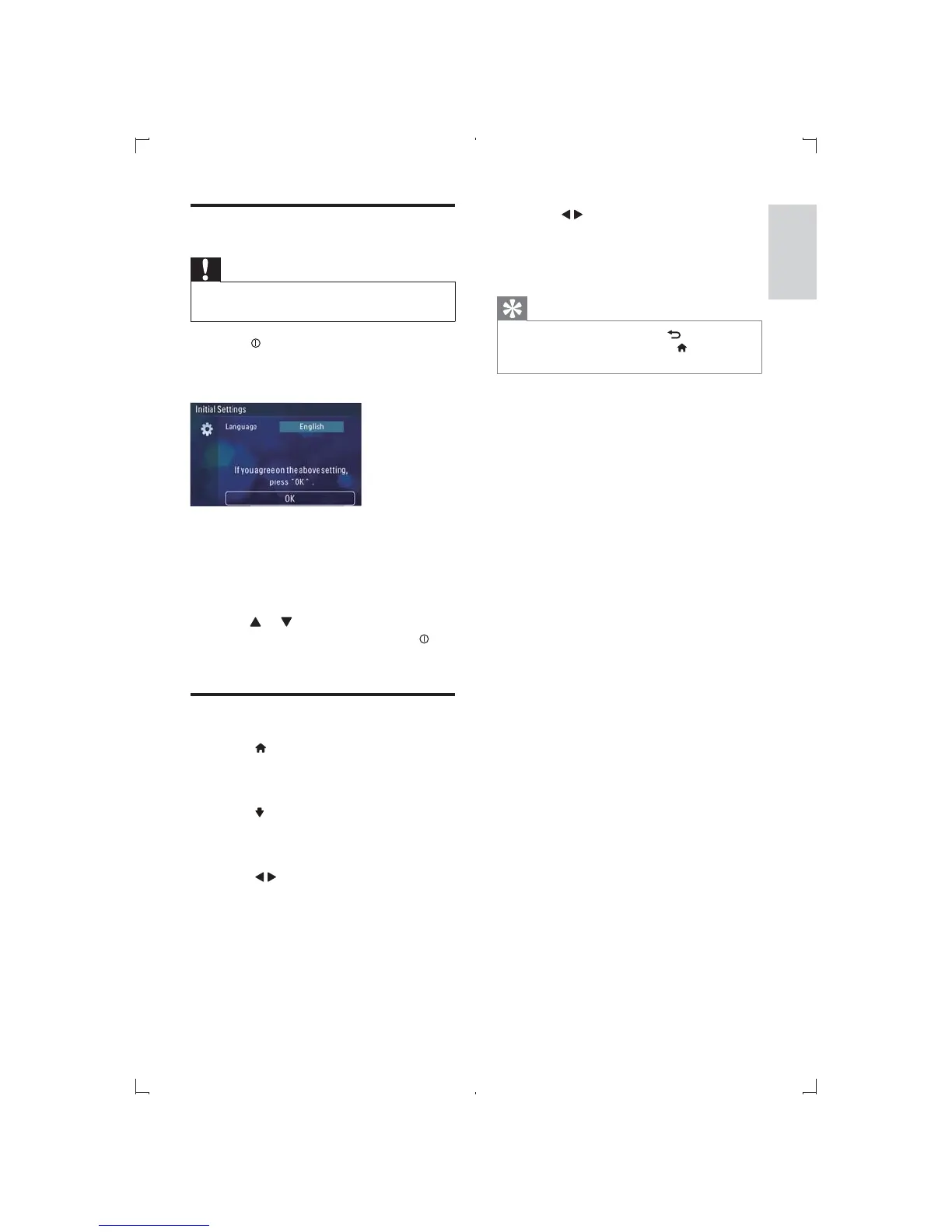
1 Press to turn on the unit.
» The available OSD (On-Screen Display)
languages are displayed.
2 Touch a language to select.
» The OSD language is changed to the
selected language immediately.
To adjust screen brightness, press
DIMMER on the remote control, then
press
or .
To turn off the unit, press and hold
for
3 seconds.
Set date and time
1 Touch to display main menu.
2 Touch [Settings].
» Setting menu displays.
3 Touch to access 2nd page.
4 Touch [Date].
5 Touch year digit to highlight this digit.
6 Touch / to set year.
7 Repeat step 5 and 6 to set month and day.
Set Time
1 Touch [Set Time].
2 Touch hour/minute digit to highlight the
digit.
English
EN



 To Next Page