18
4 Play
Load discs
You can play video, audio or images stored on
the following discs:
DVD video, DVD-R, DVD-RW
VCD
Audio CD, CD-R, CD-RW
Note
Ensure that the disc contains playable content.
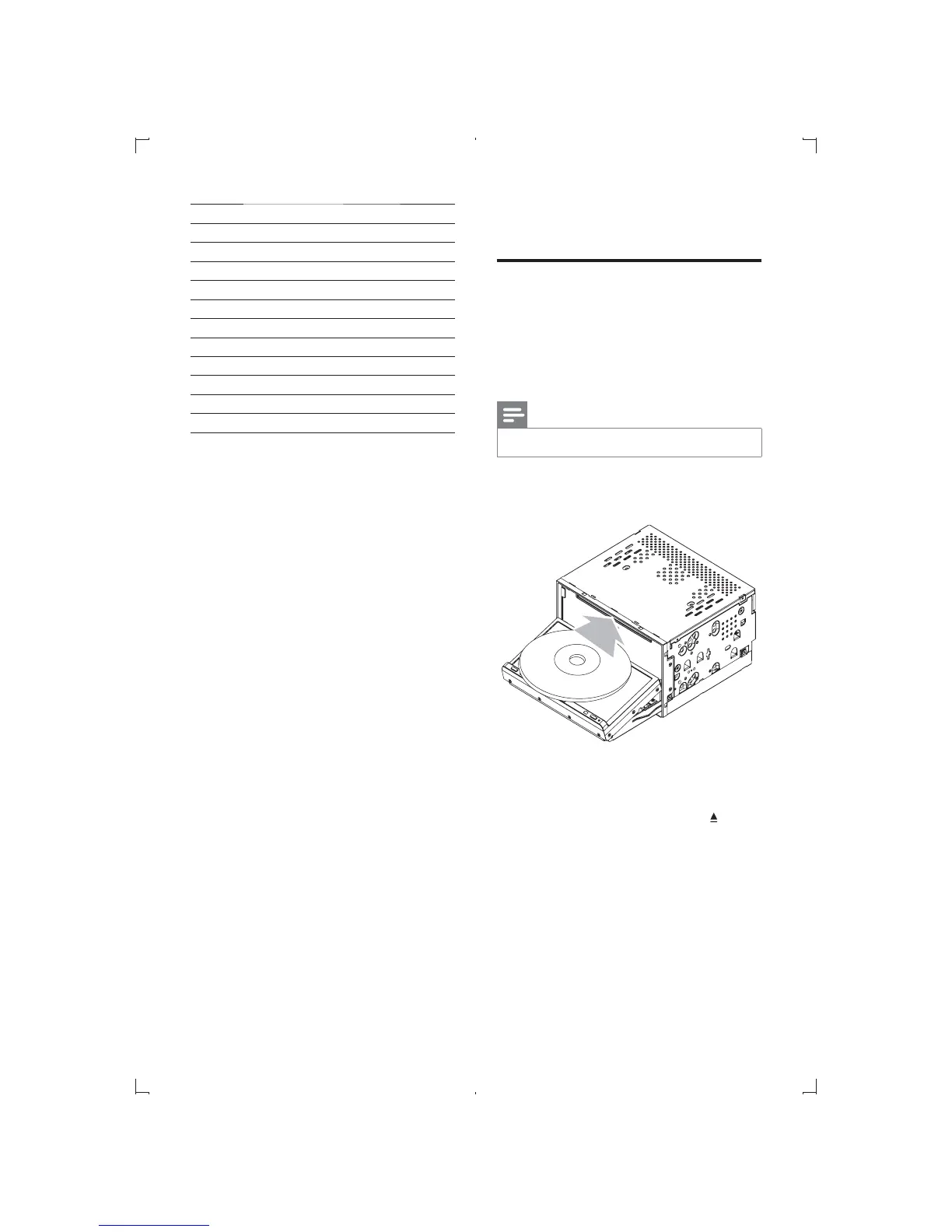
1 Insert the disc into the disc slot with label
side facing up.
» Front panel closes automatically.
» Play starts automatically.
» To remove the disc, press the
button.
» When the disc is ejected, the unit
switches to the previous source,
if connected. Otherwise, the
unit switches to [Radio] mode
automatically.
Item Program type Description
21 Phone In Phone In
22 Travel Travel
23 Leisure Leisure
24 Jazz Jazz Music
25 Country Country Music
26 Nation M National Music
27 Oldies Oldies Music
28 Folk M Folk Music
29 Document Documentary
30 Test Alarm Test
31 Alarm Alarm
EN



 To Next Page