7
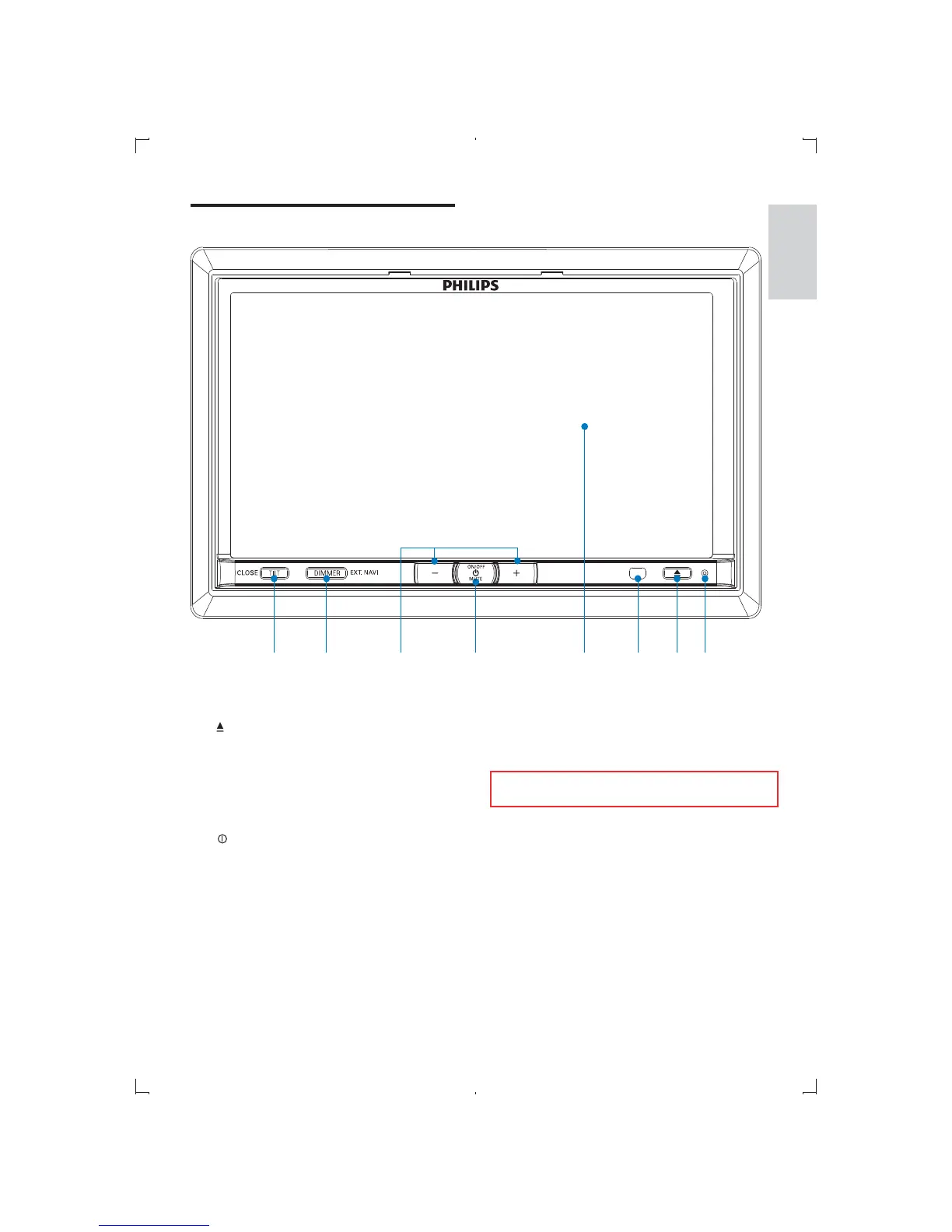
f +/-
Increase/decrease volume.
g DIMMER
Adjust dimmer settings.
Press and hold to enter or exit GPS
navigation system
h TILT
Adjust the position of the front
panel.
Press and hold to close the front
panel.
Overview of the main unit
a RESET
b
Open the front panel to insert/eject
disc/card.
c Remote sensor
d Touch panel
e
/MUTE
Turn the unit on or off.
Turn mute on or off.
e
d
h
g
c
b
a
f
English
EN



 To Next Page