20
Note
Repeat options available depend on the media
type being played.
Skip/search
1 Tap to return to playlist menu.
2 Tap one of below icons to select folder/
: To display all available audio
folders/track.
: To display all available picture
: To display all available video
3 Tap or to select a folder/track.
4 Tap to start play.
Search within a title/folder
Search by step
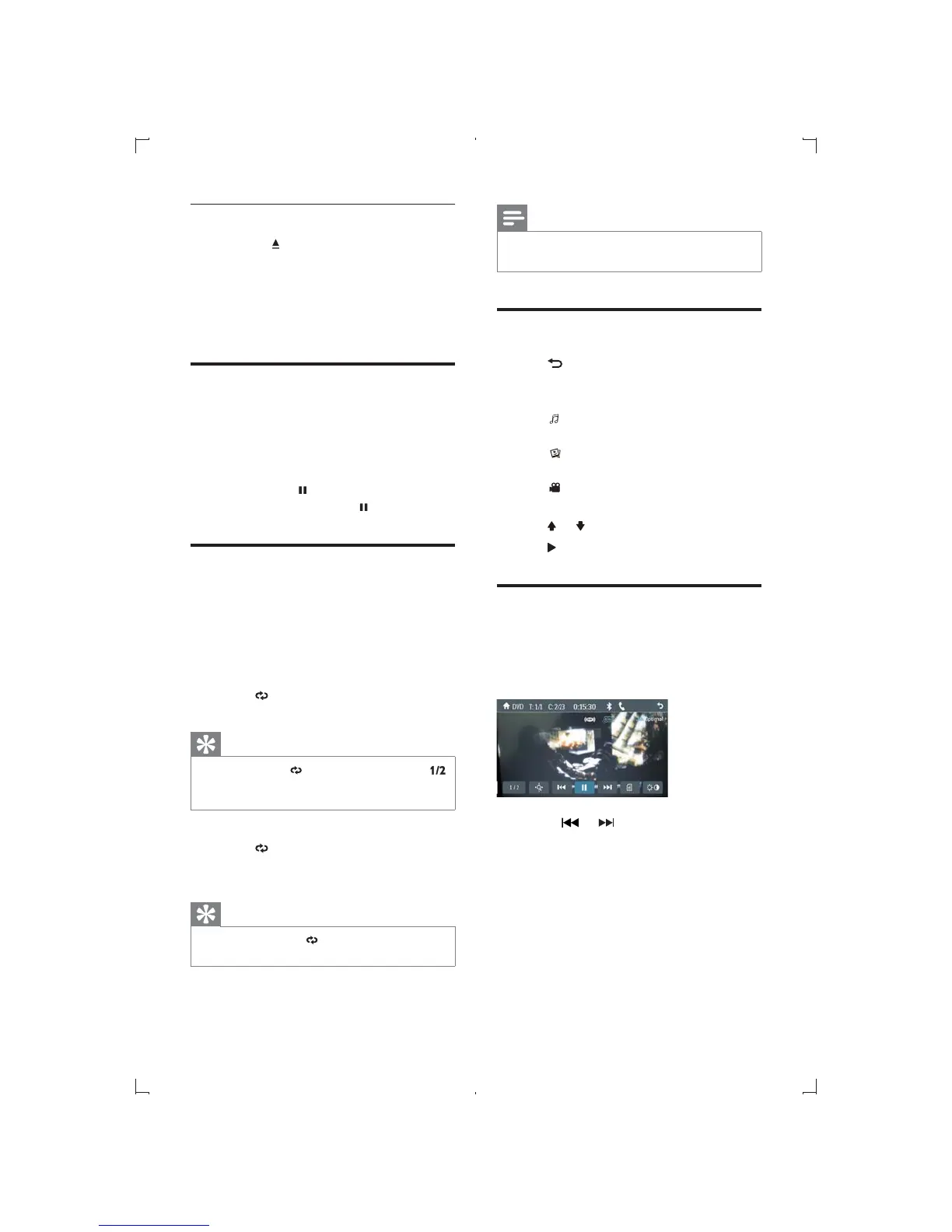
1 Touch anywhere on the screen to display
control bar.
2 Touch or to skip to the previous or
next chapter/track.
Direct search
1 Touch anywhere on the screen to display
control bar.
Remove the SD/MMC card
1 Press the button to open the front
panel.
2 Press the card until a click sound is heard.
» The card is now disengaged.
3 Remove the card.
Play/Pause
1 Once a disc, USB or SD card is inserted,
play starts automatically.
For DVD movie, if a menu appears, press
to start play.
2 To pause, tap .
To resume play, tap
again.
Repeat
During play, you can select different repeat play
modes.
For DVD/VCD video disc:
1 Touch anywhere on the screen to display
the control bar.
2 Touch repeatedly to select different
repeat mode.
Tip
in the control bar, touch
on the left lower of the screen to display the
2nd control bar.
!"#$%&
1 Touch on the upper line of the screen
repeatedly to select different repeat
mode.
Tip
You can also press on the remote control to
select repeat play mode.
EN



 To Next Page