26
7 Adjust settings
Adjust general settings
1 Touch to display home menu.
2 Touch [Settings].
» Setting menu displays.
3 Touch or to access 2nd page.
4 Touch on an option to display/select the
option.
General
settings
Options Description
[Dimmer] [High]/[Middle]/
[Low]
Turn on the
screen dim
high/middle/
low.
[Beep] [On] Turn on the
beep sound.
Each time you
press a but-
ton/icon, the
unit beeps.
[Off] Turn off the
beep sound.
[Language] [English],
[ࡩᇓ໗],
[ᐥᦥɻʼ],
[Português],
[Español]
Select the on
screen display
language.
[External
Navi]
[Off]/[On] Turn the
external GPS
off/on.
[Tuner
Area]
[USA]/[Latin]/
[Asia]/[Mid-East]/
[Europe]/[Russia]
Select the suit-
able country
area of the
radio.
[Date] Set the system
date.
[Clock
Mode]
[12Hr]/[24Hr] Select time
format.
[Set Time] Adjust clock of
the unit.
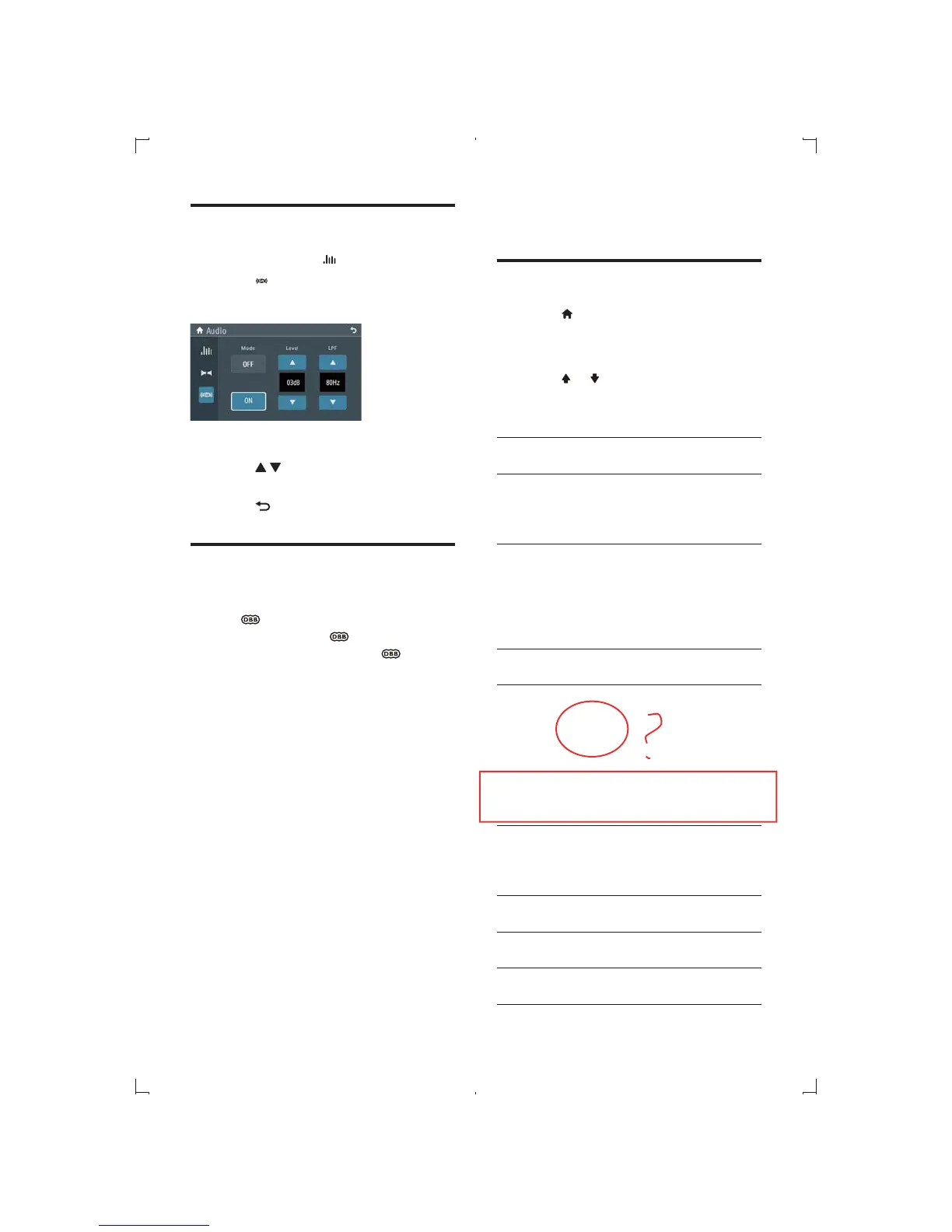
Adjust Subwoofer value
1 During play, touch on the screen.
2 Touch .
» Sceen below displays:
3 Touch [On] to turn on the subwoofer.
4 Touch / to adjust value of subwoofer
5 Touch to exit.
Set Dynamic Bass Boost
(DBB)
1 Tap to toggle between the settings.
[DBB] on: The
icon is illuminated.
[DBB] off (default): The
icon is
gray.
EN



 To Next Page