27
8 Others
Listen to other devices
You can connect an external audio/video device
to the unit.
1 Connect the car audio to the device
through the REAR OUT L/R connector
(see “Connect wires” section)
2 Touch to display the home menu.
3 Touch [AV-IN].
4 Operated the connected the device (see
the instructions manual of the device).
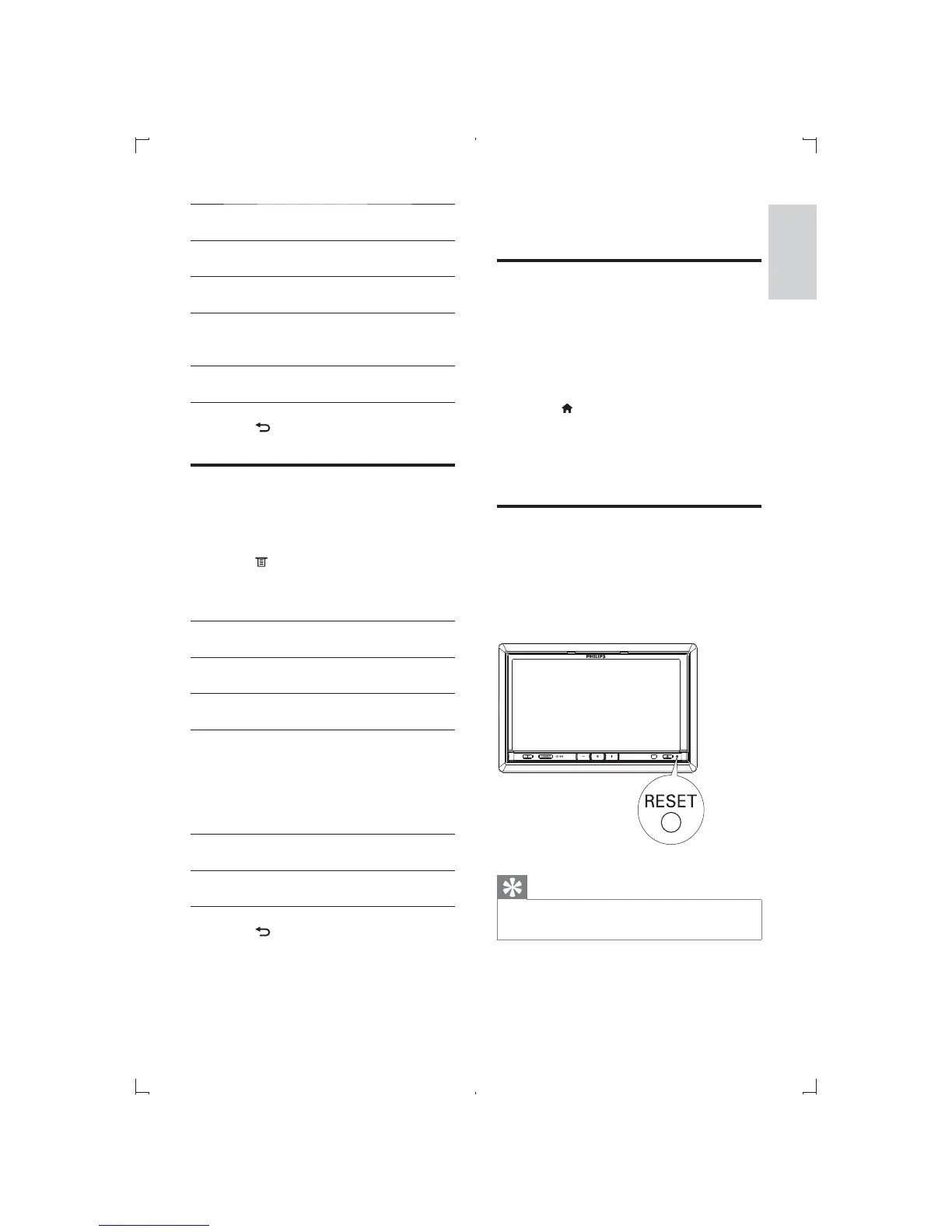
Reset
When the unit hangs up, you can reset it.
1 Press reset button on the lower right of
the front panel with a ball-point pen or
similar tool.
Tip
When the unit is reset, all the settings remain
unchanged.
General
settings
Options Description
[Parking
wire]
[Off] Turn off park-
ing wire.
[On] Turn on park-
ing wire.
[Informa-
tion]
[Enter] Display the
information on
the unit.
[Calibra-
tion]
[Start] Calibrate the
touch screen.
5 Touch to exit.
Adjust Bluetooth settings
1 Touch [Bluetooth] on the home menu.
» Bluetooth menu displays.
2 Touch to display Bluetooth option
menu.
3 Touch on the options to select:
Bluetooth
settings
Options Description
[Auto
answer]
[On] Answer paired phone
call automatically.
[Off] Answer phone call
manually.
[Auto
connect]
[On] If the pre-paired
device is within the
effective range, the
unit re-connects to
pre-paired device
automatically.
[Off] Need to re-connect
manually.
[Paired
Device]
Touch to display
paired device(s).
4 Touch to exit.
English
EN



 To Next Page