19
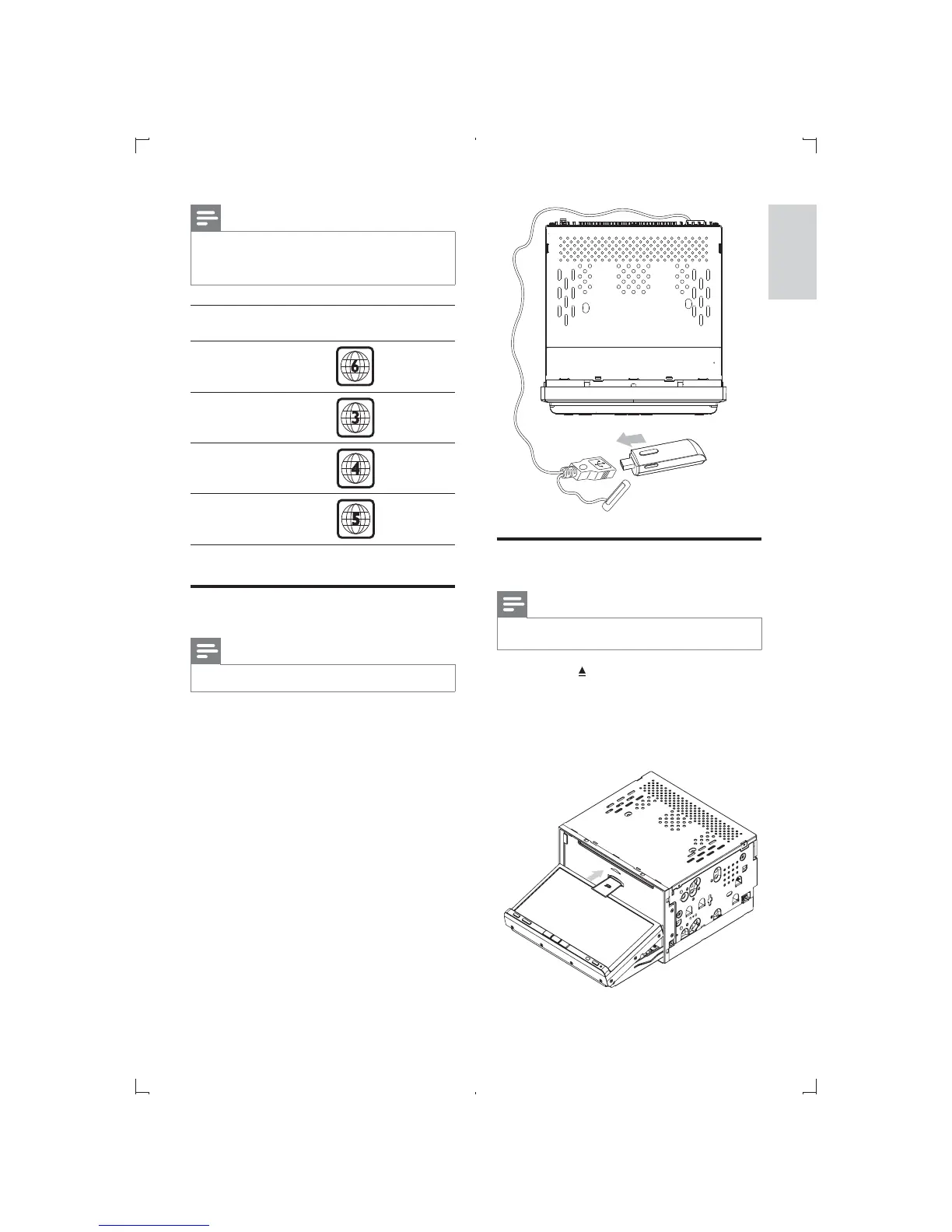
Insert SD/MMC card
Note
Ensure that the card contains playable content.
1 Press the button on the front panel.
» front panel opens.
2 Insert the card into the card slot until a
click sound is heard.
» Play starts automatically.
Note
Depends on where you bought the unit, you
can play DVD discs with one of the following
region codes:
Countries where you
bought the unit
Supported DVD
region code
China
Korea
Latin America
Russia, India
Connect USB device
Note
Ensure that the device contains playable content.
1 Open the lid of USB socket.
2 Insert the USB to the USB socket.
» Play starts automatically.
English
EN



 To Next Page