14 EN
» The unit starts playing from the USB
device automatically.
3 To remove the USB device, press to
turn off the unit.
4 Remove the USB device.
Skip/search
During video and audio disc play
• Toskiptoaspeciedchapterortrack,
press the numeric buttons.
• To skip to the previous or next chapter or
track, press or .
• To search backward or forward quickly,
press or for 3 seconds.
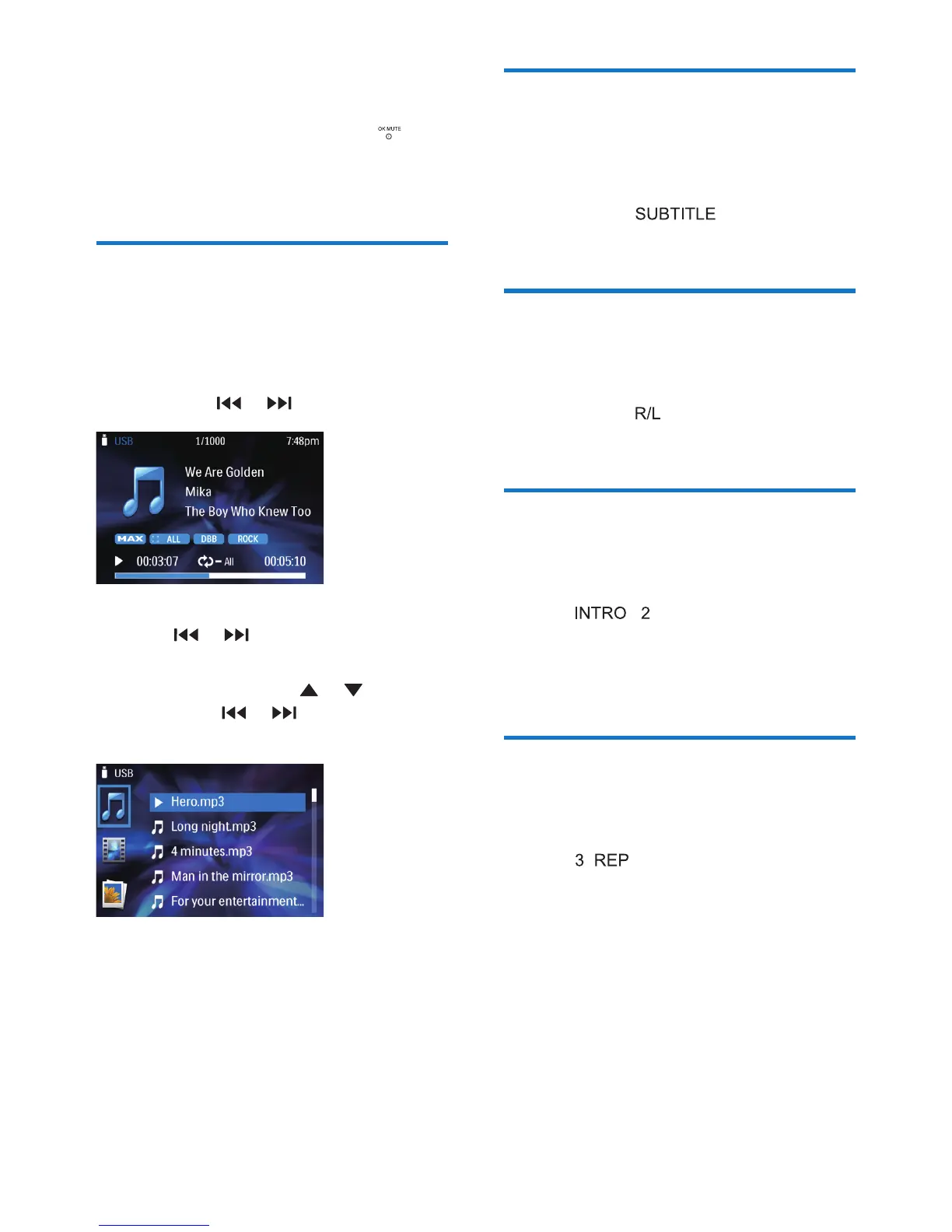
During MP3/WMA play
• To select a track, press or to select a
folder. Press or to skip to previous
or next track.
• Toskiptoaspeciedchapterortrack,
press the numeric buttons.
Select Language
You can select the subtitle language if the DVD
or DivX discs contain two or more subtitle
languages.
During play, press on the remote
control repeatedly until the language is selected.
Select audio language
You can select the audio language if the video
discs contain two or more audio channels.
During play, press on the remote control
repeatedly until the language is selected.
Intro play
Thisfeatureplaystherst10secondsofeach
audio track.
Press the button to select an option.
• [INTRO 1]:playtherst10secondsof
each audio track.
• [SEQ PLAY]: resume normal play.
Repeat play
There are different modes of repeat play for
video, audio, and MP3/WMA.
Press the button repeated to select.
• [RPT]: [RPT 1] - play the current chapter
or track repeatedly.
• [RPT]: [RPT DIR] - play the current folder
repeatedly.
• [RPT]: [RPT ALL] - play all chapters in the
title or all tracks repeatedly.
• [RPT]: [RPT OFF] - cancel repeat play.



 To Next Page