19EN
3 Press or to change the value, and
then press toconrm.
• You can also turn the control knob to
select a value.
4 Press to exit.
8 System settings
Within system settings, there are:
• General settings,
• DVD settings,
• Language settings, and
• Radio settings.
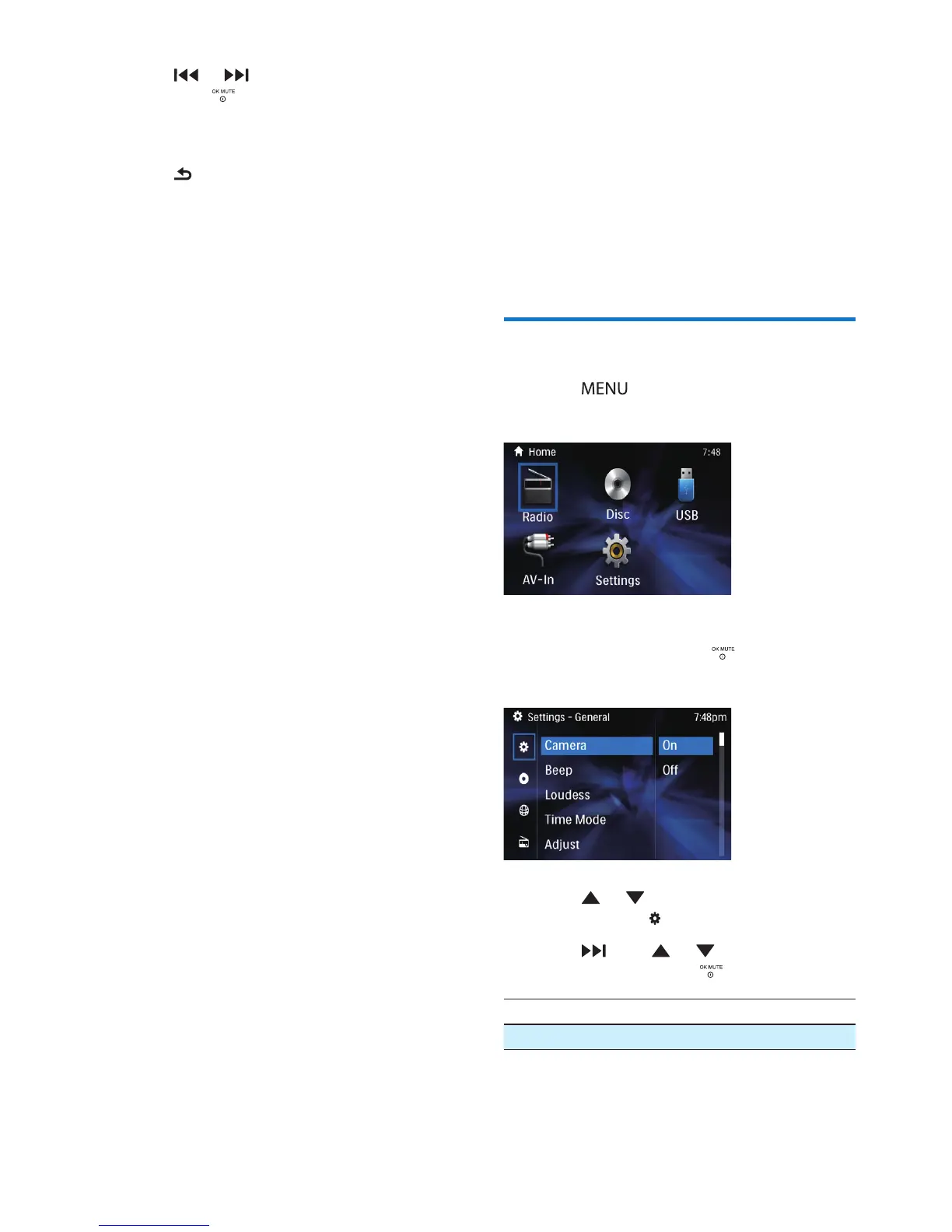
Adjust general settings
1 Press .
» The main menu is displayed.
2 Press the navigation buttons to select
[SETTINGS], the press toconrm.
» The settings menu is displayed
3 Press or buttons to select the
general setting .
4 Press , then or to select the sub-
menu, and then press toconrm.
[AV-IN] [ON]/[OFF]
[CAMERA] [ON]/[OFF]



 To Next Page