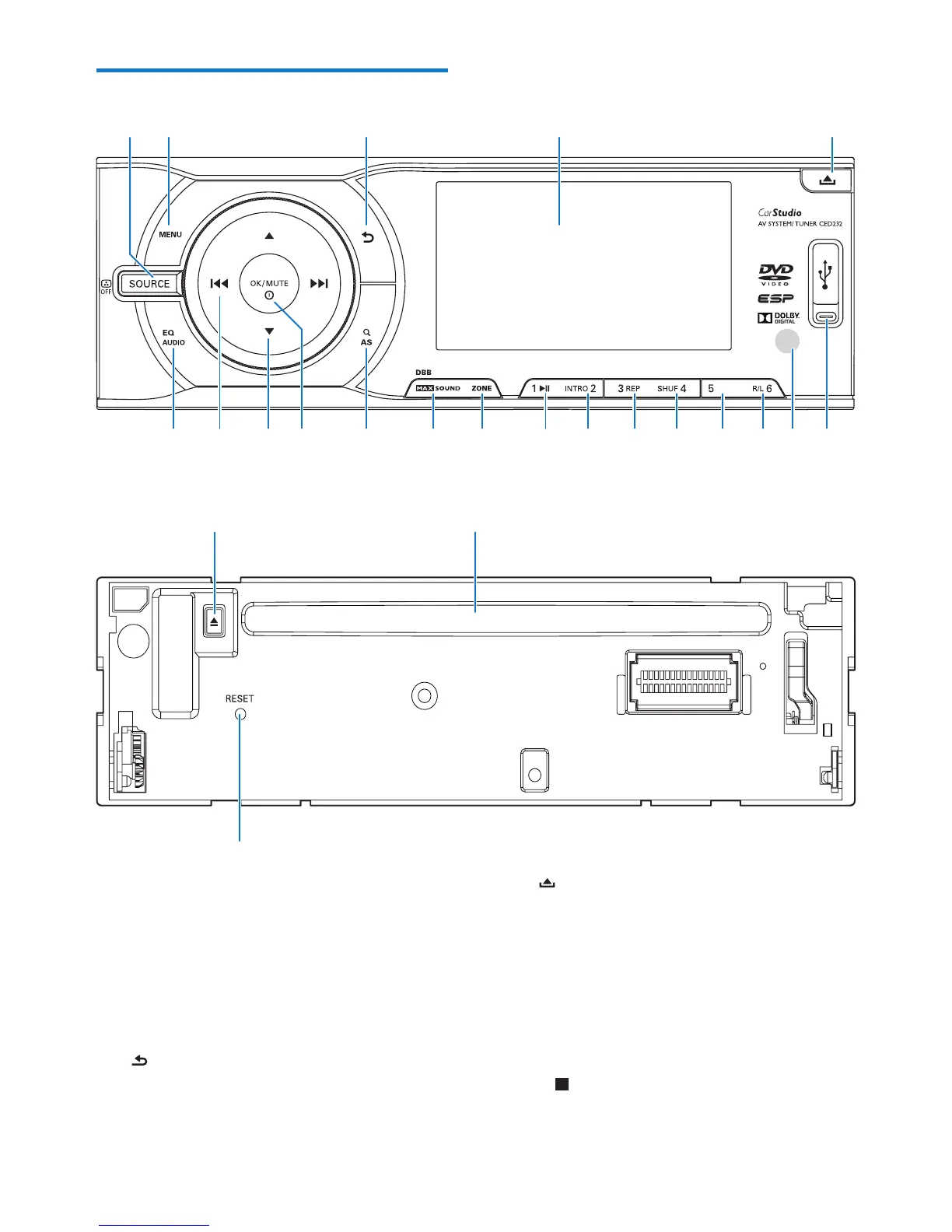
a SOURCE
• Press to select source.
• Pres and hold to change the brightness
of the display or turn off the display.
b MENU
• Access the system menu.
c
• Return to previous menu.
d Screen
b
c
d
e
t
p
r
o
n
m
l
k
j
i
h
f
g
s
q
a
u
v
w
e
• Unlock the front panel.
f USB socket
g Remote control sensor
h R/L, 6
• Select preset station no. 6.
• Select audio channel.
i 5,
• Select preset station no. 5



 To Next Page