15EN
Random play
There are different modes of random play for
audio and MP3/WMA.
Press the button repeatedly to select.
• [SHUFFLE]:[ON] - start random play for
all tracks.
• [RANDOM DIR]: start random play in
current folder.
• [SHUFFLE]: [OFF] - cancel random play.
Zoom
To zoom in and out of video images and
pictures:
1 Press on the remote control
repeatedly.
» [ZOOM] is displayed.
2 Press the navigation buttons to pan across
the display.
6 Radio
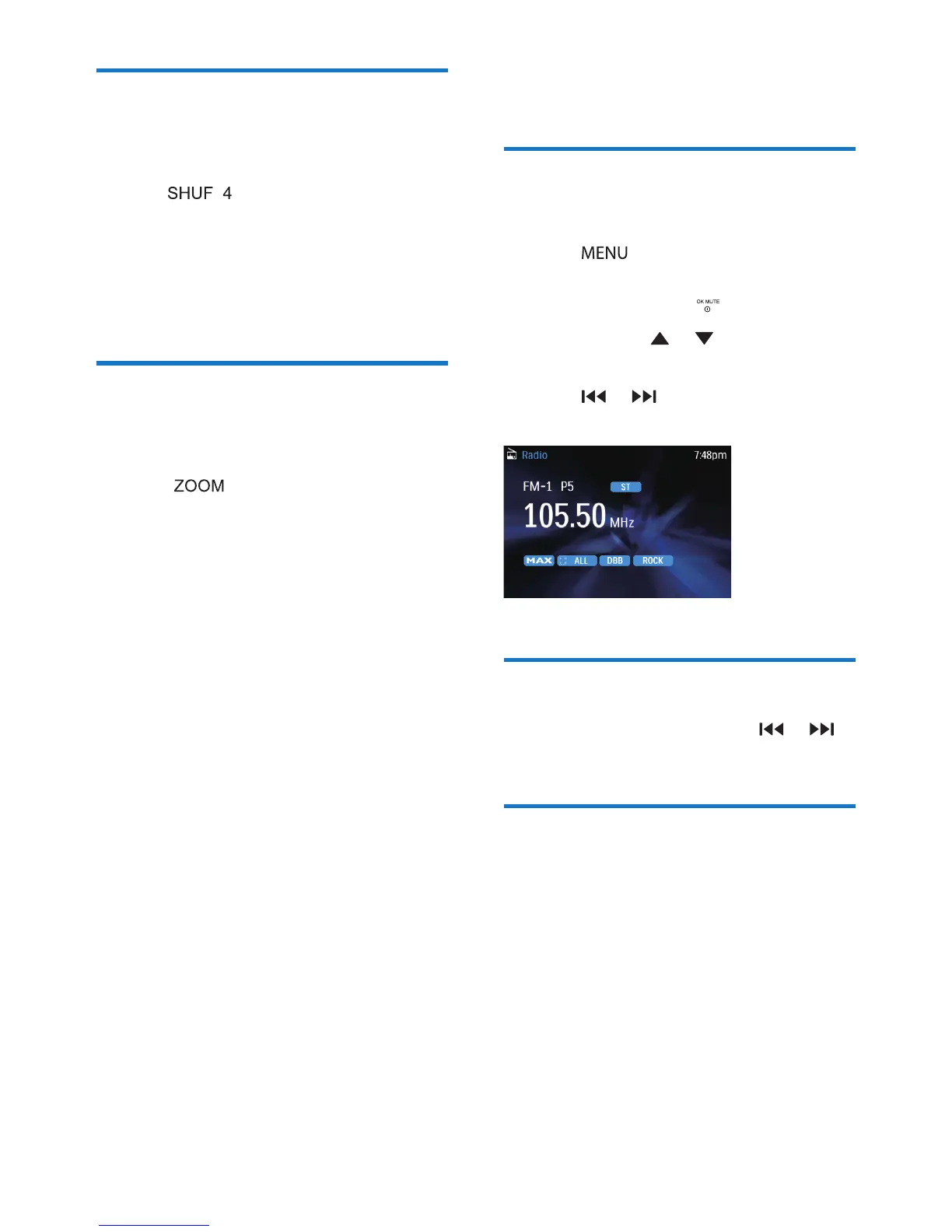
Manual tune to a radio
station
1 Press .
2 Press the navigation buttons to select
[RADIO], then press .
3 Press and hold or to select band.
» [FM] or [AM] is display.
4 Press or to tune to a radio station
manually.
Auto tune to a radio station
In [RADIO] mode, press and hold or
for 3 seconds.
Store stations manually
You can store up to 6 stations in each band.
1 Tune to the station which you want to
store.
2 Press and hold the numeric buttons (1 to
6) for 3 seconds.



 To Next Page