BU RF Solutions
- 15 -
Table 5.2 Descriptions of the TDA10021 board configuration window
Tuner configuration
Tuner type Select the type of tuner. If another tuner is used, select none.
IF frequency Enter the IF center frequency delivered by the tuner (36.125 or 43.75Mhz).
Enable reading Enable/disable to read the tuner PLL status. When enabled, the “?” mark in the main
window disappears and indicates if the PLL is locked or not. Must be disabled in normal
operation to avoid some parasitics phenomenon on the tuner.
Spectral inversion Enter a possible spectral inversion in the tuner if it is known
Demodulator
BER counter depth Defines over many symbols the BER is measured. For BER values, the value must be set
to 10
8
to get a reliable and stable value.
Equalizer Set the type of Equalizer (DFE or Linear Transversal) or disable the equalizer
MPEG TS output1 Configure the MPEG TS output pins (parallel mode or serial mode)
MPEG TS output2 Configure the MPEG TS output pins serial mode only delivered on the JTAG pins when
ENSERI pin is set to ‘1’
PLL (Set to CUSTOM under Board to enter wanted frequency and PLL factors)
Crystal frequency Specifies the Xtal frequency connected to the TDA10021
PLL factors (M, N, P) Set the different divider ratios of the PLL
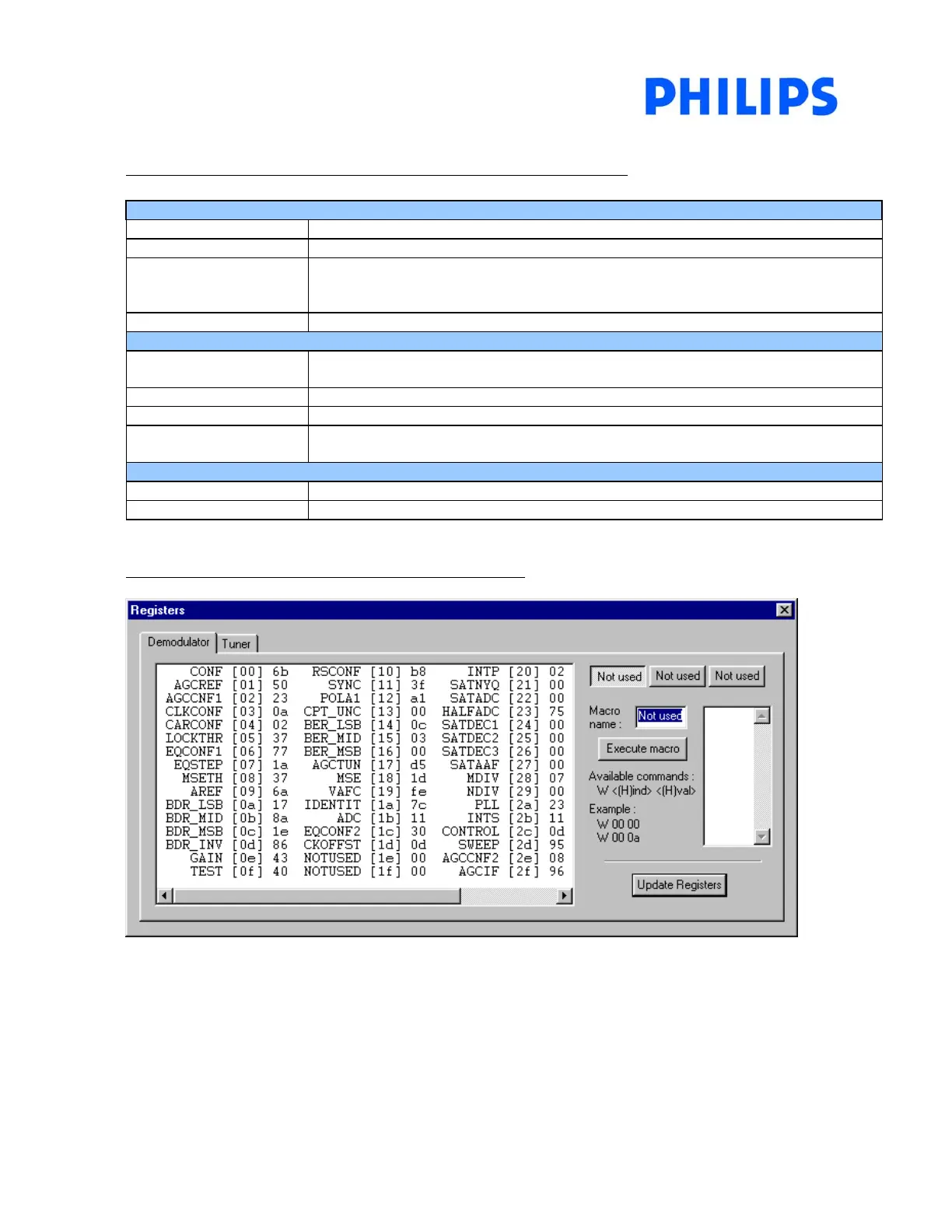
FIGURE 5.3 : TDA10021 registers under lock condition
MPEG TS status :
Disable : CONTROL register (index 2c) = 0f
Enable : CONTROL register (index 2c) = 0d (for further decoding purpose)



 To Next Page