EasyManua.ls Logo

Philips DC932 - Selecting Waveband; Tuning to a Station

Philips DC932
32 pages
Print Icon
To Next Page IconTo Next Page
To Previous Page IconTo Previous Page
Loading...
WAVEBAND...
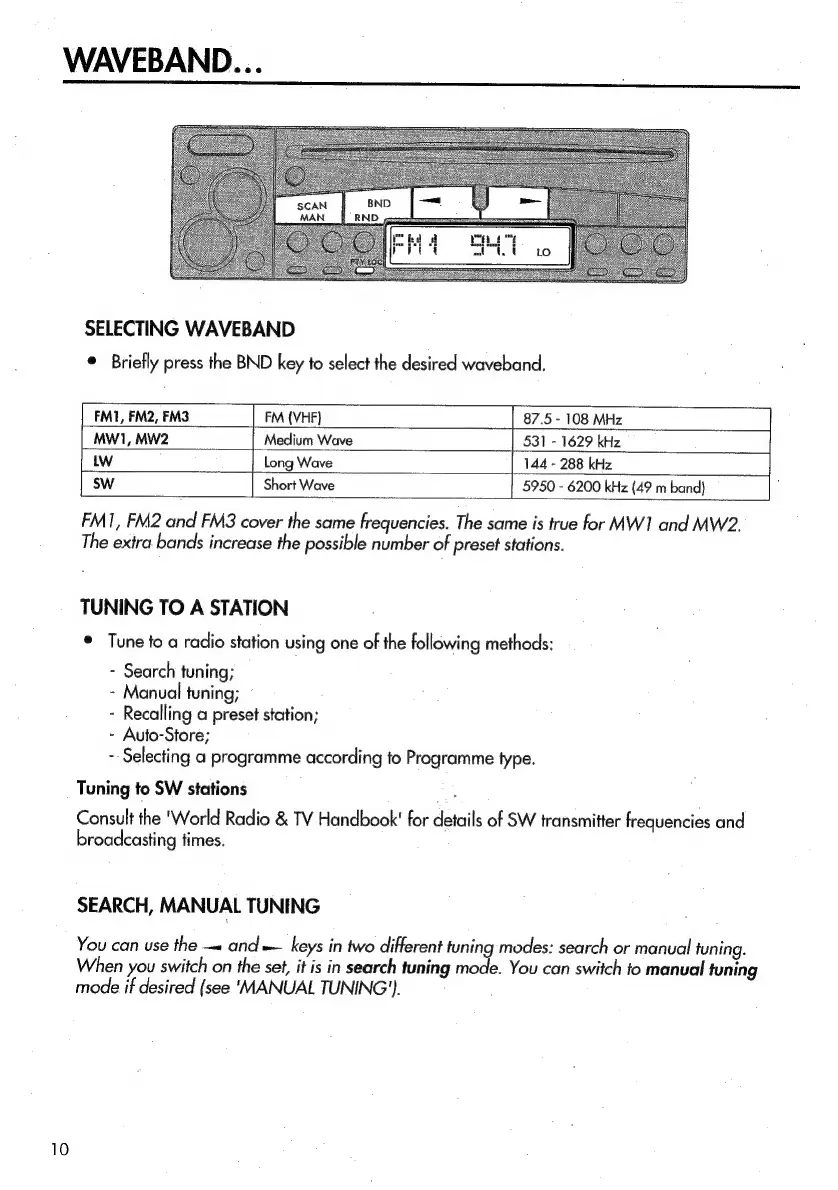
SELECTING
WAVEBAND
©
Briefly
press
the
BND
key
to
select
the
desired
waveband.
FMI, FM2,
FM3
|_FM
{VHF}
[
87.5
-
108
MHz
|
MW1,
MW2
|
Medium
Wave
531
-
1629
kHz
tw
Long
Wave
144
-
288
kHz
[
SW
Short
Wave
5950
-
6200
kHz
(49
m
band}
:
FM1,
FM2
and
FM3
cover
the
same
frequencies.
The
same
is
true
for
MW]
and
MW2.
The
extra
bands
increase
the
possible
number
of
preset
stations.
TUNING
TO
A
STATION
*
Tune
fo
a
radio
station
using
one
of
the
following
methods:
-
Search
tuning;
-
Manual
tuning;
-
Recalling
a
preset
station;
-
Auto-Store;
-
Selecting
a
programme
according
to
Programme
type.
Tuning
to
SW
stations
Consult
the
'World
Radio
&
TV
Handbook'
for
details
of
SW
transmitter
frequencies
and
broadcasting
times.
SEARCH,
MANUAL
TUNING
You
can
use
the
—«
and
=
keys
in
two
different
tuning
modes:
search
or
manual
tuning.
When
you
switch
on
the
set,
it
is
in
search
tuning
mode.
You
can
switch
to
manual
tuning
mode
if
desired
(see
‘MANUAL
TUNING’).

Related product manuals