EasyManua.ls Logo

Philips DC932 - Recalling a Preset; Preset Scan

Philips DC932
32 pages
Print Icon
To Next Page IconTo Next Page
To Previous Page IconTo Previous Page
Loading...
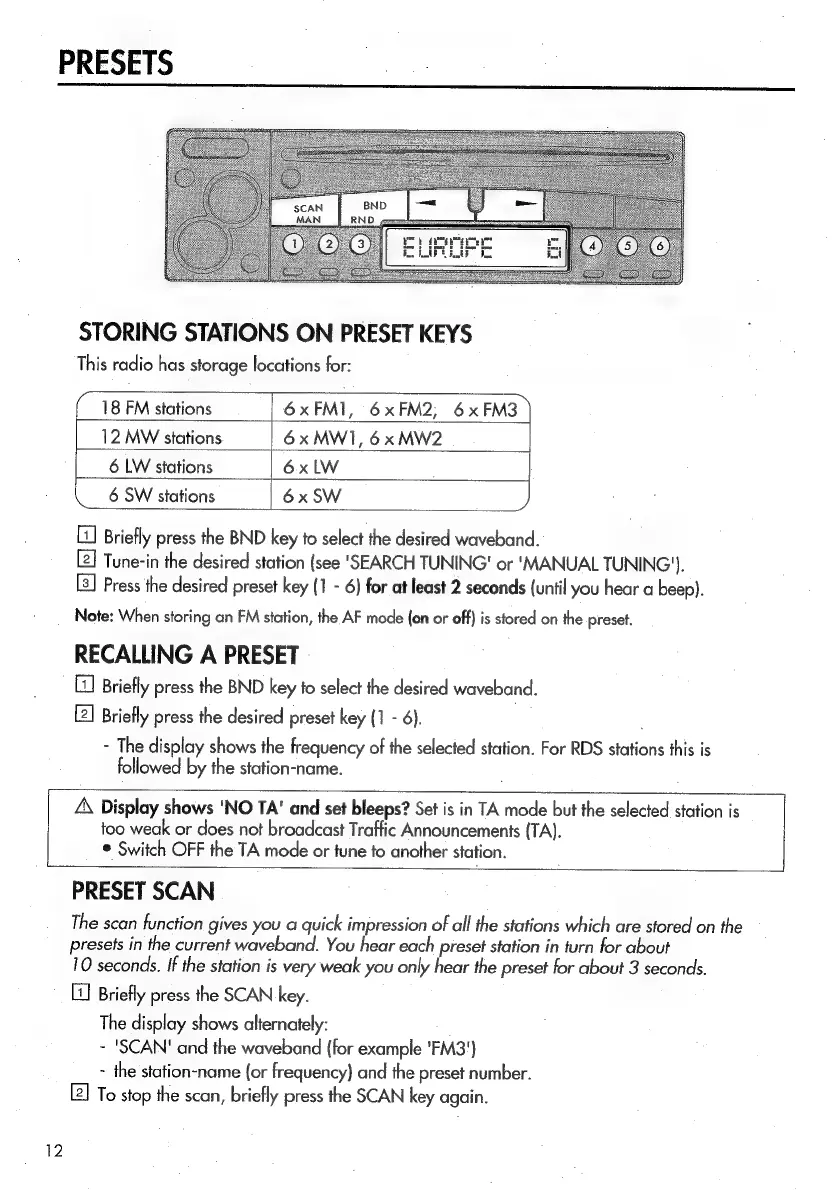
PRESETS
STORING
STATIONS
ON
PRESET
KEYS
This
radio
has
storage
locations
for:
(18
FM
stations
6xFMI,
6xFM2,
6xFM3
)
12
MW
stations
&
x
MW1,
6
x
MW2
|
6
LW
stations
6.x
LW
\
6
SW
stations
6x
SW
}
[1]
Briefly
press
the
BND
key
to
select
the
desired
waveband.
[2]
Tune-in
the
desired
station
(see
‘SEARCH
TUNING!
or
'MANUAL
TUNING’).
[8]
Press
the
desired
preset
key
(1
-
6)
for
at
least
2
seconds
(until
you
hear
a
beep).
Note:
When
storing
an
FM
station,
the
AF
mode
(on
or
off)
is
stored
on
the
preset.
RECALLING
A
PRESET
Briefly
press
the
BND
key
to
select
the
desired
waveband.
Briefly
press
the
desired
preset
key
(1
-
6).
-
The
display
shows
the
frequency
of
the
selected
station.
For
RDS
stations
this
is
followed
by
the
station-name.
A\
Display
shows
'NO
TA'
and
set
bleeps?
Set
is
in
TA
mode
but
the
selected
station
is
too
weak
or
does
not
broadcast
Traffic
Announcements
(TA).
©
Switch
OFF
the
TA
mode
or
tune
to
another
station.
PRESET
SCAN
The
scan
function
gives
you
a
quick
impression
of
all
the
stations
which
are
stored
on
the
~
presets
in
the
current
waveband.
You
hear
each
preset
station
in
turn
for
about
10
seconds.
If
the
station
is
very
weak
you
only
hear
the
preset
for
about
3
seconds.
Briefly
press
the
SCAN
key.
The
display
shows
alternately:
-
'SCAN'
and
the
waveband
(for
example
'FM3'}
~
the
station-name
(or
frequency)
and
the
preset
number.
To
stop
the
scan,
briefly
press
the
SCAN
key
again.

Related product manuals