EasyManua.ls Logo

Philips DC932 - Compact Disc Player; Ejecting Disc; Fast Forward;Backward

Philips DC932
32 pages
Print Icon
To Next Page IconTo Next Page
To Previous Page IconTo Previous Page
Loading...
COMPACT
DISC
PLAYER
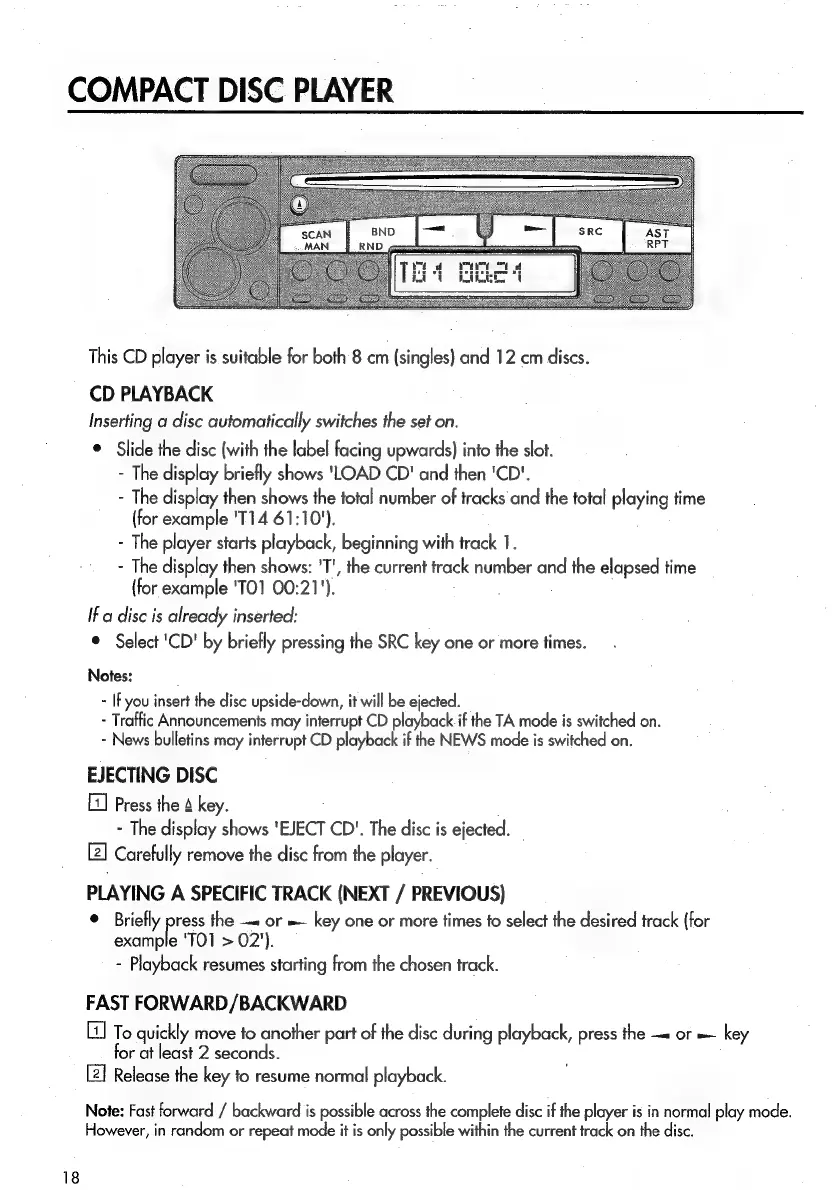
This
CD
player
is
suitable
for
both
8
cm
(singles)
and
12 cm
discs.
CD
PLAYBACK
Inserting
a
disc
automatically
switches
the
set
on.
©
Slide
the
disc
(with
the
label
facing
upwards)
into
the
slot.
-
The
display
briefly
shows
'LOAD
CD'
and
then
'CD'.
-
The
display
then
shows
the
total
number
of
tracks
and
the
total
playing
time
(for
example
'T14
61:10').
-
The
player
starts
playback,
beginning
with
track
1.
-
The
display
then
shows:
'T',
the
current
track
number
and
the
elapsed
time
(for
example
'TO1
00:21').
If
a
disc
is
already
inserted:
®
Select
'CD'
by
briefly
pressing
the
SRC
key
one
or
more
times.
Notes:
-
IFyou
insert
the
disc
upside-down,
it
will
be
ejected.
-
Traffic
Announcements
may
interrupt
CD
playback
if
the
TA
mode
is
switched
on.
-
News
bulletins
may
interrupt
CD
playback
if
the
NEWS
mode
is
switched
on.
EJECTING
DISC
[1]
Press
the
4
key.
-
The
display
shows
'EJECT
CD".
The
disc
is
ejected.
Carefully
remove
the
disc
from
the
player.
PLAYING
A
SPECIFIC
TRACK
(NEXT
/
PREVIOUS)
©
Briefly
press
the
or
=
key
one
or
more
times
fo
select
the
desired
track
(for
example
'TO1
>
02').
-
Playback
resumes
starting
from
the
chosen
track.
FAST
FORWARD/BACKWARD
To
quickly
move
to
another
part
of
the
disc
during
playback,
press
the
or
=
key
for
at
least
2
seconds.
[2]
Release
the
key
to
resume
normal
playback.
Note:
Fast
forward
/
backward
is
possible
across
the
complete
disc
if
the
player
is
in
normal
play
mode.
However,
in
random
or
repeat
mode
it
is
only
possible
within
the
current
track
on
the
disc.

Related product manuals