EasyManua.ls Logo

Philips DC932 - Page 17

Philips DC932
32 pages
Print Icon
To Next Page IconTo Next Page
To Previous Page IconTo Previous Page
Loading...
Many
RDS
stations
transmit
a
'PTY
code’
indicating
the
type
of
eosenne
being
broadcast
(for
example
'news'
or
‘pop
music’).
If
the
programme
c
anges
during
the
day,
the
broadcaster
may
also
change
the
PTY
code.
on
You
can
select
stations
according
to
the
programme
type.
This
is
useful
if
many
stations
are
available.
Note:
PTY
is
not
yet
implemented
in
all
countries.
Selecting
a
programme
according
to
Programme
Type
(PTY)
Tune
to
an
FM
station.
[2]
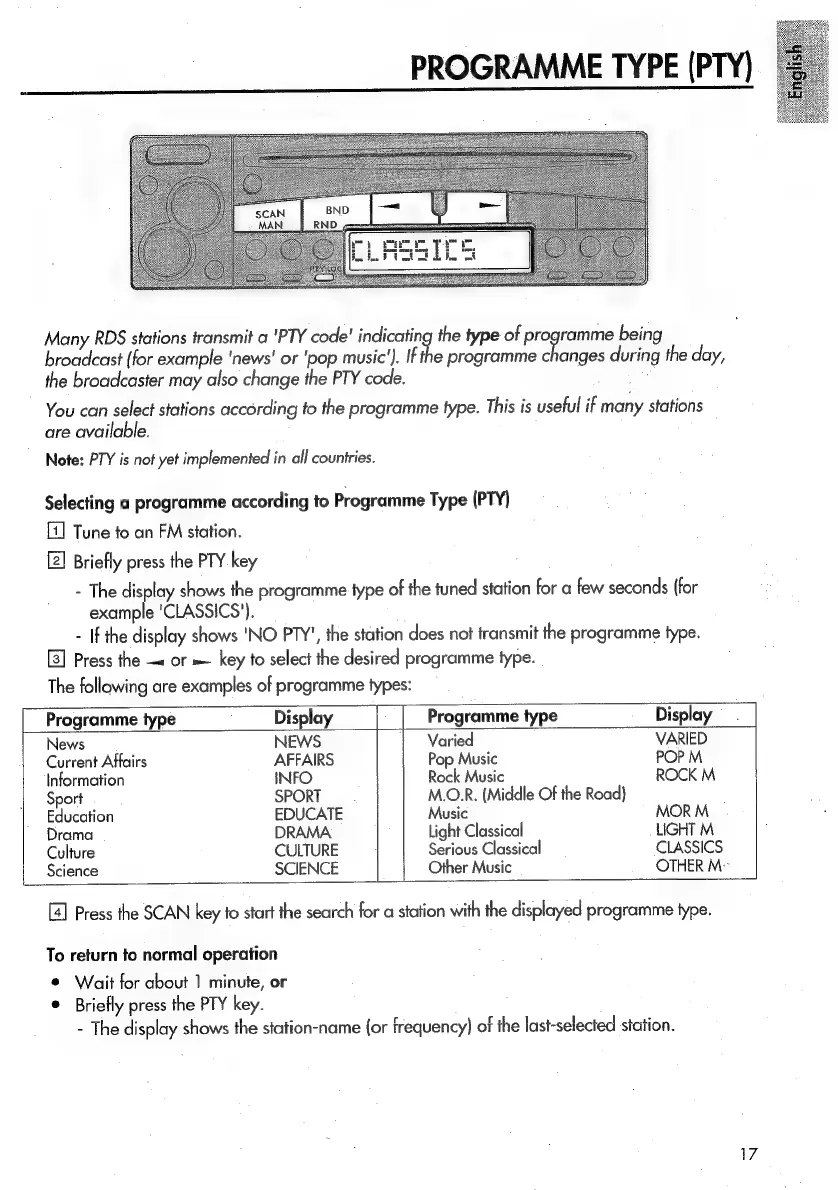
Briefly
press
the
PTY
key
-
The
sa
shows
the
programme
type
of
the
tuned
station
for
a
few
seconds
(for
example
'CLASSICS').
-
If
the
display
shows
'NO
PTY',
the
station
does
not
transmit
the
programme
type.
Press
the
—«
or
=.
key
to
select
the
desired
programme
type.
The
following
are
examples
of
programme
types:
Programme
type
Display
Programme
type
Display
News
NEWS
Varied
VARIED
Current
Affairs
AFFAIRS
Pop
Music
POP
M
Information
INFO
Rock
Music
ROCK
M
Sport
SPORT
M.OLR.
(Middle
Of
the
Road)
Education
EDUCATE
Music
MOR
M
Drama
DRAMA
Light
Classical
LIGHT
M
Culture
CULTURE
Serious
Classical
CLASSICS
Science
SCIENCE
Other
Music
OTHER
M
Press
the
SCAN
key
to
start
the
search
for
a
station
with
the
displayed
programme
type.
To
return
to
normal
operation
©
Wait
for
about
1
minute,
or
Briefly
press
the
PTY
key.
-
The
display
shows
the
station-name
{or
frequency)
of
the
last-selected
station.

Related product manuals