EasyManua.ls Logo

Philips DC932 - Auto Store

Philips DC932
32 pages
Print Icon
To Next Page IconTo Next Page
To Previous Page IconTo Previous Page
Loading...
AUTOSTORE
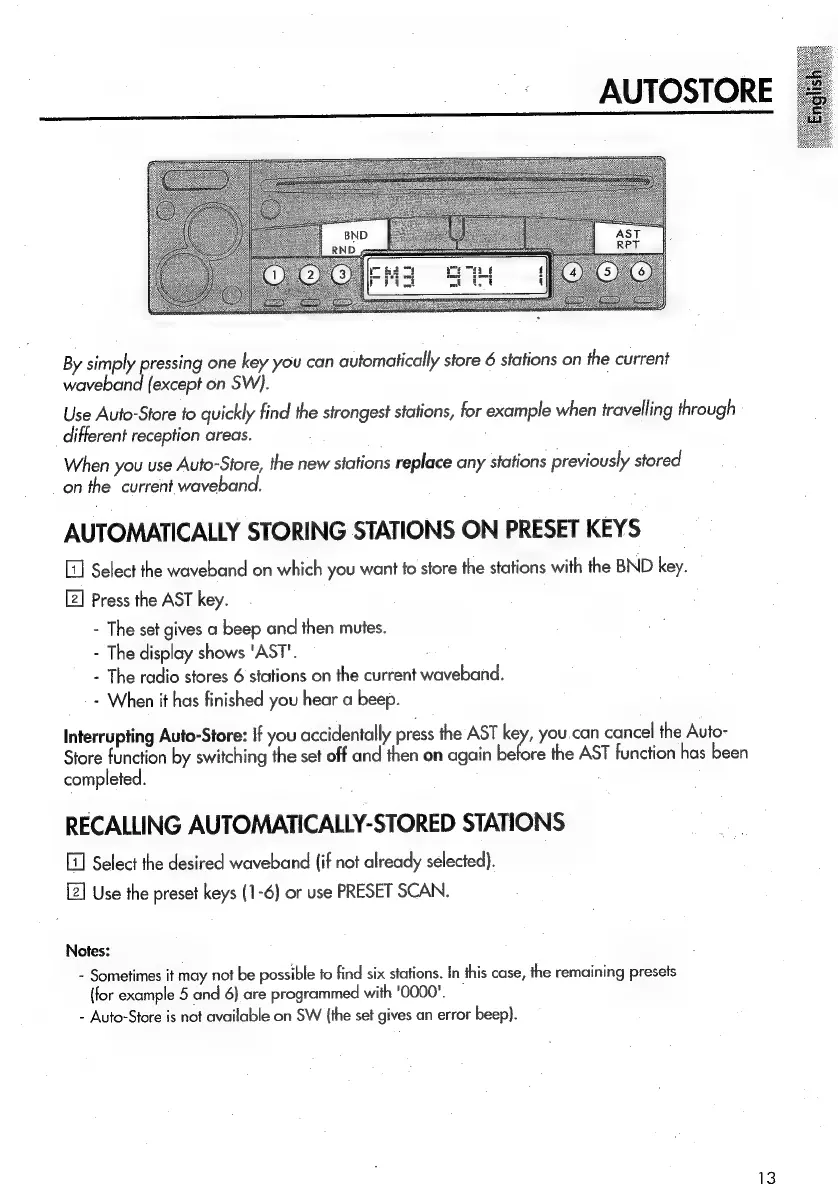
By
simply
pressing
one
key
you
can
automatically
store
6
stations
on
the
current
waveband
(except
on
SW).
Use
Auto-Store
fo
quickly
find
the
strongest
stations,
for
example
when
travelling
through
different
reception
areas.
When
you
use
Auto-Store,
the
new
stations
replace
any
stations
previously
stored
on
the
current
waveband.
AUTOMATICALLY
STORING
STATIONS
ON
PRESET
KEYS
Select
the
waveband
on
which
you
want
to
store
the
stations
with
the
BND
key.
[2]
Press
the
AST
key.
-
The
set
gives
a
beep
and
then
mutes.
-
The
display
shows
'AST'.
-
The
radio
stores
6
stations
on
the
current
waveband.
-
When
it
has
finished
you
hear
a
beep.
Interrupting
Auto-Store:
If
you
accidentally
press
the
AST
wl
you
can
cancel
the
Auto-
Store
function
by
switching
the
set
off
and
then
on
again
before
the
AST
function
has
been
completed.
RECALLING
AUTOMATICALLY-STORED
STATIONS
Select
the
desired
waveband
(if
not
already
selected).
Use
the
preset
keys
(1-6)
or
use
PRESET
SCAN.
Notes:
-
Sometimes
it
may
not
be
possible
to
find
six
stations.
In
this
case,
the
remaining
presets
(for
example
5
and
6)
are
programmed
with
'0000’.
-
Auto-Store
is
not
available
on
SW
(the
set
gives
an
error
beep).

Related product manuals