Navigating the Recorder Display
DigiTrak XT Recorder Instructions for Use 1-7
Navigating the Recorder Display
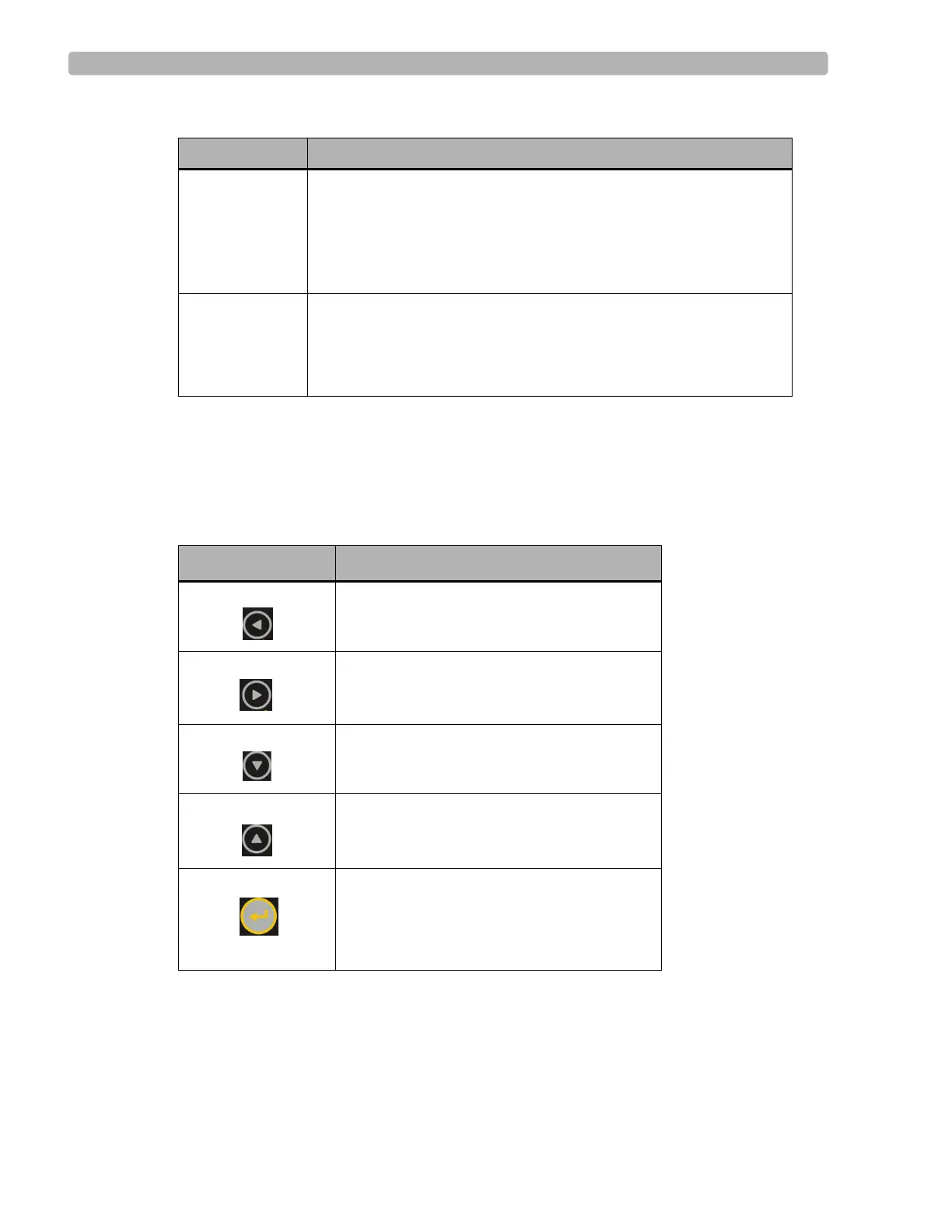
Use the following buttons to navigate the DigiTrak XT screens:
If scroll arrows appear on the display, it indicates additional fields that are located off the
screen. Use the up and down arrow keys to access these additional fields.
About Displays the following information about the recorder:
Product name
Serial number
Firmware version information
Start After configuring or reviewing all the settings, select the start screen
and press
Enter.
This will start the recording. During recording, the recorder displays
the current time and time remaining to record.
Table 1-1 DigiTrak XT recorder functions (continued)
Screen Description
Button Description
Left arrow. Moves from one tab to the next
and changes values within a field.
Right arrow. Moves from one tab to the next
and changes values within a field.
Down arrow. Moves from one field to the
next.
Up arrow. Moves from one field to the next.
Enter. Used to change settings and to save the
current settings.
Event marker. Used by the patient to record
events.













 To Next Page