Getting Started
DigiTrak XT Recorder Instructions for Use 1-11
Step Two — Entering the Patient’s Name (Optional)
To enter patient information
1
With the dual dock connected to the PC, insert the recorder into the dual dock.
2 Launch the Holter program.
3 Click Tools > Recorder Utility.
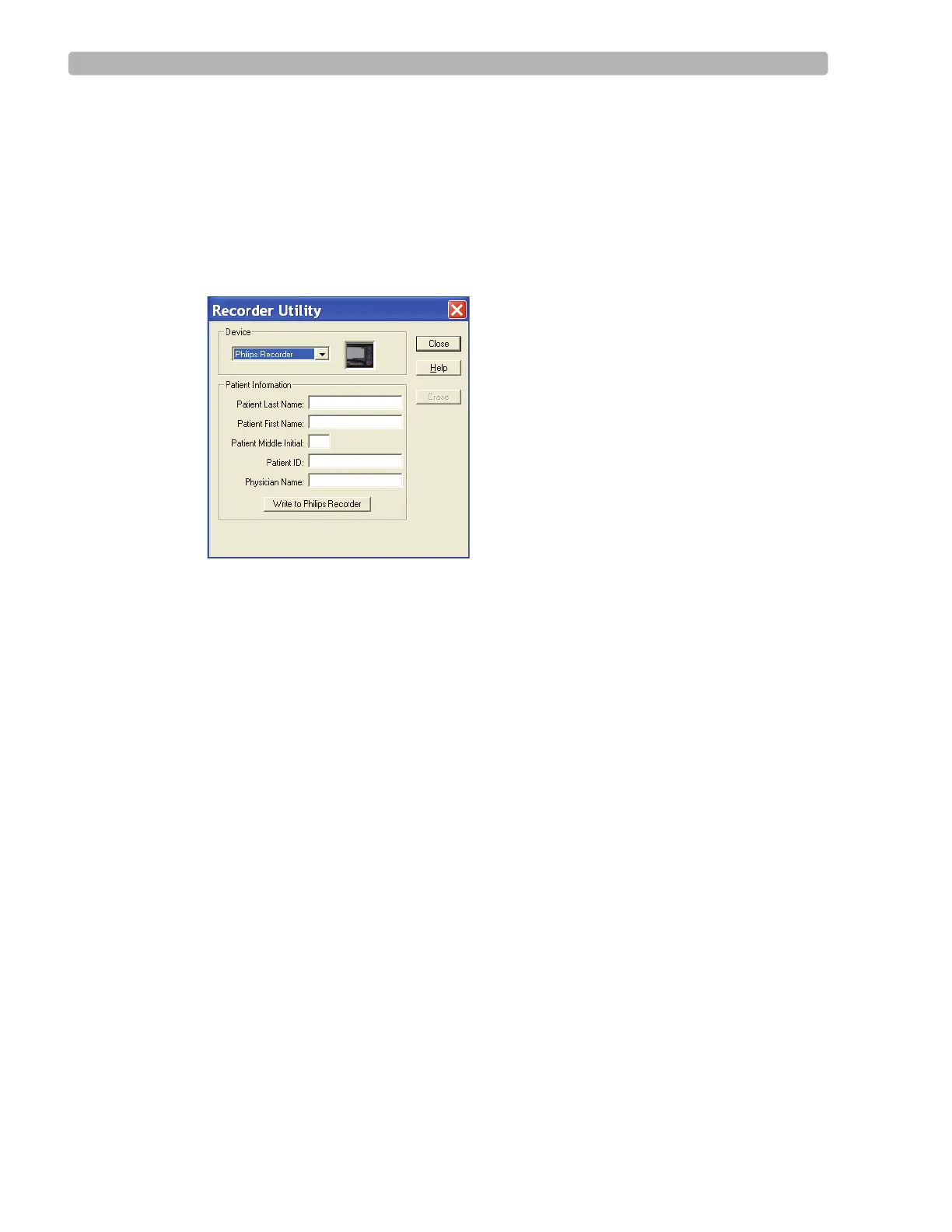
The Recorder Utility screen appears.
4 Select Philips Recorders as the type.
5 Enter the patient information (last name, first name, ID, and so on).
6 Click Write to Philips Recorders.
After several seconds the data is written to the recorder.
NOTE All patient information is displayed on the recorder if you entered it using the Holter 2.9 software.
Although previous versions of software store the patient information and display it on the report, only
the patient name is displayed on the recorder screen.
7
Remove the recorder from the dual dock.













 To Next Page