Using the DigiTrak XT Recorder
1-10 DigiTrak XT Recorder Instructions for Use
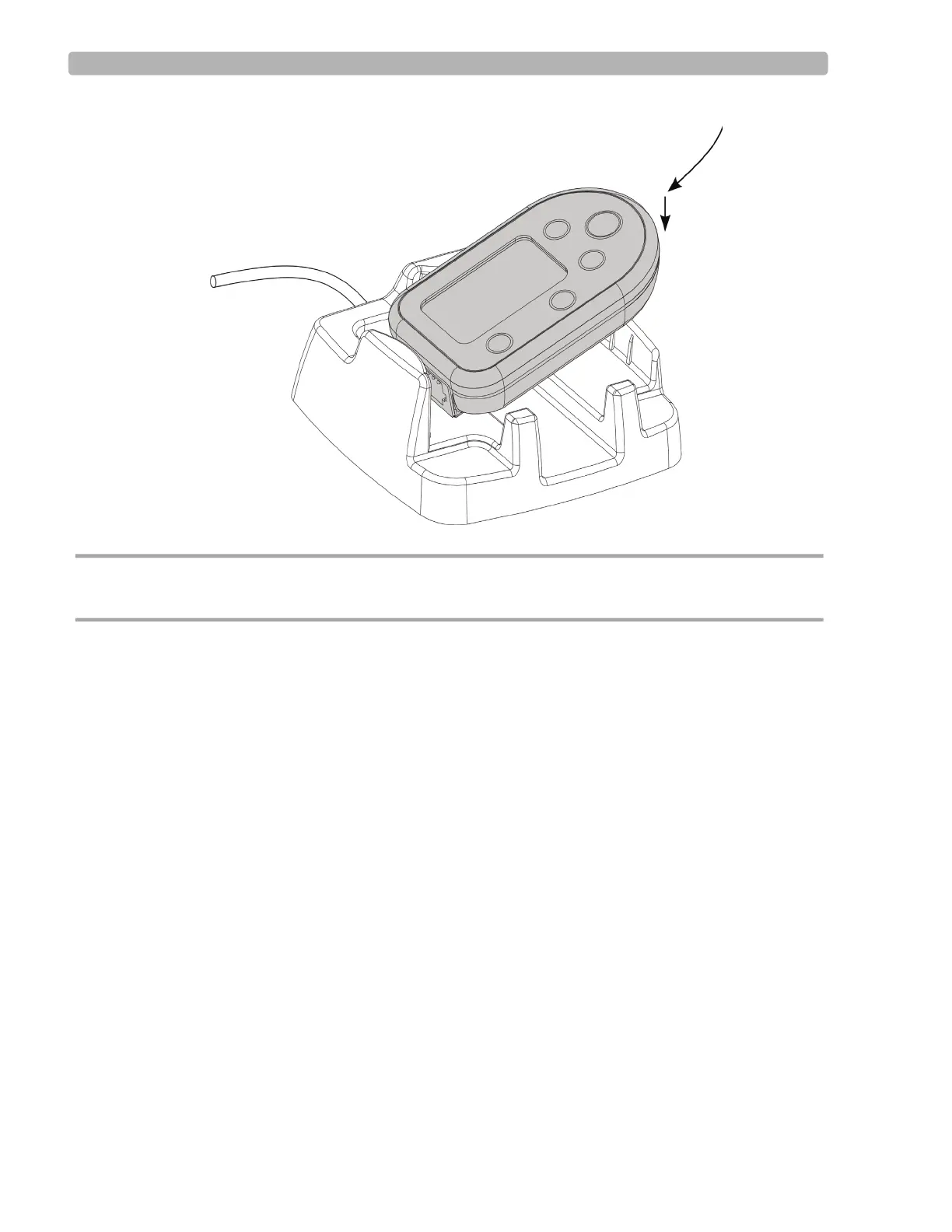
CAUTION Do not force the recorder into the dual dock. If it does not easily snap into place, remove the
recorder and try installing it again.
USB connected appears on the recorder display when the recorder is properly connected
and the
Preloading message appears in the bottom right of the Holter application window
(if there is data on the recorder). The dual dock is now operational and you are ready to
enter or download data.













 To Next Page