50 EN50 EN
SETTING A DISC TO PROTECT
1
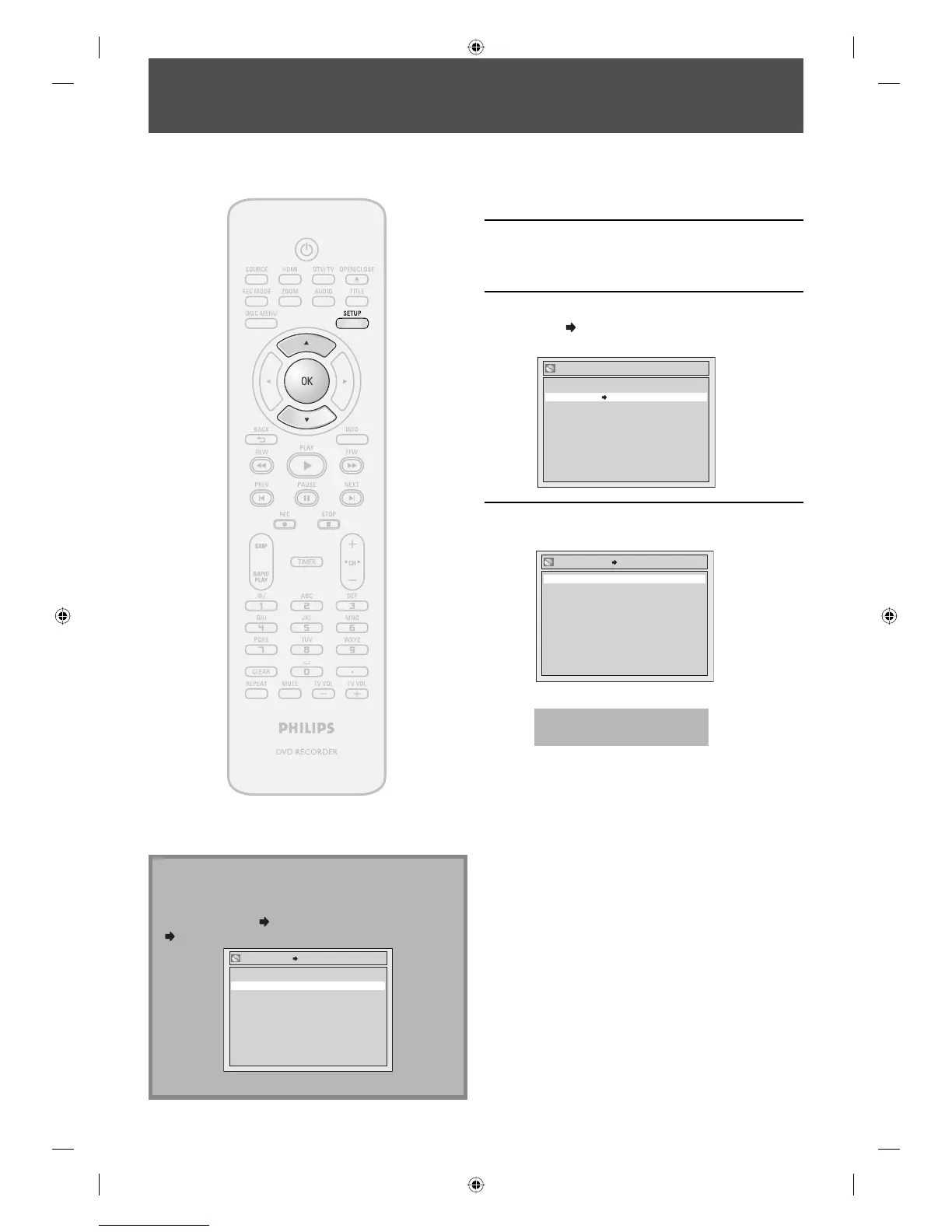
Press [SETUP].
2
Use [K / L] to select “Disc Edit”, then
press [OK].
3
Use [K / L] to select “Disc Protect
OFF
ON”, then press [OK].
e.g.) DVD+RW
Disc Protect OFF ON
Edit Disc Name
Make Edits Compatible
Erase Disc
Disc Edit
4
Use [K / L] to select “Yes”, then press
[OK].
No
Yes
Disc Protect OFF ON
A disc will be protected.
This operation may take a
while to be completed.
To prevent accidental recording, editing or erasing the
titles, you can protect them from “Disc Edit” menu.
Note
To cancel the disc protect:
• When you insert a disc protected with this unit,
“Disc Protect ON
OFF” will appear instead of “OFF
ON”.
No
Yes
Disc Protect ON OFF
To release the protect for the disc, select “Yes” at step 4.
E7C40UD.indd 50E7C40UD.indd 50 2007/01/15 11:19:522007/01/15 11:19:52














 To Next Page