94 EN94 EN
3
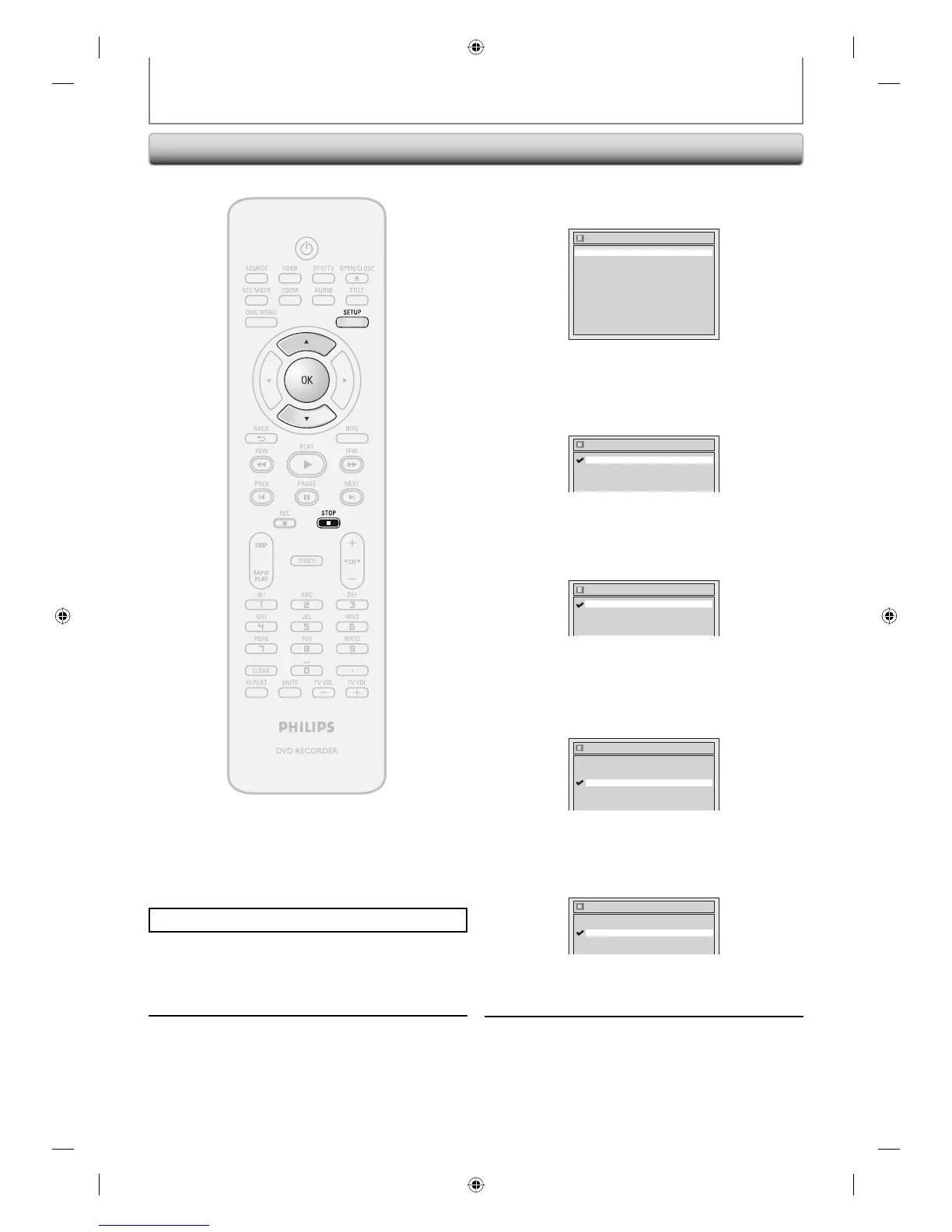
Use [K / L] to select a desired item,
then press [OK].
Display
Angle Icon ON
Screen Saver 10 minutes
FL Dimmer Bright
OSD Language English
Selection menu will appear.
OSD Language (Default : English)
Set the language for the on-screen display.
Use [K / L] to select a setting, then press [OK].
OSD Language
Français
Español
English
Your setting will be activated.
Angle Icon (Default : ON)
Set to “ON” to show the angle icon during the playback.
Use [K / L] to select a setting, then press [OK].
Angle Icon
OFF
ON
Your setting will be activated.
Screen Saver (Default : 10 minutes)
Set the time to work the screen saver function on the TV
screen.
Use [K / L] to select a setting, then press [OK].
Screen Saver
5 minutes
10 minutes
OFF
15 minutes
30 minutes
Your setting will be activated.
FL Dimmer (Default: Bright)
Set the front panel display brightness.
Use [K / L] to select a setting, then press [OK].
FL Dimmer
Bright
Dark
Auto
You can choose one from “Auto”, “Bright” and “Dark”.
If “Auto” is selected, the display gets dark when the
power is off.
4
Press [SETUP] to exit.
Press [STOP C] if you are playing back a disc.
1
Press [SETUP].
2
Use [K / L] to select “Display”, then
press [OK].
SETUPS
Display
E7C40UD.indd 94E7C40UD.indd 94 2007/01/15 11:20:232007/01/15 11:20:23














 To Next Page