32 Preview
Some Video CDs contain preview or introductory
information. Use Preview to see the content of a
Video CD. Not all Video CDs contain this informa-
tion. See your Disc case for details.
1
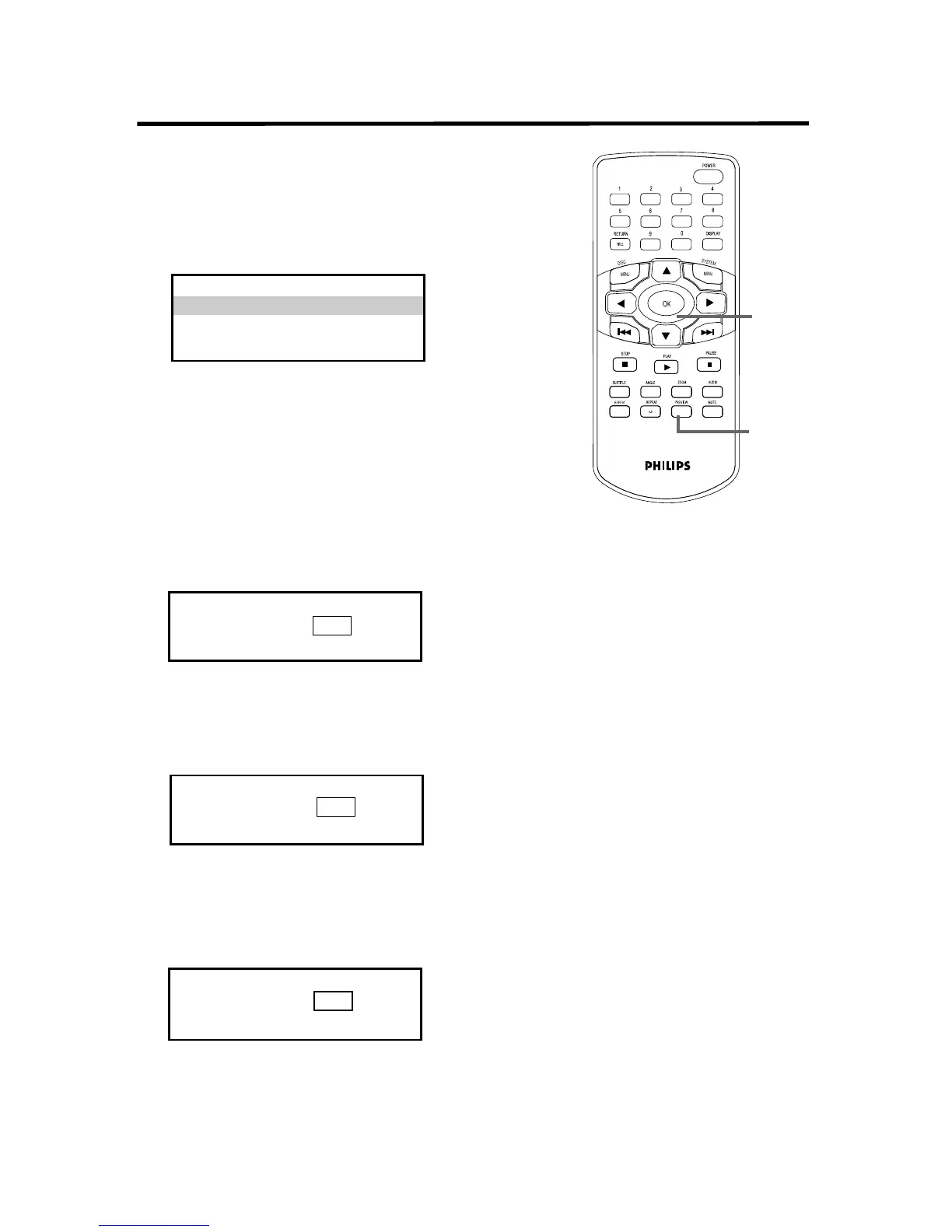
Press PREVIEW to see the Preview menu.
2
Press 3 or 4 to select TRACK DIGEST,
DISC INTERVAL, or TRACK INTERVAL.
Press OK.
• If you select TRACK DIGEST, the first five
seconds of each Track will play.To play a Track,
press 3 to go to the SELECT line. Press the
Number buttons to enter a Track number.
Press OK.
To see other Tracks, press Previous 4 or
Next ¢.
• If you select DISC INTERVAL, the Disc
contents will divide into six segments. To play
the Disc from a certain interval, press 3 to go
to the SELECT line. Press the Number buttons
to choose a segment (1-6), then press OK.
• If you select TRACK INTERVAL, the cur-
rent Track will divide into six parts. To play the
Track from a certain interval, press 3 to go to
the SELECT line. Press the Number buttons (1-
6) to choose a segment, then press OK.
3
To remove the PREVIEW menus, press
PREVIEW again. Or, press 4 and/or 1 to
choose EXIT, then press OK.
To go to the first PREVIEW screen, press
4 and/or 2 to select MENU. Press OK.
1,3
2-3
SELECT DIGEST TYPE:
TRACK DIGEST
DISC INTERVAL
TRACK INTERVAL
TYPE: TRACK
SELECT (01-09) : - -
EXIT MENU
TYPE: DISC INTERVAL
SELECT (01-06) : - -
EXIT MENU
TYPE: TRACK 01 INTERVAL
SELECT (01-06) : - -
EXIT MENU


 To Next Page