40 Analog Output
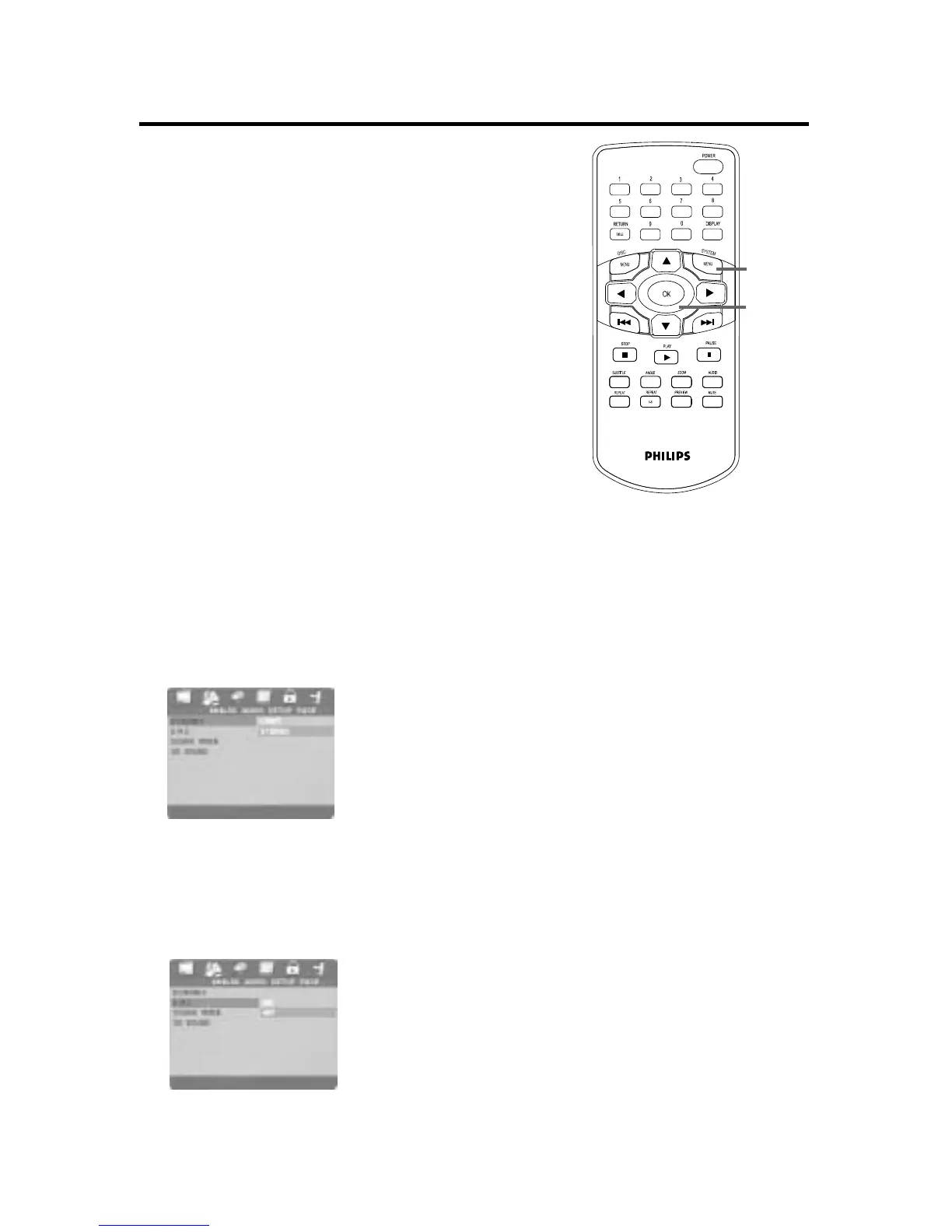
1,6
2-5
Use ANALOG AUDIO SETUP to adjust some of the
Player’s audio settings.
Adjust DOWNMIX according to how you connected
the Player to your TV and/or Stereo. Balance the vol-
ume during playback by adjusting Dynamic Range
Control (D.R.C.).
1
Press SYSTEM MENU.
2
Press 2 to select the AUDIO SETUP
PAGE, then press OK.
3
ANALOG AUDIO SETUP will be selected.
Press OK.
4
Press 3 or 4 to select DOWNMIX or
D.R.C., then press 2 and follow step 5
according to your choice.
5
• If you selected DOWNMIX, press 3 or 4
to select LT/RT (left/right) or STEREO, then
press OK. Choose LT/RT if you connected the
Player to a stereo that has Dolby Pro Logic. See
page 13. Select STEREO if you connected the
Player to a TV or Stereo that has left and right
Audio In jacks but does not have Dolby Pro Logic.
• If you selected D.R.C., press
3
or
4
to select
ON or OFF, then press OK. To level the volume
during Disc playback, choose ON.There will not be
such a large range between the loudest and softest
parts of the sound.To hear the highs and lows of the
volume, set D.R.C. to OFF.
6
Press SYSTEM MENU to remove the menus.


 To Next Page