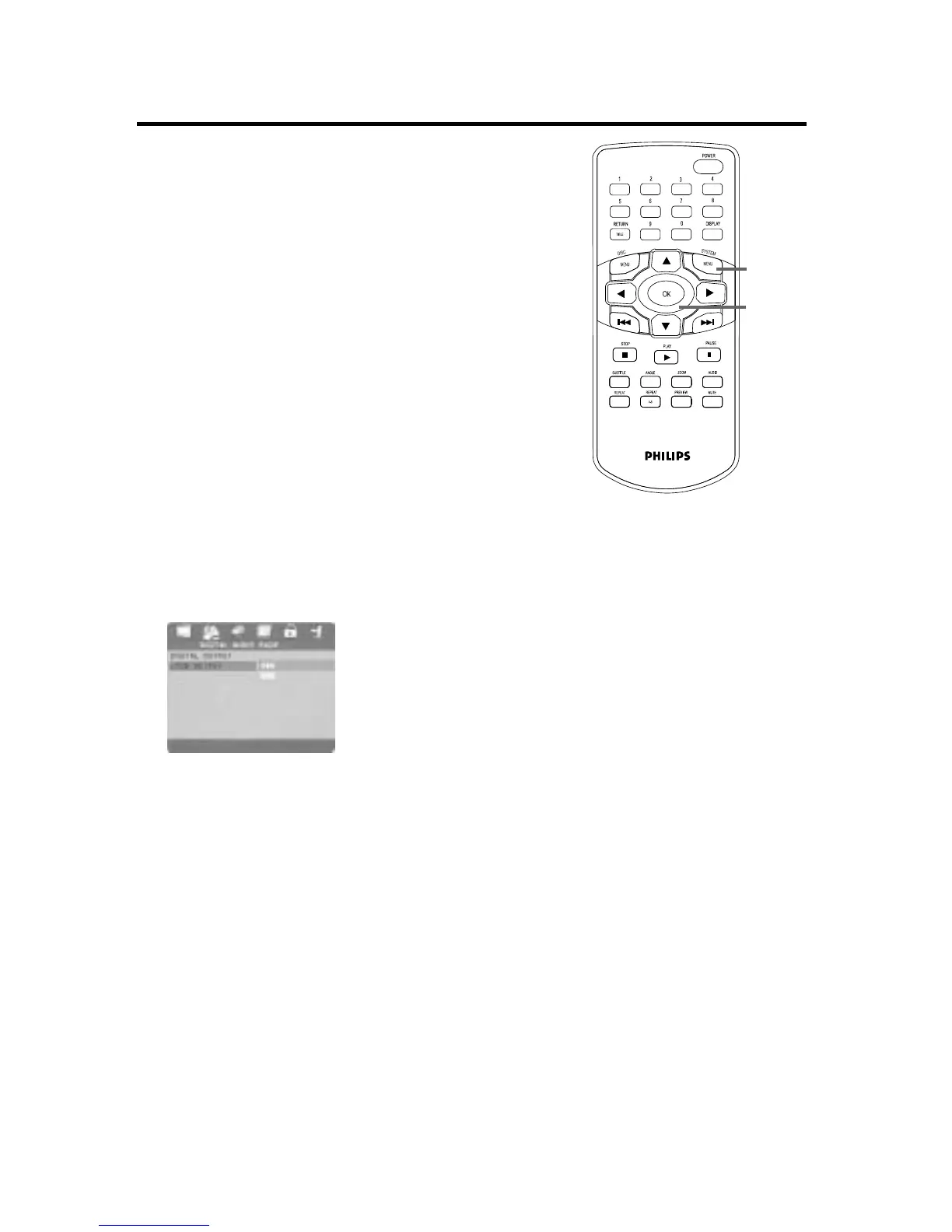
42 LPCM Output
If you connected the Player to a Stereo using the
COAXIAL jack as shown on page 14, adjust LPCM
OUTPUT.
Discs are recorded in a certain sampling rate. The
higher the sampling rate, the better the sound quali-
ty. Some Discs are recorded in a high sampling rate
of 96 kHz. Set LPCM OUTPUT to 96K if you are
playing Discs recorded at this high rate. Otherwise,
set LPCM OUTPUT to 48K.
1
Press SYSTEM MENU.
2
Press 2 to select the AUDIO SETUP
PAGE, then press OK.
3
P
ress
4 to select DIGITAL AUDIO
SETUP, then press OK.
4
Press 4 to select LPCM OUTPUT, then
press 2.
5
Press 3 or 4 to select 48K or 96K, then
press OK.
6
Press SYSTEM MENU to remove the menus.
1,6
2-5


 To Next Page