3-64
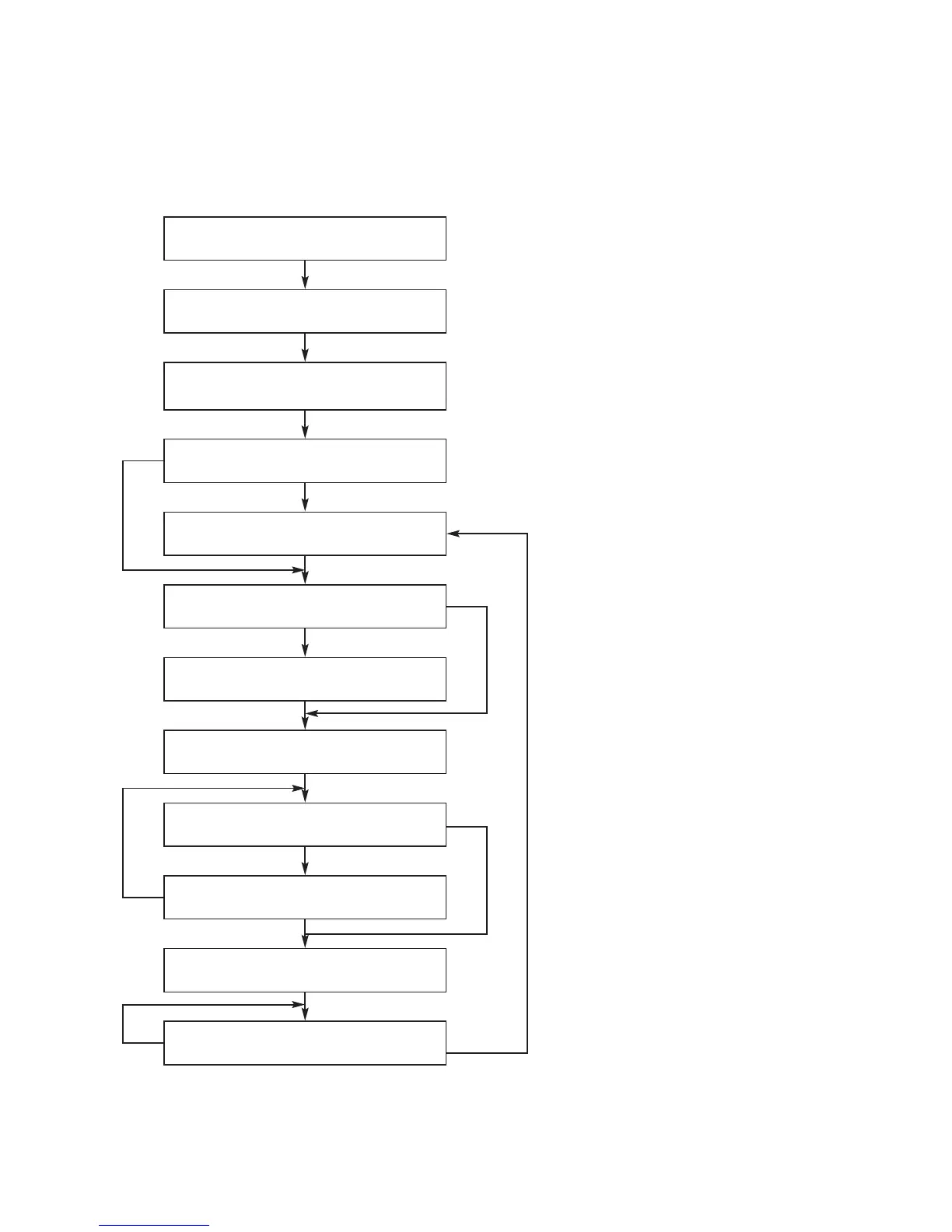
2. SYSTEM OPERATION FLOW
NO
NO
NO
YES
YES
YES
YES
YES
Power On
1. 186 CPU initializes SERVO,DSP & RISC registers
2. Write RISC code to SDRAM
3. Reset RISC
Show LOGO
Tray Closed ?
Tray Close to Closed position
SLED at Inner Side ?
SLED Moves to Inner Position
1. Judge whether have disc and disc type
2. Jump to related disc reading procedure
Recieve OPEN/CLOSE Key?
1. Execute Pressed Key & IR Key
2. System operation Routine Loop
1. Stop Playback & Open Tray
2. Display tray open message & LOGO
Receive CLOSE Key?










 To Next Page