TEST
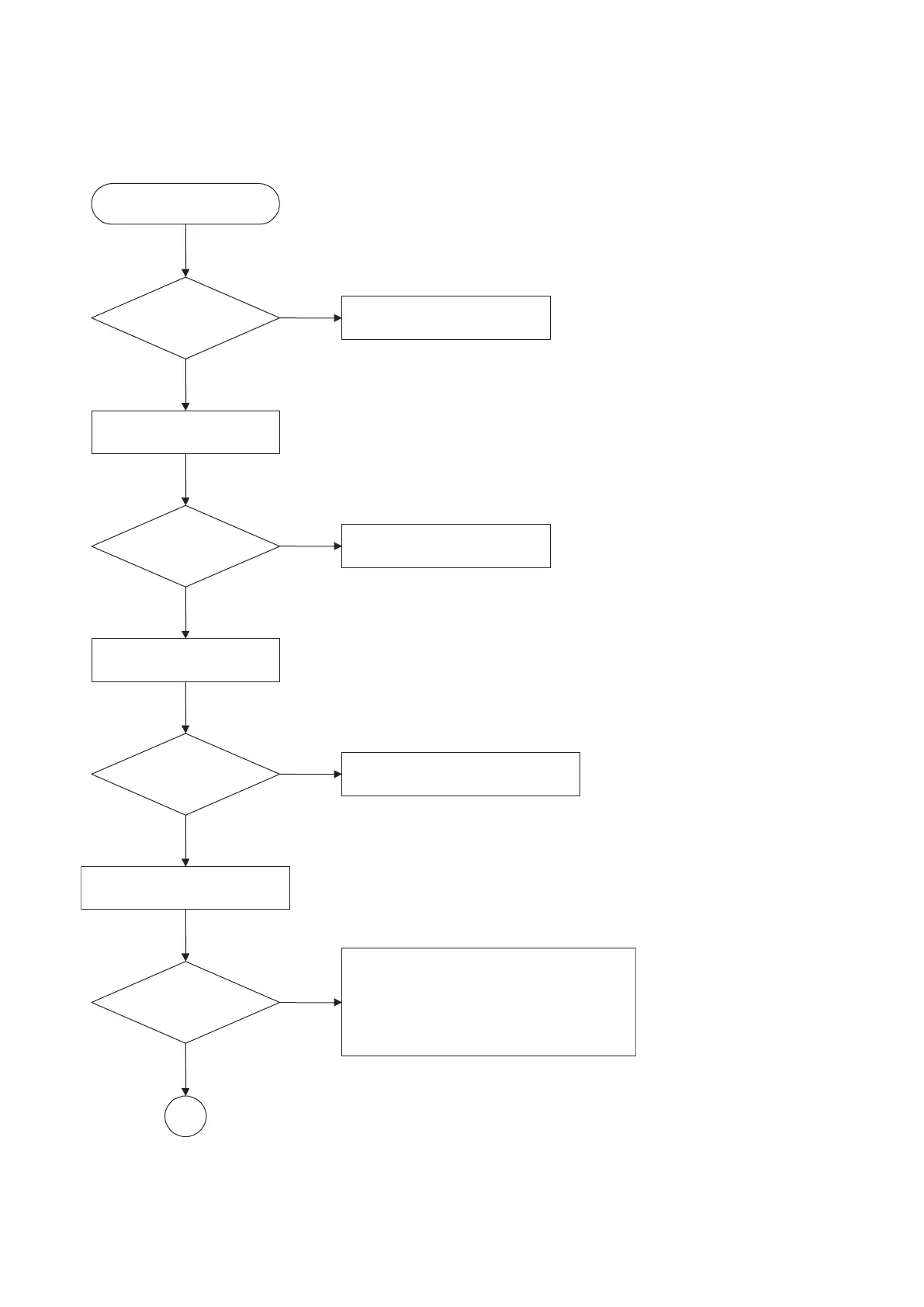
Check the AC Voltage
Power PCBA(110V or 220V)
Replace power PCBA or
AC transformer.
Switch on the Power PCBA
Is the DC Voltage
outputs OK?
(5V,1.8V,3.3V,8V,12V)
Repair or Replace Power PCBA
Make sure the main PCBA don't
short on VCCs and switch it on.
Is 3.3V and 1.8V DC
outputs normal on main
PCBA?
Check the regulators or related diodes.
Connect to PC RS232 Cable and
update the FLASH memory code.
Update FLASH
successfully?
A
1. Check 27MHz system clock.
2. Check system reset circuit.
3. Check FLASH R/W enable signal PRD,RWR.
4. Check RS232 SIGNALS.
5. Check FLASH Memory related circuit.
NO
NO
NO
NO
YES
YES
YES
YES


 To Next Page