12 EN
Connect video cables
This section describes how to connect this
DVD Home Theatre unit to your TV so to
enable viewing of disc play.
Select the best video connection that your TV
can support.
Option 1: Connect to HDMI socket (for a
HDMI, DVI or HDCP-compliant TV).
Option 2: Connect to scart socket (for a
standard TV).
Option 3: Connect to component video
socket (for a standard TV or Progressive
Scan TV).
Note
You must connect this unit directly to a TV.•
•
•
•
Before you connect
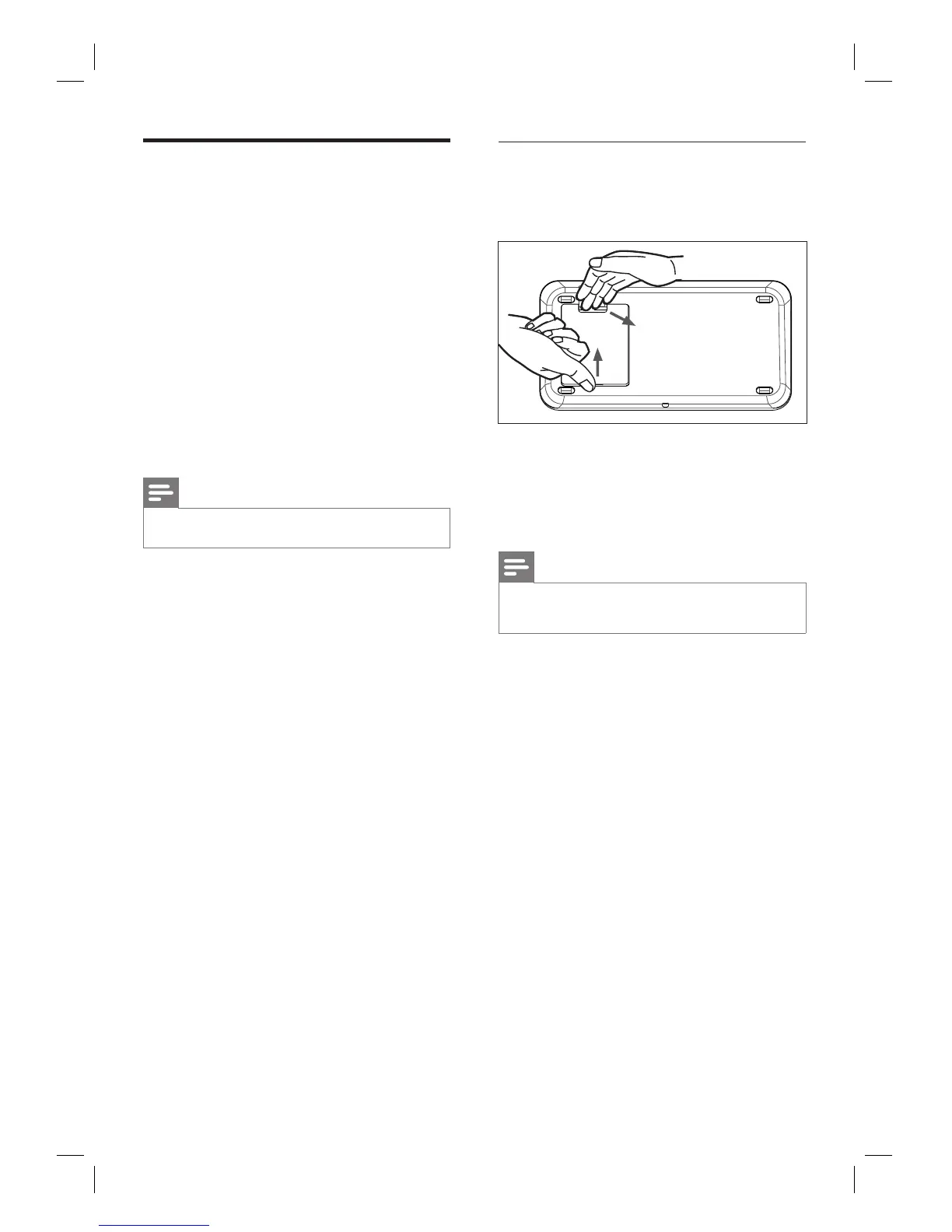
1 Push up the catch and remove the rear
cover.
2 Connect the cables to the corresponding
sockets and direct the cables to the open
hole on top.
3 Once complete, close the rear cover.
Note
All the cables must be placed properly inside the rear
panel in order for the rear cover to close.
•













 To Next Page