36 EN
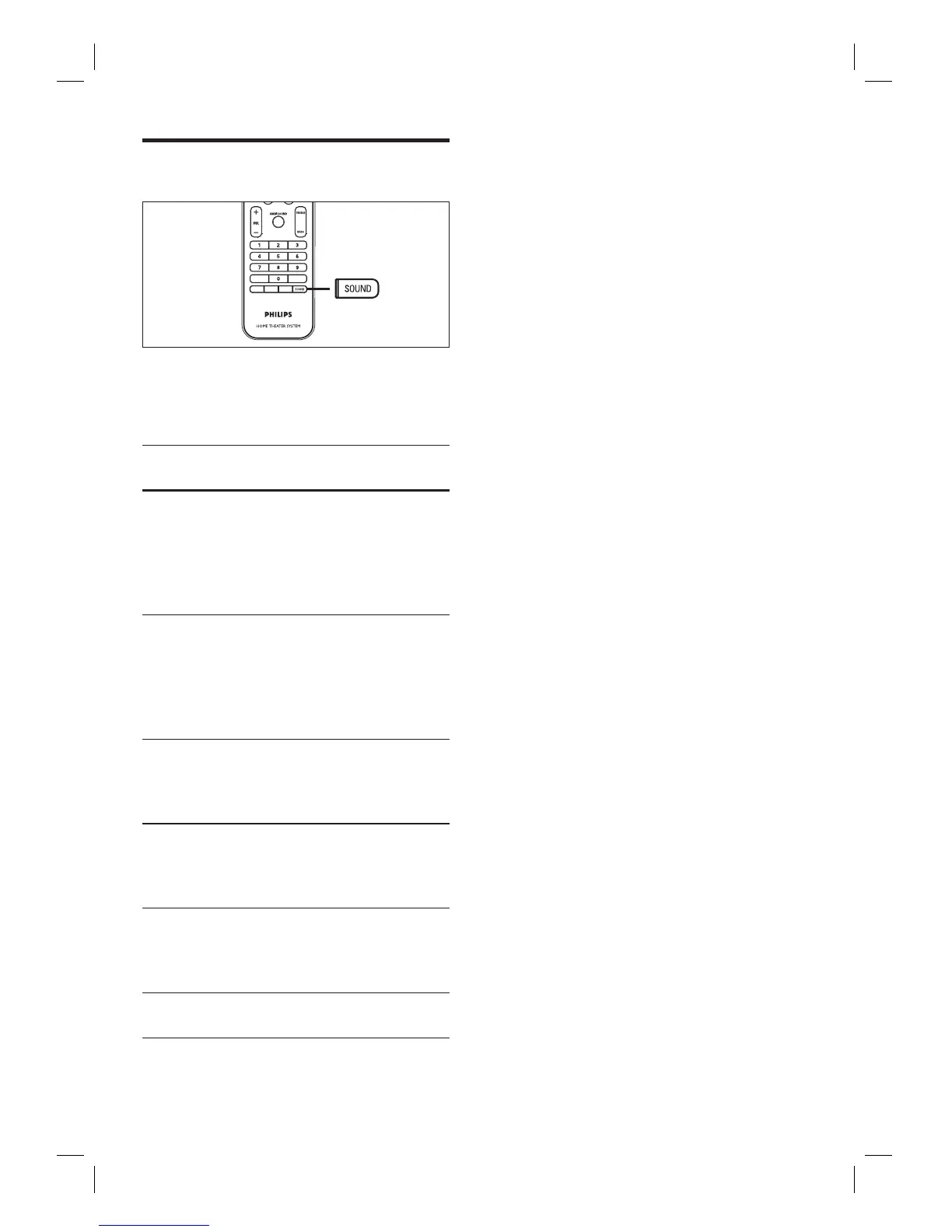
Select a preset sound effect
1 Press SOUND repeatedly to select a
sound effect that most suits the video or
music you play.
Video /
Music /
Descriptions
ACTION /
ROCK /
Enhanced low and high
range for great sounding
movie effects and
atmosphere. Great for
action movies and rock/pop
music.
DRAMA /
JAZZ
Clear mid and high range.
Recreates the atmosphere
of a live club with the artist
just in front of you. Good
for Jazz music and watching
dramas.
CONCERT /
CLASSIC
Flat and pure sound mode.
Ideal for listening to classical
music and watching live
concert DVDs.
GAMING /
PARTY
Slightly enhanced low range
and strong mid range ideal
for party music and video
gaming.
SPORTS
Moderate mid range and
surround effects for clear
vocals and the atmosphere
of a live sports venue.
NEWS
Enhanced mid range for
clear vocals/speech.













 To Next Page