14 EN
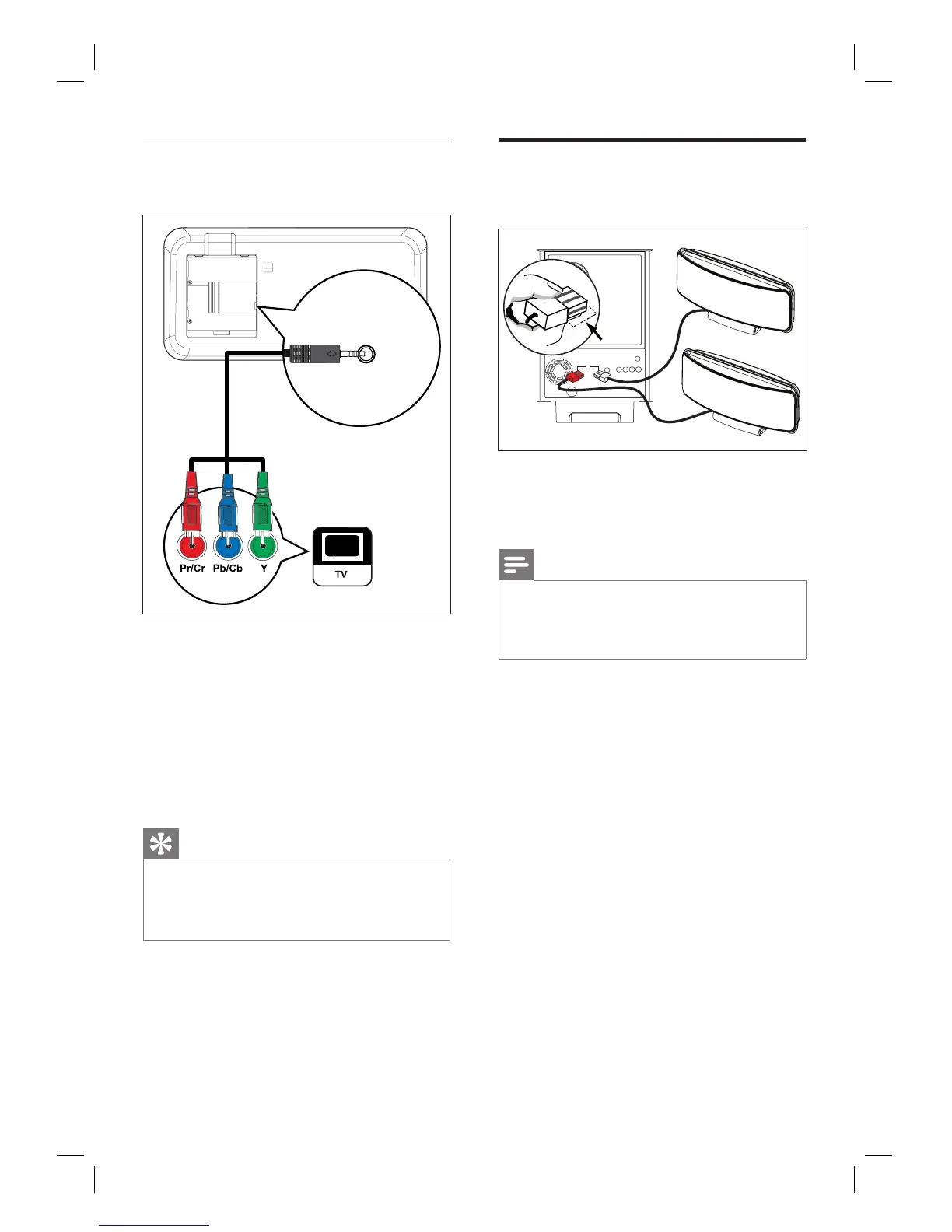
Option 3: Connect to component
video socket
COMPONENT
VIDEO OUT
1 Connect the component video cable
(supplied) from the COMPONENT
VIDEO OUT socket on this unit to the
component video input sockets on your
TV.
If a progressive scan TV is used, you
may turn on the progressive scan mode
(see chapter ‘Turn on Progressive Scan’
for details).
Tips
The component video input socket on your TV may
be labelled as Y Pb/Cb Pr/Cr or YUV.
This type of connections provide good picture
quality.
•
•
•
Connect speakers to
subwoofer
RIGHT
LEFT
1 Connect the left and right Ambisound
speakers to the matching sockets on the
subwoofer.
Note
Ensure that the front portion of the plug is fully
inserted into the socket.
To disconnect the Ambisound speakers, press down
the catch on the plug before pulling out.
•
•













 To Next Page