42 EN
Note
If the setting is not compatible with your TV, a
blank screen appears. Wait for 15 seconds for auto
recover or press HDMI repeatedly until the picture
appears.
•
[ Closed Caption ]
Turn on or off display captions.
[ On ] – show the sound effects in
subtitle. Only applicable to disc with
Closed Caption information included
and your TV supports this feature.
[ Off ] – disable closed caption.
[ Progressive ]
If your TV can support progressive signals,
you can activate the progressive scan
mode of this unit.
[ On ] – turn on progressive scan
mode.
[ Off ] – disable progressive scan mode.
Note
This setting is only available if you have set the
[ Component Video ] setting to [ YUV ].
•
Tips
See chapter ‘Get Started - Turn on Progressive Scan’
for detailed information.
•
[ Component Video ]
Select the video output format that
matches the video connection between
this unit and your TV.
[ RGB ] – for scart connection.
[ YUV ] – for component video
connection.
•
•
•
•
•
•
Preference Setup
1
Press OPTIONS.
[ General Setup ] menu is displayed.
2 Press V to select [ Preference Setup ],
then press B.
3 Select an option, then press OK.
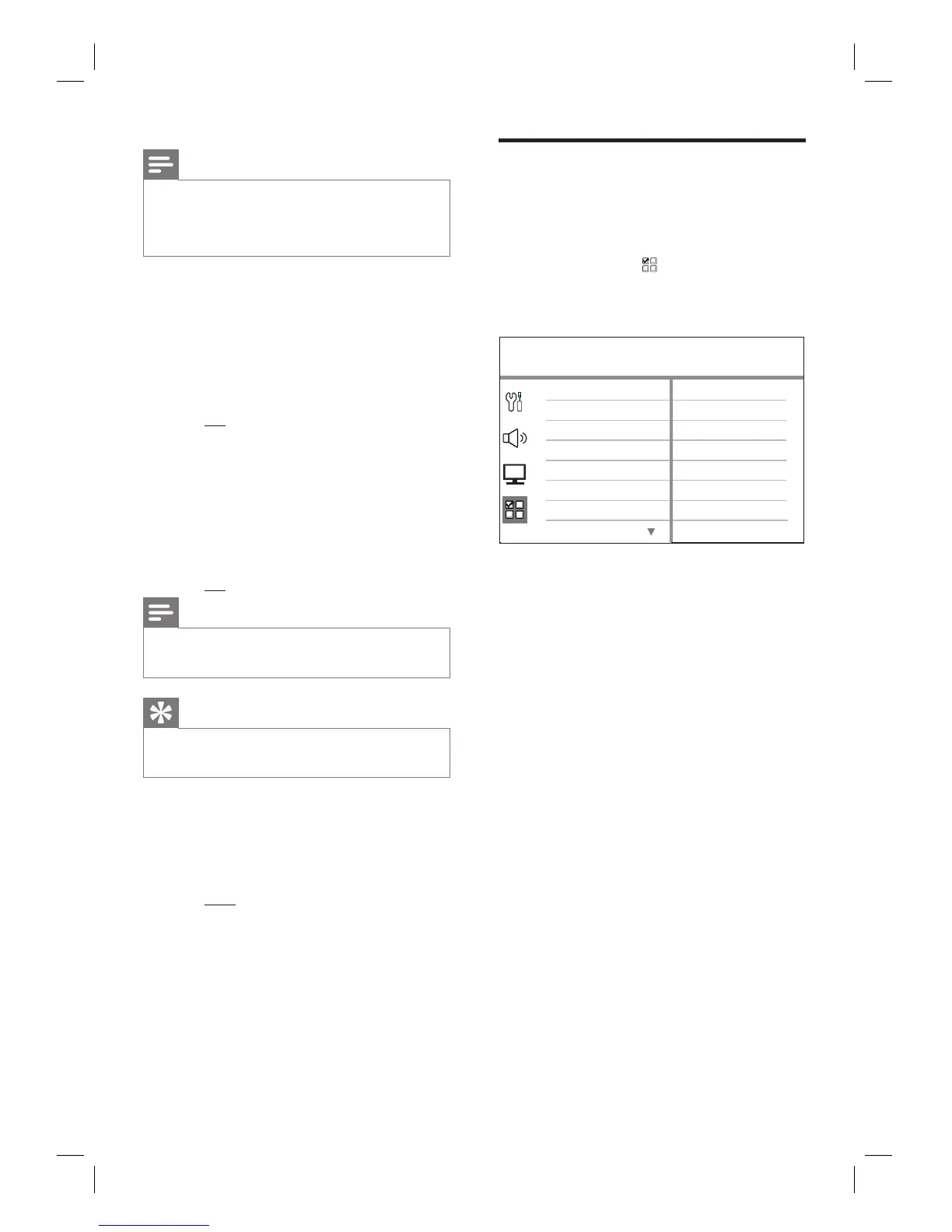
Preference Setup
Parental
PBC
Disc Menu
Password
DivX Subtitle
Subtitle
Audio
MP3/JPEG Nav
See the explanations of the above
options in the following pages.
4 Select a setting, then press OK.
To return to the previous menu, press
BACK.
To exit the menu, press OPTIONS.
•
•
•













 To Next Page