English
EN 39
Adjust settings
[ DivX(R) VOD Code ]
Display the DivX® registration code.
Tips
Enter this unit’s DivX registration code when you
rent or purchase video from www.divx.com/vod.
The DivX videos rented or purchased through the
DivX® VOD (Video On Demand) service can be
played only on the device to which it is registered.
•
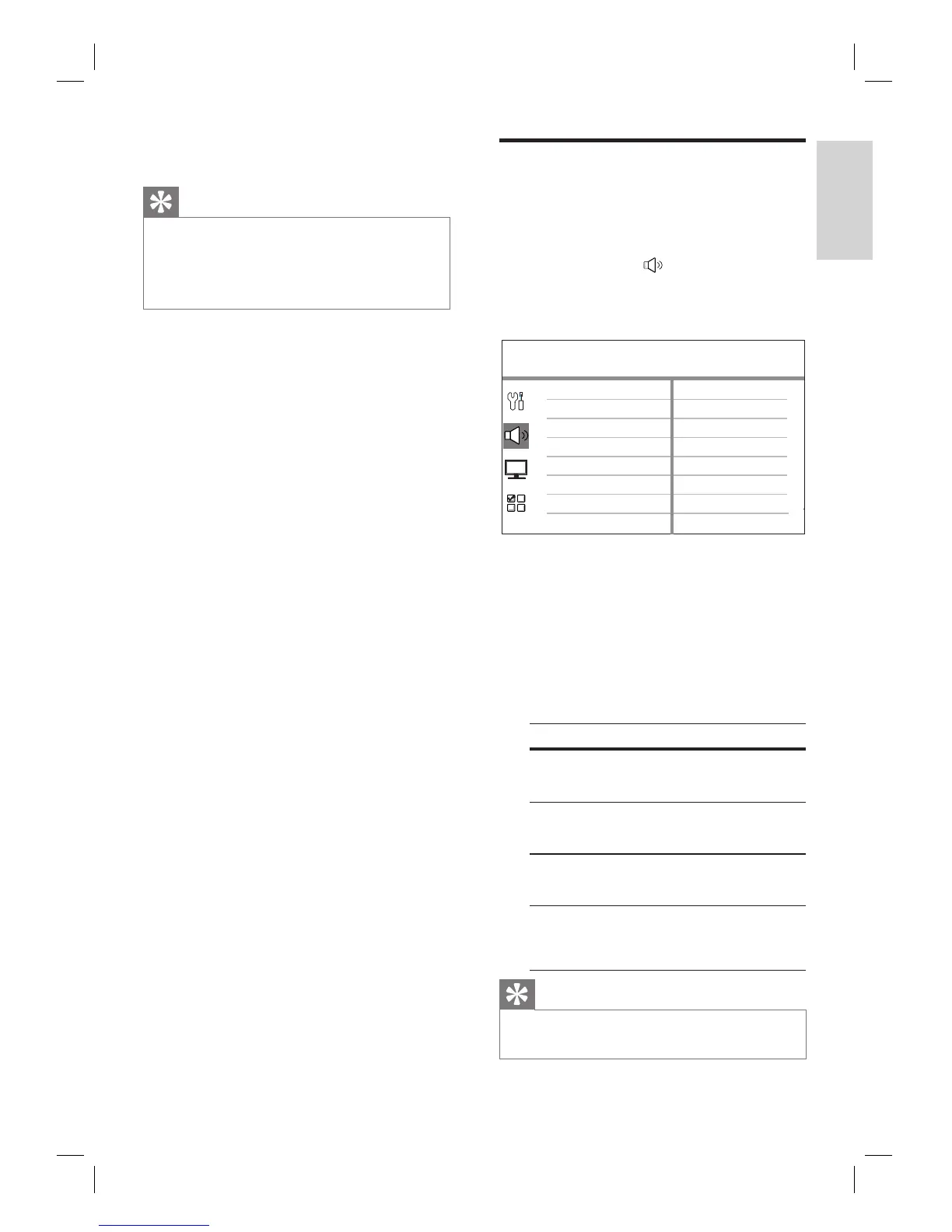
Audio setup
1
Press OPTIONS.
[ General Setup ] menu is displayed.
2 Press V to select [ Audio Setup ], then
press B.
3 Select an option, then press OK.
Audio Setup
Ambisound Setup
HDMI Audio
Night Mode
4 Select a setting, then press OK.
To return to the previous menu, press
BACK.
To exit the menu, press OPTIONS.
[ Ambisound Setup ]
Change the Ambisound setup.
Options Descriptions
[ Room
Acoustics ]
Select the type of walls
that surround your room.
[ Room
Placement ]
Select this unit placement
in the room.
[ Speaker
Distance ]
Select the distance
between two speakers.
[ Listening
Position ]
Select the distance
between your listening
position and this unit.
Tips
See chapter ‘Get Started - Start Ambisound setup’
for detailed information.
•
•
•













 To Next Page