TV R
ATINGS
29
T
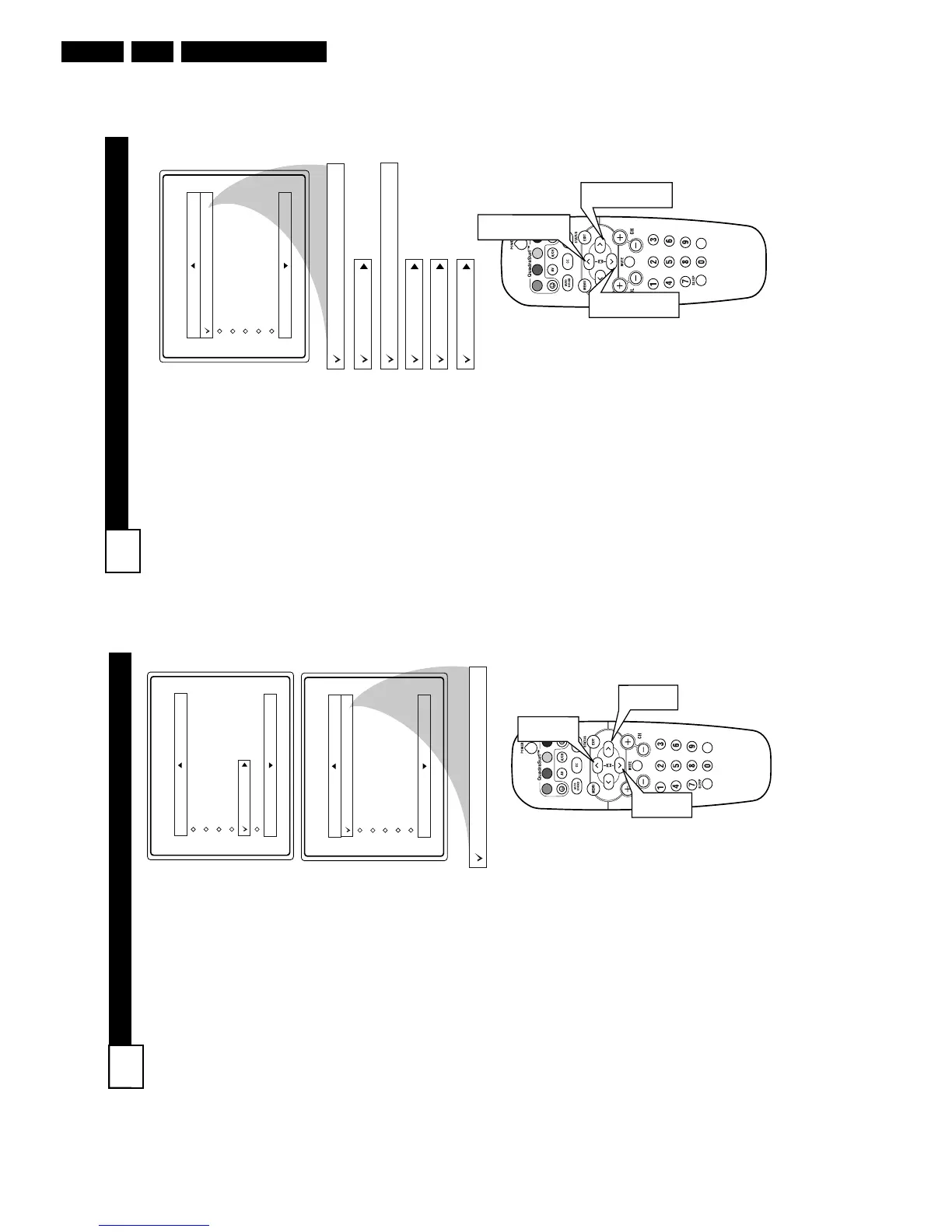
he AutoLock™ feature can
block programming based on the
TV Industry ratings.
Once you’ve entered your access
code and the AutoLock™ features
are displayed on the screen:
1
Press the
CURSOR UP 3 or
DOWN 4 buttons
to high-
light the words TV Rating.
2
Press the
CURSOR RIGHT
2 button
to display the TV
Rating options (TV-Y, TV-Y7,
TV-G, TV-PG, TV-14, or TV-
MA
).
3
Press the
CURSOR UP 3 or
DOWN 4 buttons
to high-
light any of the TV Rating
options. When highlighted, all
these options can be turned On
(which will allow blocking) or
Off (which will allow viewing).
NOTE: Some TV RATING options
also have sub-ratings. The ratings of
TV-Y7, TV-PG, TV-14, TV-MA can
be customized to block V (violence),
FV (fantasy violence), S (sexual situa-
tions), L (coarse language), or D (sug-
gestive dialogue).
4
Press the
CURSOR RIGHT
2 button
on the remote to turn
the TV-Y or TV-G rating On or
Off. Or, press the
CURSOR
RIGHT 2 button
to enter the
sub-menus for the TV-Y7, TV-
PG, TV-14 or TV-MA ratings.
5
If the TV-Y7, TV-PG, TV-14 or
TV-MA sub-menu is accessed,
press the
CURSOR UP 3 or
DOWN 4 buttons
to select
one of the options (Block All, V,
S, L, D, or FV).
6
Press the
CURSOR RIGHT
2 button
on the remote to
turn the option ON or OFF.
TV Rating
TV-Y
TV-Y7
TV-G
TV-PG
TV-14
TV-MA
Off
TV-Y
On
TV-Y7
Block All, FV
TV-G
Off
TV-14
Block All, V, S, L, D
TV-MA
Block All, V, S, L
TV-PG
Block All, V, S, L, D
VOL
1
3
5
1
3
5
2
4
6
M
OVIE
R
ATINGS
28
T
he AutoLock™ feature can
block programming based on
the Movie Industry ratings.
Once you’ve entered your access
code and the AutoLock™ features
are displayed on the screen:
1
Press the CURSOR UP 3 or
DOWN 4 buttons to high-
light the words Movie Rating.
2
Press the
CURSOR RIGHT
2 button
to display the
Movie Rating options (G,
PG, PG-13, R, NC17, or X).
3
Press the CURSOR UP 3 or
DOWN 4 buttons to high-
light any of the Movie Rating
options. When highlighted,
all these options can be
turned On (which will allow
blocking) or Off (which will
allow viewing).
4
Use the
CURSOR RIGHT 2
button
on the remote to turn
the rating option On or Off.
When a rating level is chosen to be
blocked, any higher level rating
will also be blocked from viewing.
(i.e.: If “R” is selected to be
blocked, NC-17 and X will auto-
matically be blocked.)
NOTE: If you ever forget your
code, the 0, 7, 1, 1 code is the fac-
tory default and can be used to
enter and create a new access
code.



 To Next Page