Directions for Use
EN 21L04L AA 3.
C
LOSED
C
APTIONING
31
C
losed Captioning (CC) allows
you to read the voice content of
television programs on the TV
screen. Designed to help the hear-
ing impaired, this feature uses on-
screen “text boxes” to show dia-
logue and conversations while the
TV program is in progress.
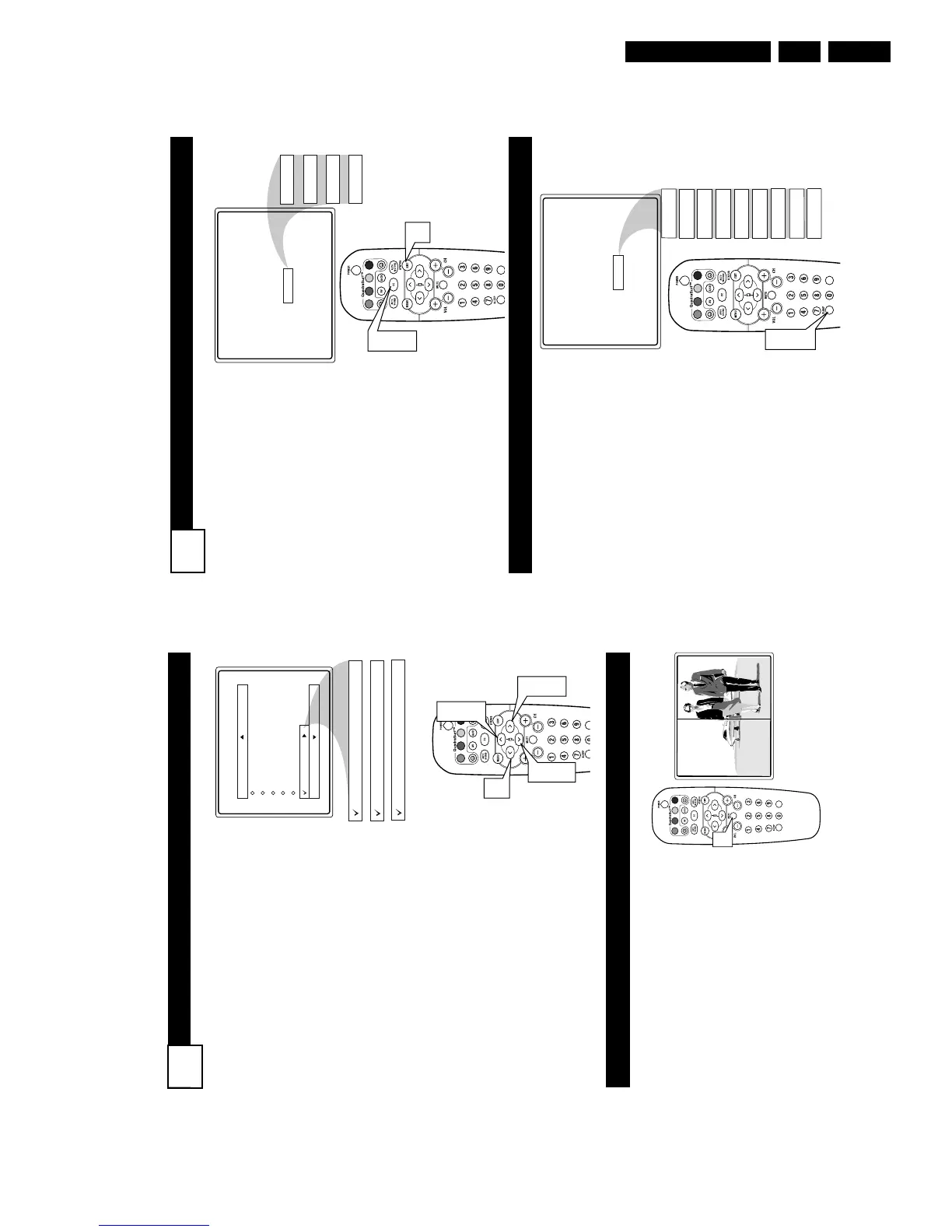
1
Press the CC button on the
remote to display the current
Closed Caption setting.
2
Press the CC button repeat-
edly to choose from the four
Closed Caption options (CC
Off, CC1, CC2, CC Mute).
3
When finished, press the STA-
TUS /EXIT button to remove
the menu from the TV’s screen.
CC Mute
CC Off
CC1
CC2
CC Off
VOL
1
2
3
Y
our TV can be set to automati-
cally turn itself off at a given
amount of time.
1
Press the SLEEP button on
the remote control and the
SLEEP timer display will
appear on the screen.
2
Press the SLEEP button
repeatedly to pick the amount
of time (15, 30, 45, 60, 90, 120,
180, or 240 minutes) before the
TV will turn itself off.
NOTE: An on-screen count down
will appear during the last minute
before the TV shuts itself off. If any
button is pressed during the last
minute of the countdown, the
Sleeptimer setting will be cancelled.
Sleep 15
Sleep 30
Sleep 45
Sleep 60
Sleep 90
Sleep 120
Sleep 180
Sleep 240
Sleep 15
Sleep off
VOL
1
2
S
LEEPTIMER
BLOCKING OPTIONS
30
A
utoLock™ offers the viewer other block-
ing features as well. With these Blocking
Options, the censoring can be turned ON or
OFF.
Once you’ve entered your access code and
the AutoLock™ features are displayed on the
screen:
1
Press the CURSOR UP 3 or DOWN
4 buttons until the words Block
Options are highlighted.
2
Press the
CURSOR RIGHT 2 button
to
display the Blocking Options (Blocking,
Unrated, or No Rating) menu.
Blocking: Might be called the “master
switch” for AutoLock™. When On, ALL
blocking/censoring will take place. When Off,
ALL blocking is disabled.
Unrated: ALL unrated programs based on the
Movie Ratings or Parental (TV) Guidelines
can be blocked if this feature is set to On and
the Blocking feature is set to OFF.
No Rating: ALL programming with NO con-
tent advisory data can be blocked if set to On
and the Blocking feature is set to OFF.
3
Press the CURSOR UP 3 or DOWN
4 buttons to highlight the desired fea-
ture.
4
When highlighted, each feature can be
turned On or Off using the
CURSOR
RIGHT 2
or the CURSOR LEFT 1
buttons
on the remote.
AutoLock
Setup Code
Clear All
Block All
Movie Rating
TV Rating
Block Options
Blocking
On
Unrated
On
No Rating
On
VOL
1
3
1
3
2
4
4
D
EMO MODE
W
ith Demo Mode On, a split screen demo
will be shown on the screen. The Demo
Mode will show the right side wih show a
sharper image with more natural motion.
1
Press the MUTE button on the remote
approximately 3-4 seconds. The split
screen demo appears. After 20 seconds,
the TV will automatically reurn to nor-
mal operation.
Note: You can also turn the Digital Picture
Demo On or Off by using on-screen menu.



 To Next Page