23
English
PC LINK function
PC LINK enables you to playback your
music collection from the PC via the set.
Before playback can be started the
connection to an installed network/server
must be started. Make sure the wireless
USB adapter is connected or another
network connection is working properly.
1 Switch on your PC and wait until the PC
boot is ready.
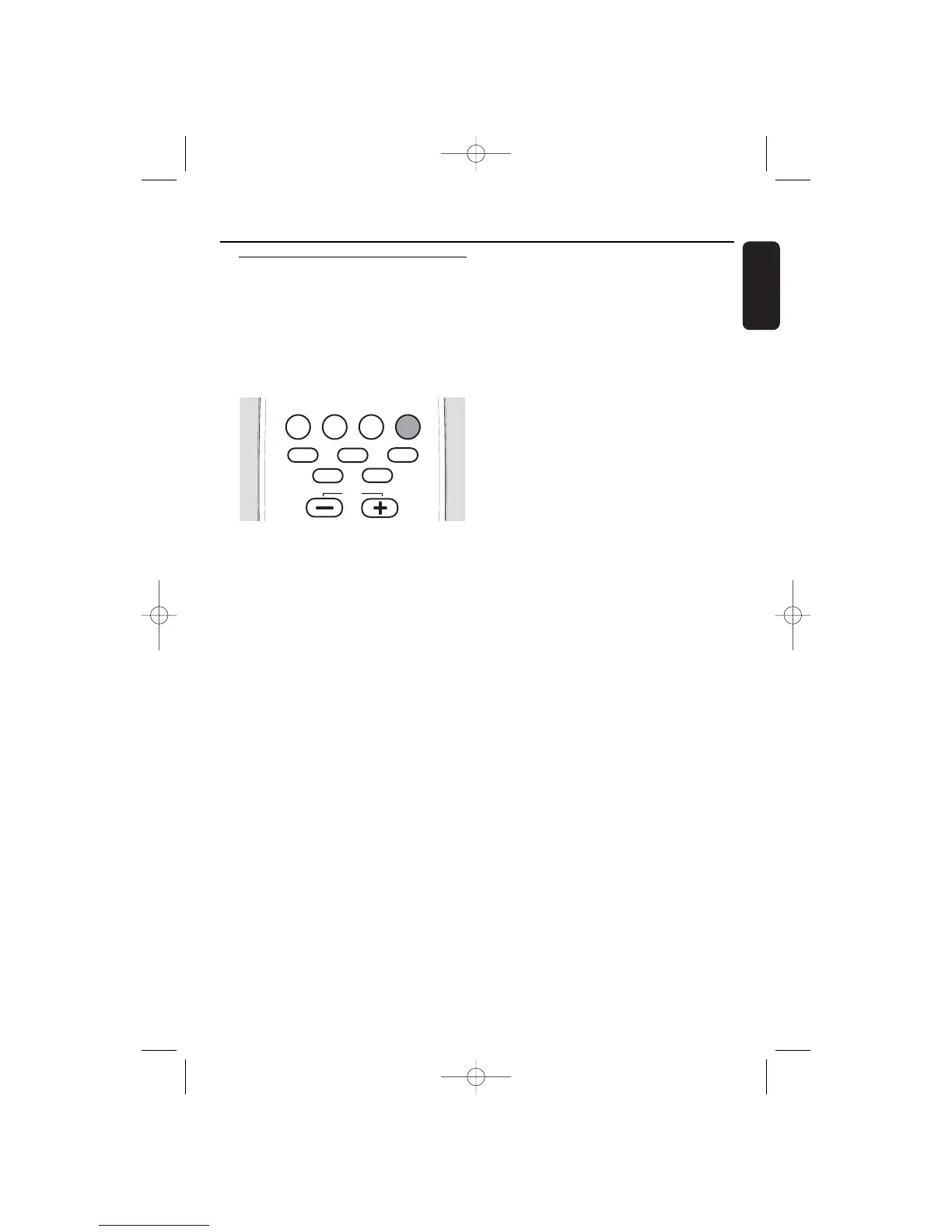
2 Press PC LINK A to select the PC as
source.
➜ PC LINK is displayed.
➜ SERVER is displayed and the last active
server name is scrolled.
➜ The last active server name is displayed
and CONNECTING is scrolled.
Note: If no PC server is installed PC LINK is
displayed and NOT INSTALLED is scrolled.
Install the PC server (see “Quick installation”).
3 As soon as the connection is established:
➜ PC LINK is displayed and a track name
is scrolled.
Note:The last played track will have been
stored and will be selected automatically.
However, if you switch from one PC server to
another, the first track will be selected.
How to display the current server
name
00
To display the current server name press
PC LINK A while the display is neither
showing a server name nor a network
name.
➜ SERVER is displayed and the current
server name is scrolled.
How to select another PC server
00
To switch between further installed
PC servers (see chapter “Installation of an
additional PC server or recovery of PC link
settings on your PC”) press PC LINK A.
➜ SERVER is displayed and the next server
name is scrolled.
To select the displayed server press 4 or
¢ as often as necessary while a server
name is shown.To confirm the selected
server press ALBUM ∞.
How to select another network
1 To switch between further installed
PC networks (see chapter “Integration of
MC W770 into an existing (home)
network”) press PC LINK A and then
ALBUM 5 to enter the network display.
To select the displayed network press 4
or ¢ as often as necessary while a
network name is shown.To confirm the
selected network press ALBUM ∞.
Note: If the network is not available the first
server name is displayed and
NO CONNECTION is scrolled.
2 After connecting the network a PC server
will be selected automatically.
➜ The server name is displayed and
CONNECTING is scrolled.
Note: If no connection has been detected the
server name is displayed and NO
CONNECTION is scrolled.


 To Next Page