53
English
RDS
The feature RDS (Radio Data System) is a
service that allows FM stations to send
additional information along with the
regular FM radio signal. When you are
receiving an RDS station,
RDS and the
station name are displayed.
Switching through RDS information
1 Tune to the desired RDS radio station on
the FM waveband (see “Tuning to radio
stations”).
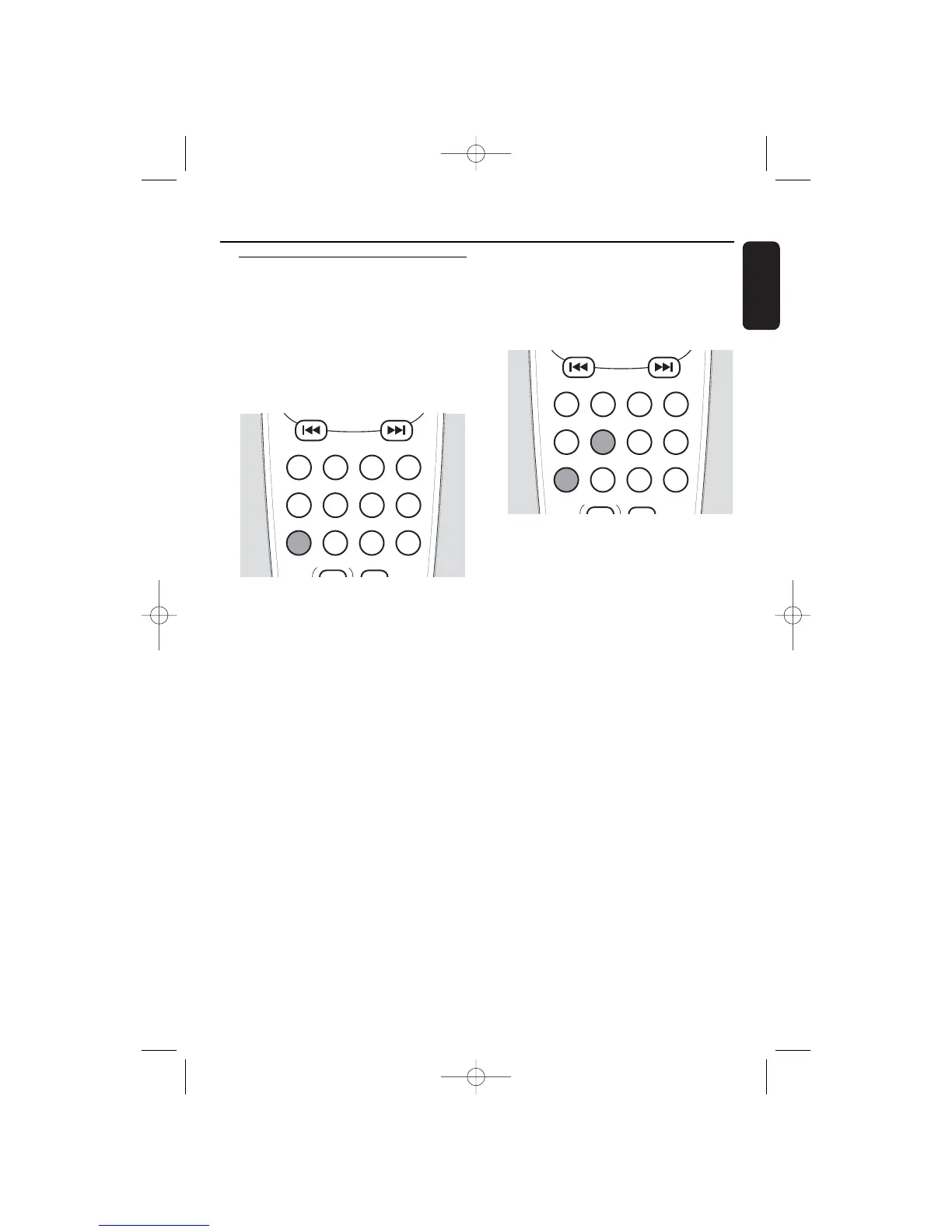
2 Press RDS•NEWS on the remote control
repeatedly to switch through the following
information (if available):
– Station name
– Programme type (for example: News,
Affairs, Sport, etc.)
– Radio text messages
– Frequency
Automatic clock setting via RDS
It is possible to set the clock by using a time
signal which is broadcast together with the
RDS signal.This only works if the RDS
station is sending this time signal.
1 Tune to an RDS radio station on the
FM waveband (see “Tuning to radio
stations”).
2 Press and hold for more than 2 seconds
CLOCK on the remote control.
➜ SET CLOCK is displayed, the hours and
minutes digits start blinking.
3 Press RDS•NEWS on the remote control.
➜ SEARCH RDS TIME is displayed.
➜ As soon as the RDS time signal is found,
the current time will be displayed.
Notes:
If NO RDS TIME is displayed, there is no
time signal transmitted. In that case you have
to tune to another RDS station or set the
clock manually (see “Setting the clock”).
The time signal broadcast from certain RDS
stations may not always be accurate. If you
find a discrepancy in clock time there, set your
clock manually and the time will then run
accurately.
Tuner
53


 To Next Page