43
English
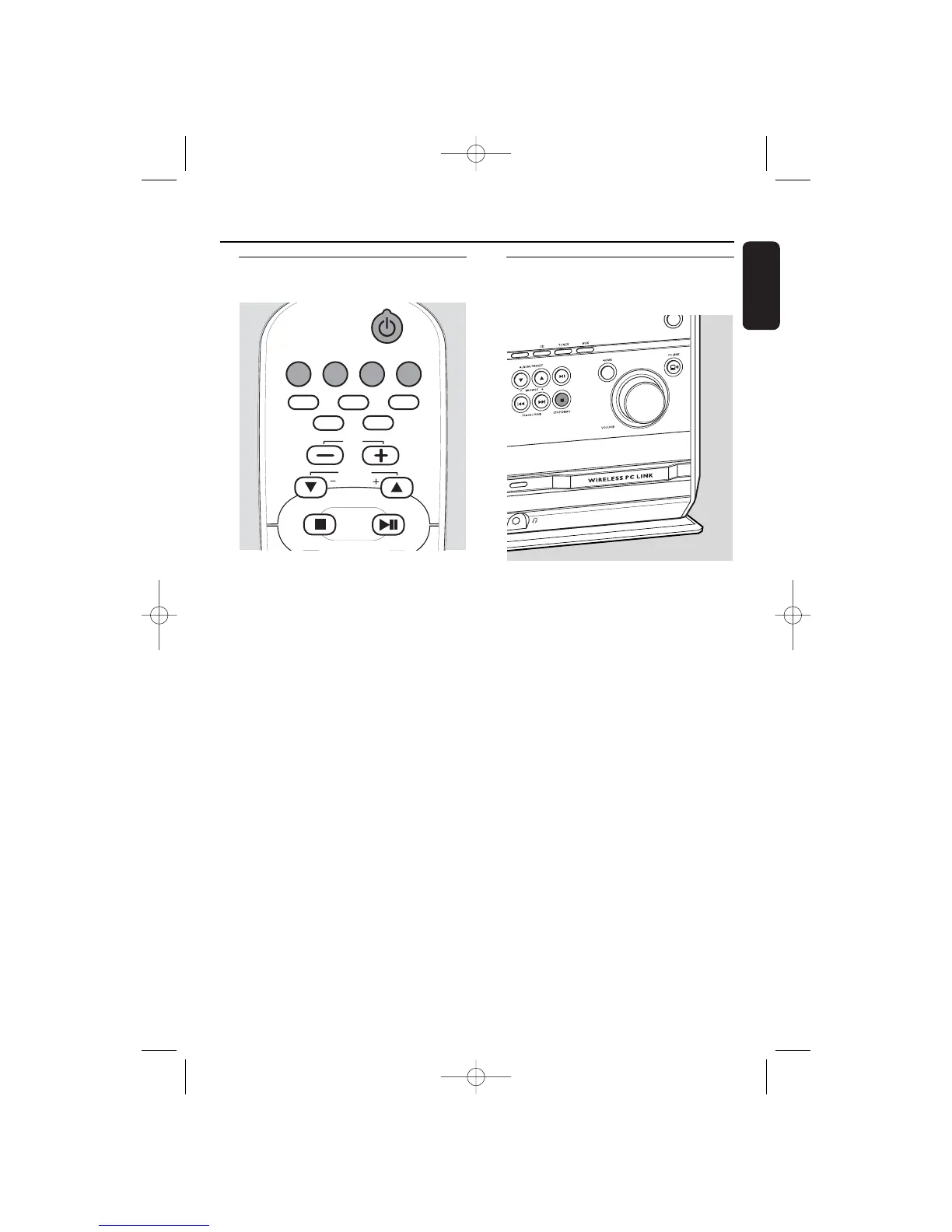
Switching on, switching to
standby
● To switch the set to an active mode
press one of the source keys on the remote
control (CD,TUNER, AUX, PC LINK)
or
select a source by pressing SOURCE on the
set repeatedly until CD, TUNER or AUX is
displayed,
or
select the PC as source by pressing
PC LINK A on the set.
● To switch the set to standby press and
hold STANDBY-ON 2 for more than
2 seconds.
➜ The clock is displayed.
● To switch the set to Eco Power
standby press STANDBY-ON 2.
Demonstration mode
The demonstration mode displays various
features of the set.
● To activate the demonstration mode
press and hold STOP DEMO
Ç for
5 seconds during standby or Eco Power
standby on the set until DEMO ON is
displayed.
● To deactivate the demonstration
mode press and hold STOP DEMO
Ç
again on the set for 5 seconds until
DEMO OFF is displayed.
Basic functions


 To Next Page