35
English
Change of the wireless channel
The wireless PC link uses the worldwide standardised so-called 2.4GHz ISM band.The wireless
PC link can use different transmission channels and it might be necessary to change to another
channel in order to optimise link quality.
1 Enter Network Utilities, select Change transmission channel and click on Start.
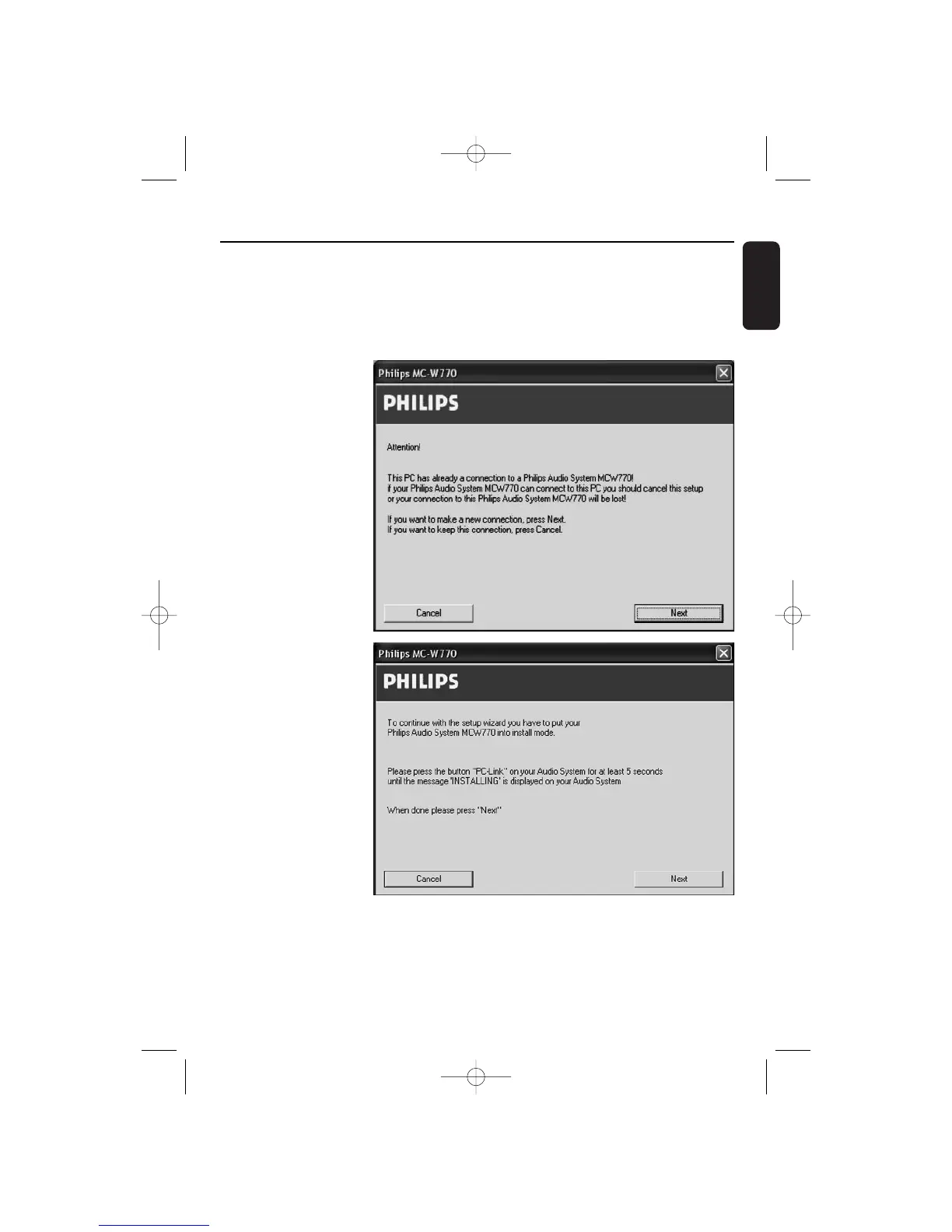
2 ➜ The configuration on
PC side is checked
and the following
window will appear:
Click on Next to
confirm.
3 ➜ The settings are
reconfigured and the
following window will
appear:
Wireless PC link


 To Next Page