31
English
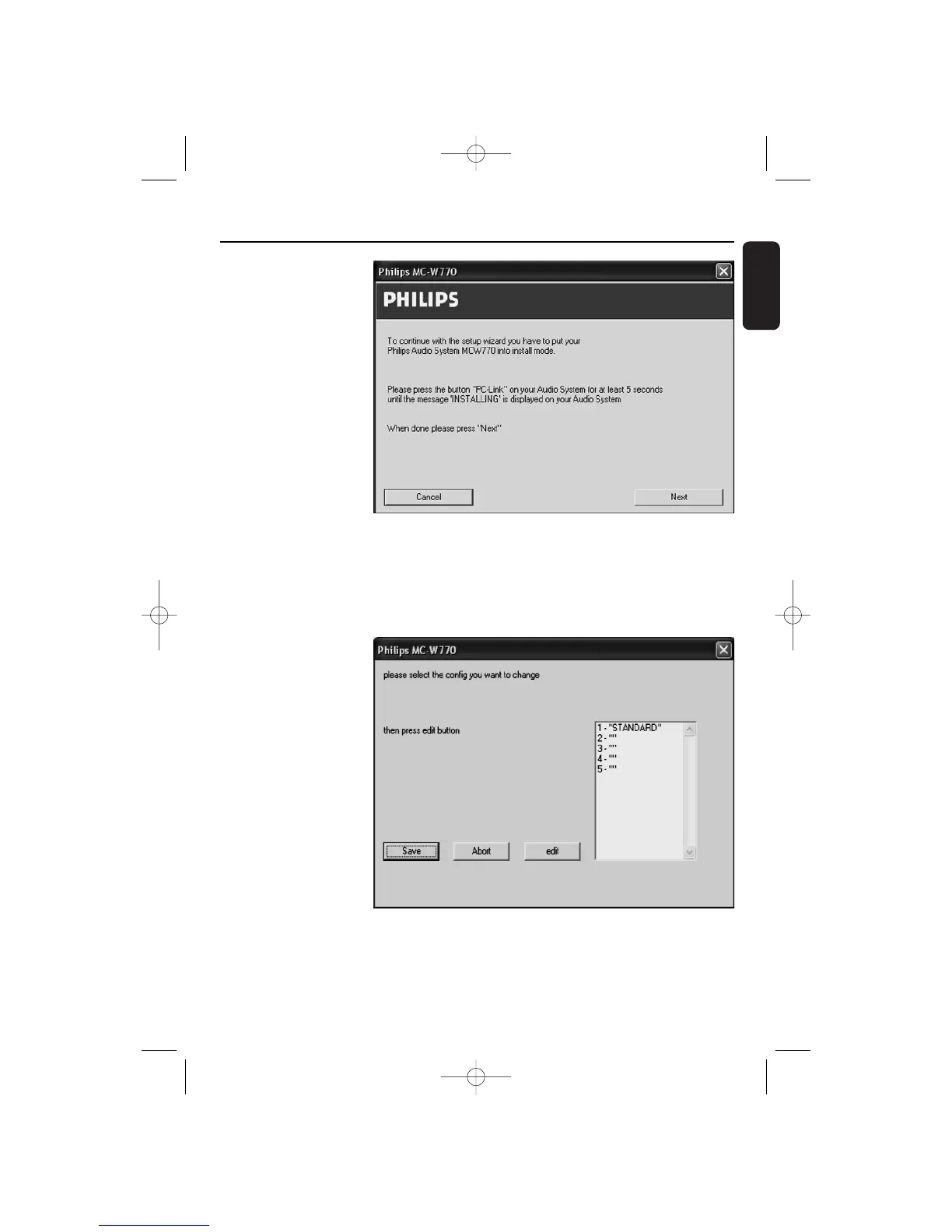
5 ➜ The installation
procedure configures
your network
settings. Afterwards
the following window
appears:
6 Press PC LINK A on your MC W770 for at least 5 seconds until INSTALLING is scrolled on
the set.
➜ The set searches for a connection to the PC.This can require up to about a minute.When
the connection is established, Next is activated.Click on Next.
7 ➜ The PC will read out
the network
configurations.The
following window will
appear.
Select a network
configuration, in the best
case an empty one (“”).
You should not select
STANDARD. Up to
5 network
configurations are
possible. In case all
network configurations
are used already, select
one that you don’t use
anymore. Click on edit.
Custom Installation Wireless PC link


 To Next Page