Getting Started
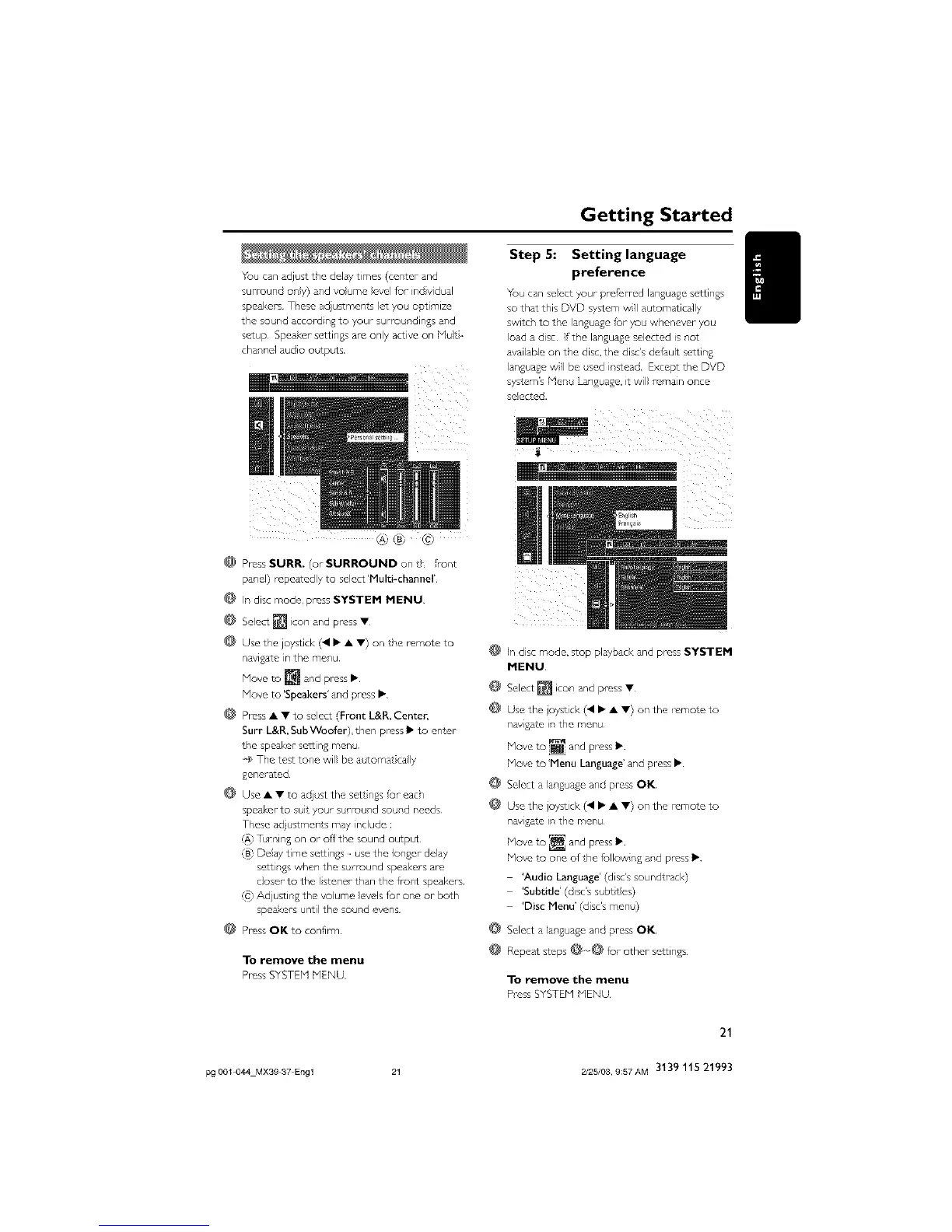
You can adjust the dela 7 times (cepter and
surround only) and voume evel fur indvidual
speakers These adjustments et you optimize
the sound accord ng to your surroundings and
setup Speakur- settings are only active on Hut
channe] audio outputs
ik i _
@® @
@ Press SURR. (or SURROUND on t _rollt
panel) repeatedly to select 'Pluld-channel'
@ In disc mode, press SYSTEM MENU
@ Select [] con and press •
@ Use the joystick (, • • •) on the romote to
navtgate in the menu
Move to ISpeakers' and press •
@ Press • • to select (Front L&P,, Center,
Surr L&R, SubWoofer),then press • to enter
the speaker setting menu
@ The test tone will be ac¢oma+ tally
$ener-ated
@ Use • • to adjust the sett ngs rut each
speaker to suit your sutround sound needs
These adjustments may nclude :
/A' T_rning on or off the sound output
_B}Deay time settings use the longer delay
settings when the su/Tound speaker-s are
c]oser- to the listener- than the fropt spesl<er-s
/C} Ad usting the voHme evels fur one or both
speakers until the sound evens
@ Pross OK to confirm
To remove the menu
Pross SYSTEN MENU
Step 5: Setting language
preference
Tou cars select your proferred language settings
so that this DVD system wll automatically
switch to the language for you whenever you
load a disc If the language selected is not
available on the disc, the disc's default setting
languagewII be used instead Except the DVD
system's Menu L_nguage, it wil! remain once
selected.
@ In disc mode, stop playback and press SYSTEM
MENU
@ Select [] moor'and press •
@ Use the joystick (41 • • •) on the -emo:e to
nay gate in the menu
@
@
Hove to 'Menu Language' and press •
Select a language and press OK
Use the joystick (41 • • •) ors the remo:e to
navga:e ir the menu
Hove to one of the fuIIowing and pross Ib
'Audio Language' (disc's soundtracl<)
'Subtide' (disc's sub_ tes)
'Disc Menu' (disc's menu)
@ Selecta languageand pressOK
@ Repeat s_eps@o@ fur other settings
To remove the menu
Pl_ss SYSTEN NENU
21
pg 001 044 MXS9 37 Engl 21 2/25/03, 9:57AM 3139 115 21993



 To Next Page