Tuner Operations
IMPORTANT!
- Make sure the FM and AM antennas
are connected.
- TheTUNING button on the front
panel is used to toggle between
frequency tuning and preset tuning.
When in preset tuning, ='PRESET"appears
on the display panel and I_1_1! I_1_1
buttons on the front panel are used for
preset number selection. Otherwise,
pressing 1_141/ I_l_lwill change the radio
frequency.
Presetting radio stations
You carqstore up to 40 preset radio stations b,
the memor_ starting from FM and followed by
AM bands
Note_
T_'esystem will exit presetting mode i_no
button Is ptessed within 20 seconds
I_no s:e_eo f,_quency _sdetected dunng Plug
and Play, "E_/EEF, _¢I'_'T£' F¢'appea_s
Tuning to radio stations
@ Press TUNER on the remote (or adjus_
SOURCE control on fruit pane}) to select
Press and hold 1_91_1/ _1 on t_,e remote ul¢il
the frequency indicac on starts to change, then
releasc
_ T_e next radio station will tune a/£omat call_
'@ CO lights up fur FI4 sTeroo roceptlon
Fotune a weal< station, press 1_91_1/ I_1 brefy
and repeatedly ur,til an optimal reception is
found
@ If you use 1_91_1/ I_1 on the fru_,t panel for
f'-equency tun rig, make sure the system is n
fruquencytun ng mode. If not, press TUNING
_¢ ?R_S_T will disappear frum the d splay panel
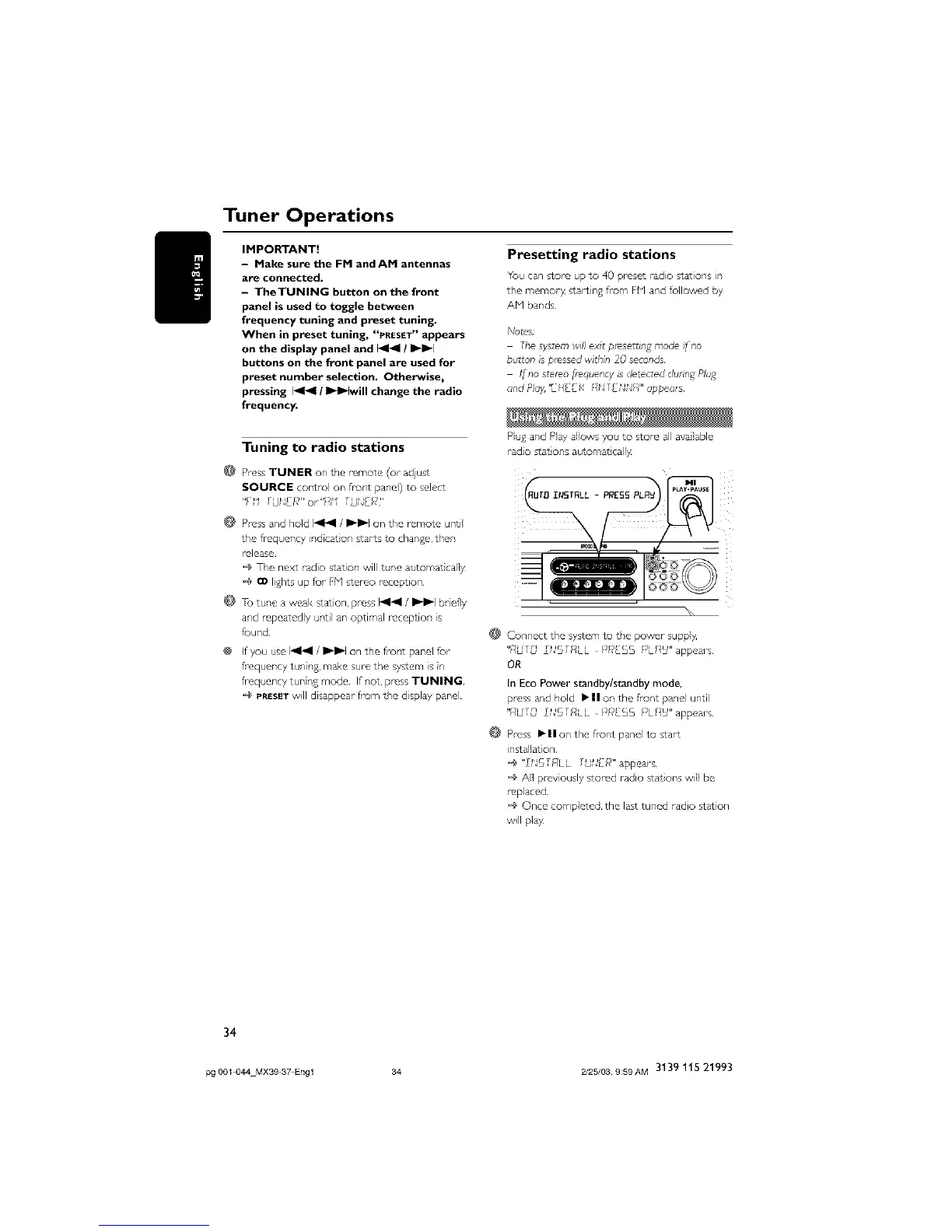
Pug and Pay allows you to store all available
radio star ons automa_ call)_
@
@
Connect the system to the power suppl)_
"f/bfr_ fNSTRLL PIdESS _SL£_U"appears
OR
In Eco Power standby/standby mode,
press and hold •11 on the front panel until
"l/tiT[} TNSTRLL PI_[SS _SL_U" appears
Press • II on the fior,t pane} to s_art
installation
@"TNSTRLL TUN£_**"appears
All previously stored radio st_ions will be
replaced
Once completed, the last tuned radio station
will p}_
34
pg 001 044 MXS9 37 Engl 34 2/25/03, 9;59AM 3139 115 21993



 To Next Page