DVD Menu Options
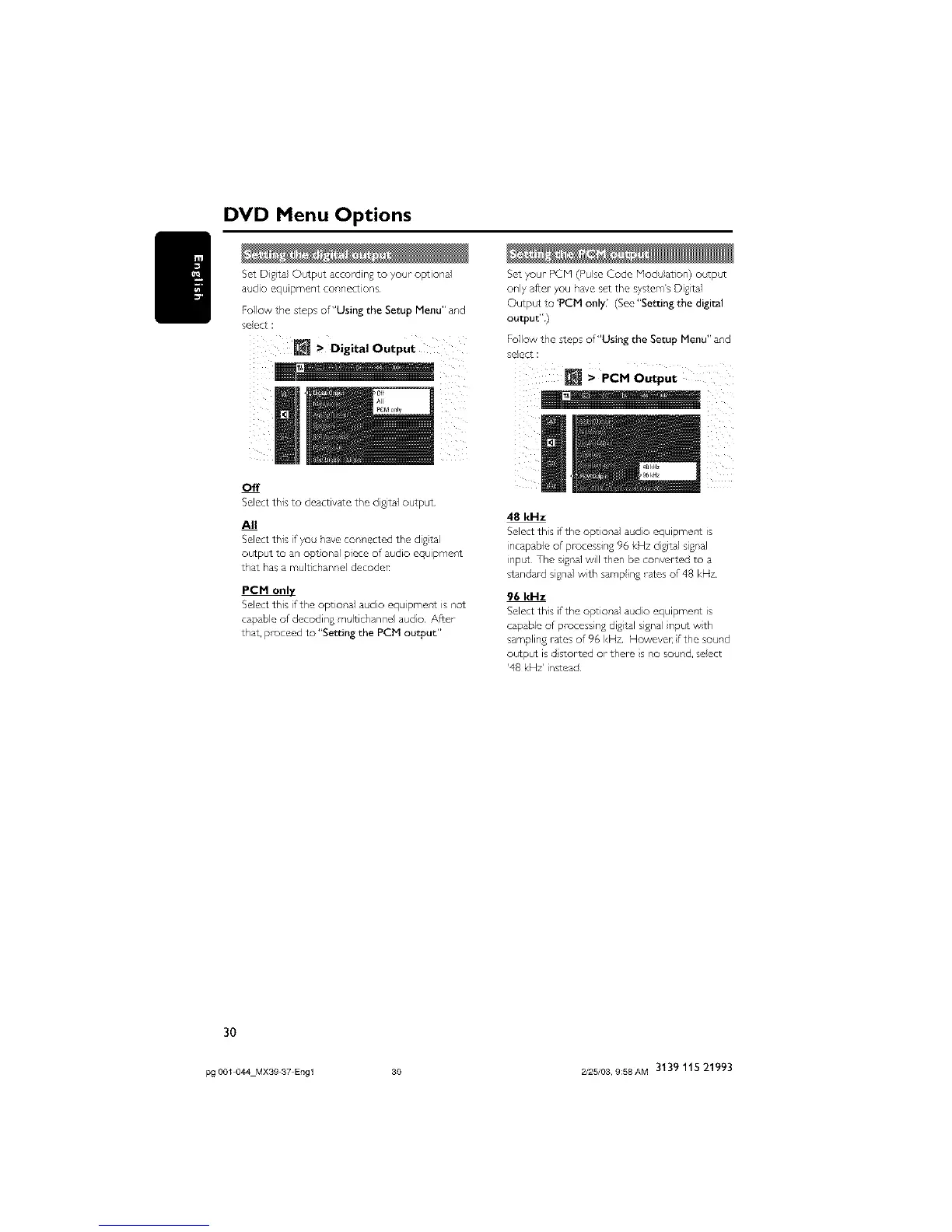
Set D gital Output according to your optional Set your PCM (Pulse Code Modu}ation) outpc¢
audio equipment connections only after- you have set the system's Digital
Follow the steps of"Using the Setup Menu" and Output to 'PCM only' (See "Setting the digital
select : output")
Follow the steps of"Using the Setup Menu" and
> Digital Output select :
N > PCMOutput
Off
Selectthis to deactivate the digital output
All
Select this if you have connected the digtal
output to an opt onal piece of aHdio equipment
that has a multichannel decoder
PCM
Select this if the option,a1 adio equipmer,t is _,ot
capable of decoding m Itichanne audo After
that, proceed to "Setting the PCM output"
48 kHz
Select this if the optional audio equipment is
incapable of processing 96 kHz digital signal
inpc_ The signal will then be converted to a
standard signal with samp ing -ares of 48 kHz
96 kHz
Select this if the optional audio equipment is
capable of processing digtal signal nput with
sampling rates of 96 I<Hz Howeve_ fthe soHnd
output is d storLed or them s no sound, select
'48 kHz' instead
3O
pg 001 044 MX39 37 Engl 30 2/25/03, 9:58AM 3139 115 21993



 To Next Page