EasyManua.ls Logo

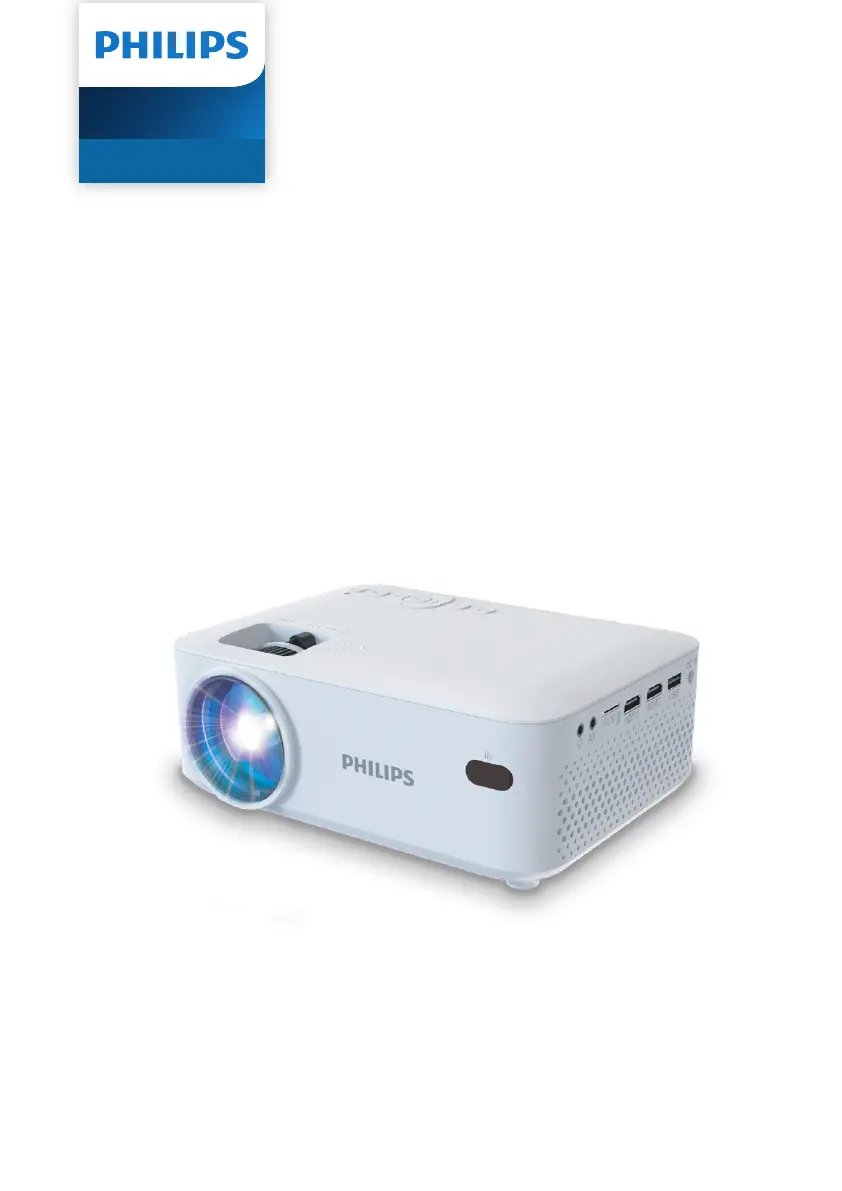
Philips NeoPix 100 - User Manual

Philips NeoPix 100
22 pages
Print Icon
To Next Page IconTo Next Page
Loading...
User Manual
Register your product and get support at
www.philips.com/support
NeoPix 100
Home Projector

Questions and Answers

Summary

Introduction

Whats in the box

Lists all items included with the projector for setup and use.

Customer service center

Provides contact information for support, warranty, and user manuals.

General safety information

Setting up the product

Guidelines for safe and proper placement and operation of the projector.

Repairs

Instructions regarding product repair and authorized service centers.

Overview

Top view

Details of the projector's top panel controls and indicators.

Power supply

Front view

Rear view

Side view

Bottom view

Remote control

Prepare the remote control

Instructions for inserting batteries and handling the remote control.

Initial setup

Install the projector

Guides on positioning the projector for different projection scenarios.

Connect to power supply

Projection modes

Adjusting the projector's display orientation for different mounting positions.

Image focus adjustment

Image shape adjustment

Screen size adjustment

Screen height adjustment

Connect to a playback device through HDMI

Select the language

Connect to a dongle

Connect to a playback device through AV

Connect to a computer through VGA

Connect to wired speakers or headphones

Play;view media from storage devices

Play videos

Instructions for playing video files from USB or microSD cards.

Play audios

Instructions for playing audio files from USB or microSD cards.

View images

Change projector settings

Picture settings

Adjusting visual parameters like picture mode, contrast, and brightness.

Sound settings

Timer settings

Other settings

Maintenance

Cleaning

Procedures for cleaning the projector exterior and lens safely.

Update software

Steps to update the projector's firmware using a USB drive.

Troubleshooting

Power cycling

Basic troubleshooting steps involving power cycling the projector.

Remote control issues

Projector temperature and connectivity

Pixel and dust considerations

Appendixes

Technical data

Detailed specifications for the projector's technology, dimensions, and requirements.

Package contents

Lists all items included in the projector's packaging.

Model information

Provides model number and identification codes for the projector.

CE statement

FCC statement

Canada regulatory compliance

Other notice

Trademarks

Legal disclaimers and warranty

Summary

Introduction

Whats in the box

Lists all items included with the projector for setup and use.

Customer service center

Provides contact information for support, warranty, and user manuals.

General safety information

Setting up the product

Guidelines for safe and proper placement and operation of the projector.

Repairs

Instructions regarding product repair and authorized service centers.

Overview

Top view

Details of the projector's top panel controls and indicators.

Power supply

Front view

Rear view

Side view

Bottom view

Remote control

Prepare the remote control

Instructions for inserting batteries and handling the remote control.

Initial setup

Install the projector

Guides on positioning the projector for different projection scenarios.

Connect to power supply

Projection modes

Adjusting the projector's display orientation for different mounting positions.

Image focus adjustment

Image shape adjustment

Screen size adjustment

Screen height adjustment

Connect to a playback device through HDMI

Select the language

Connect to a dongle

Connect to a playback device through AV

Connect to a computer through VGA

Connect to wired speakers or headphones

Play;view media from storage devices

Play videos

Instructions for playing video files from USB or microSD cards.

Play audios

Instructions for playing audio files from USB or microSD cards.

View images

Change projector settings

Picture settings

Adjusting visual parameters like picture mode, contrast, and brightness.

Sound settings

Timer settings

Other settings

Maintenance

Cleaning

Procedures for cleaning the projector exterior and lens safely.

Update software

Steps to update the projector's firmware using a USB drive.

Troubleshooting

Power cycling

Basic troubleshooting steps involving power cycling the projector.

Remote control issues

Projector temperature and connectivity

Pixel and dust considerations

Appendixes

Technical data

Detailed specifications for the projector's technology, dimensions, and requirements.

Package contents

Lists all items included in the projector's packaging.

Model information

Provides model number and identification codes for the projector.

CE statement

FCC statement

Canada regulatory compliance

Other notice

Trademarks

Legal disclaimers and warranty

Philips NeoPix 100 Specifications

General IconGeneral
Light sourceLED
Aspect ratio16:9
Built-in media playerYes
Internal memoryNo
Throw Ratio1.4:1
InterfacesHDMI, USB, Audio out
SpeakersYes
Speaker3W

Related product manuals