EasyManua.ls Logo

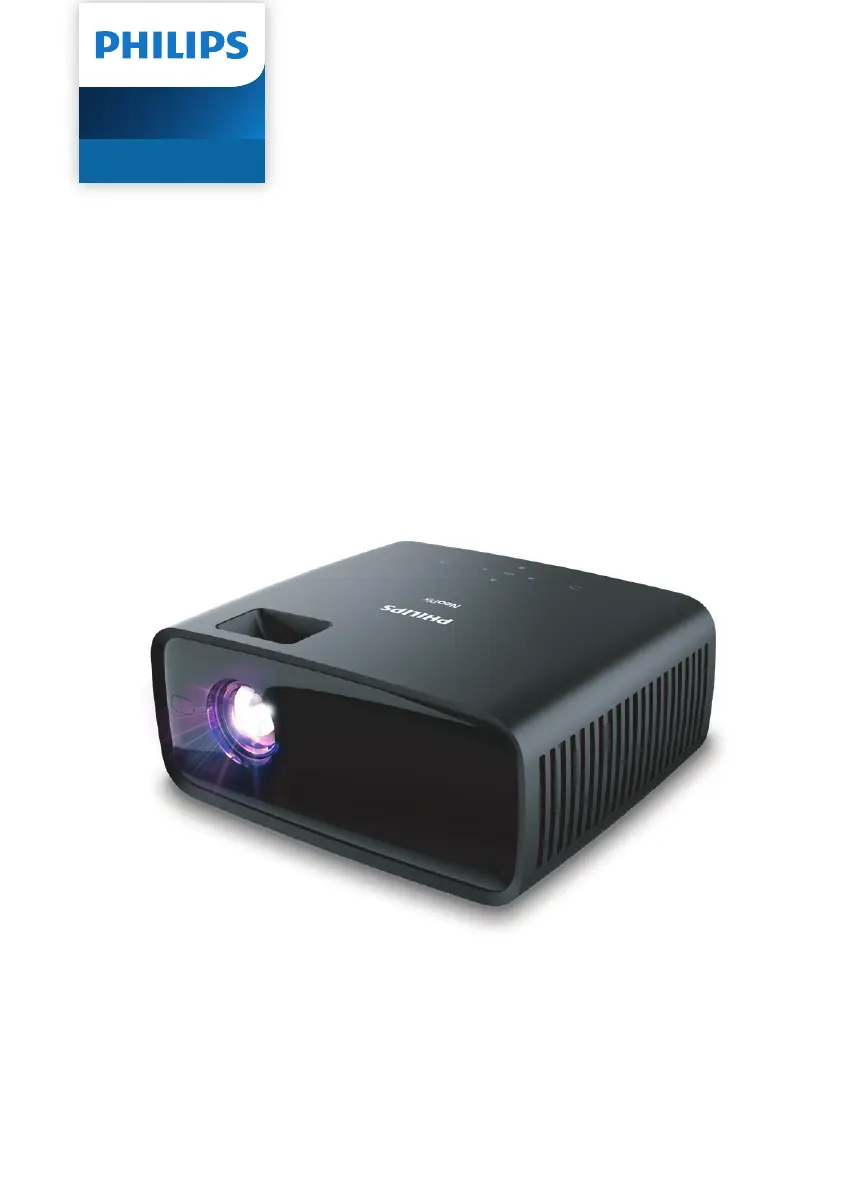
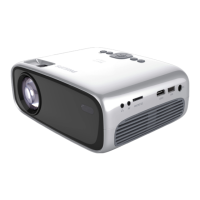
Philips NeoPix 120 - User Manual

Philips NeoPix 120
22 pages
Print Icon
To Next Page IconTo Next Page
Loading...
User Manual
Register your product and get support at
www.philips.com/support
NeoPix 120
Home Projector

Other manuals for Philips NeoPix 120

Questions and Answers

Summary

General Safety Information

Safe Product Setup and Placement

Instructions for safe placement, ventilation, and avoiding electrical hazards.

Power Supply and Overview

Power Supply and Adapter Details

Information on using the correct certified power adapter and ensuring proper outlet connection.

Initial Setup Procedures

Connecting the Power Supply

Step-by-step instructions for connecting the power adapter safely.

Projector Power and Setup

Powering On;Off and Standby Mode

How to turn the projector on, off, and into standby mode.

Adjusting Image and Connecting Devices

Connecting Devices via HDMI

Connecting external playback devices using an HDMI cable for audio and video.

Connecting External Devices

Connecting Streaming Dongles

Connecting dongles via HDMI and USB for internet streaming content.

Connecting External Speakers or Headphones

Connecting external speakers or headphones for improved audio playback.

Playing Media from USB Storage

Connecting USB Storage Devices

Instructions for connecting and formatting USB storage devices for media playback.

Playing Videos from USB

Steps to play video files from a connected USB drive.

Viewing Images from USB

Steps to view image files from a connected USB drive.

Changing Projector Settings

Adjusting Picture Settings

Adjusting contrast, brightness, color, sharpness, and aspect ratio for display.

Maintenance and Software Update

Software Update via USB

How to update the projector's firmware using a USB flash drive.

Troubleshooting Common Issues

Summary

General Safety Information

Safe Product Setup and Placement

Instructions for safe placement, ventilation, and avoiding electrical hazards.

Power Supply and Overview

Power Supply and Adapter Details

Information on using the correct certified power adapter and ensuring proper outlet connection.

Initial Setup Procedures

Connecting the Power Supply

Step-by-step instructions for connecting the power adapter safely.

Projector Power and Setup

Powering On;Off and Standby Mode

How to turn the projector on, off, and into standby mode.

Adjusting Image and Connecting Devices

Connecting Devices via HDMI

Connecting external playback devices using an HDMI cable for audio and video.

Connecting External Devices

Connecting Streaming Dongles

Connecting dongles via HDMI and USB for internet streaming content.

Connecting External Speakers or Headphones

Connecting external speakers or headphones for improved audio playback.

Playing Media from USB Storage

Connecting USB Storage Devices

Instructions for connecting and formatting USB storage devices for media playback.

Playing Videos from USB

Steps to play video files from a connected USB drive.

Viewing Images from USB

Steps to view image files from a connected USB drive.

Changing Projector Settings

Adjusting Picture Settings

Adjusting contrast, brightness, color, sharpness, and aspect ratio for display.

Maintenance and Software Update

Software Update via USB

How to update the projector's firmware using a USB flash drive.

Troubleshooting Common Issues

Philips NeoPix 120 Specifications

General IconGeneral
TechnologyLCD
Light sourceLED
Contrast ratio3000:1
Aspect ratio16:9
Keystone correctionManual
Internal media playerYes
Built-in speakersYes
Throw Ratio1.4:1
Lamp Life30, 000 hours
Resolution800 x 480 pixels
ConnectivityHDMI, USB, MicroSD
Speaker2W

Related product manuals