EasyManua.ls Logo

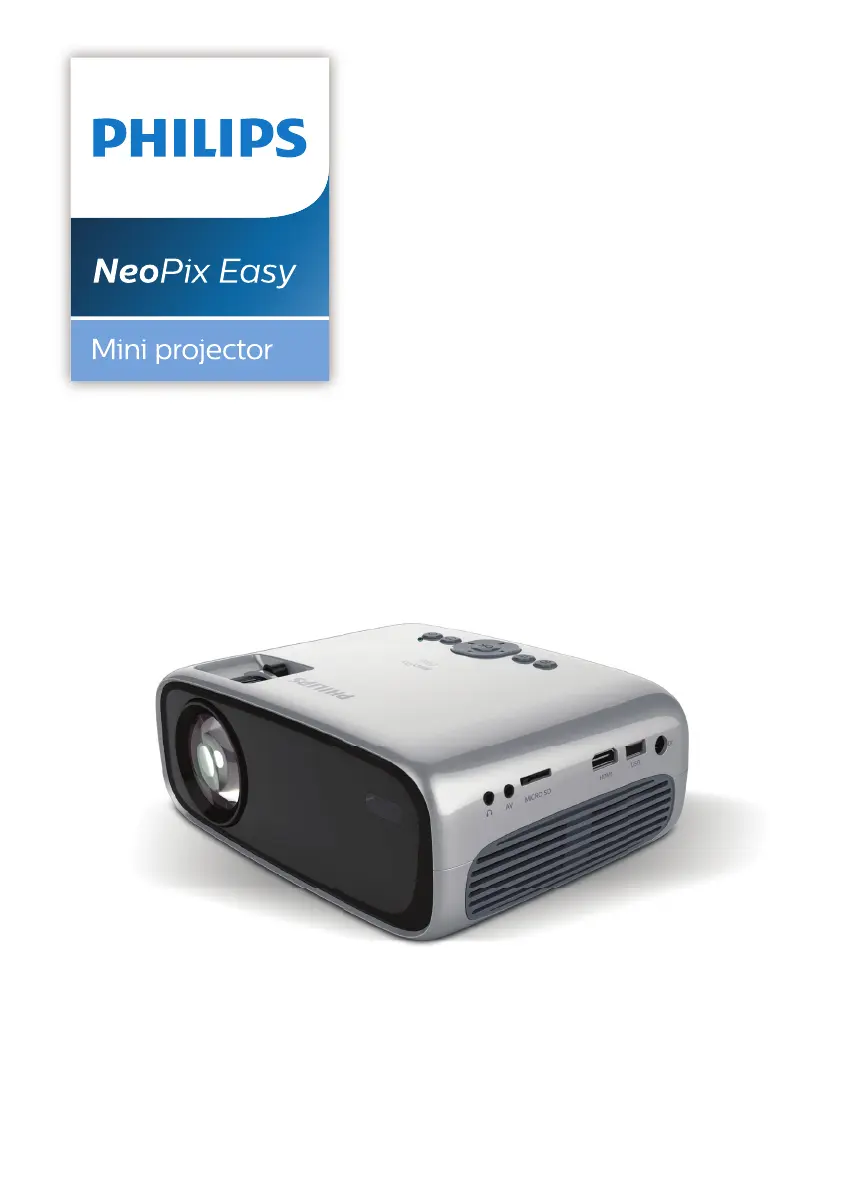
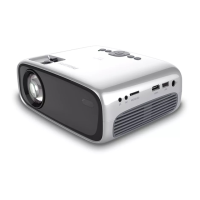
Philips NeoPix Easy NPX440 - User Manual

Philips NeoPix Easy NPX440
21 pages
Print Icon
To Next Page IconTo Next Page
Loading...
EN User Manual
FR Manuel utilisateur
DE Bedienungsanleitung
ES Manual del usuario
IT Manuale d’uso
Register your product and get support at
www.philips.com/support

Questions and Answers

Summary

General safety information

Setting up the product

Guidelines for safe product placement, ventilation, and environmental considerations.

Repairs

Instructions regarding product repair and the need for authorized service centers.

Power supply safety

Safety precautions related to power connection, usage, and potential hazards.

Overview

Remote control functions

Describes the functions and buttons of the projector's remote control.

Initial operation

Placing projector

Guidelines for setting up the projector in front table and front ceiling positions.

Rear projector placement

Covers rear table and rear ceiling projection setups for optimal viewing.

Connecting power supply

Steps for connecting the power adapter and turning on the projector.

Preparing the remote control

Power on and setup

Instructions for inserting batteries and powering on the projector.

Connect to playback devices

Connecting via HDMI

How to connect devices using an HDMI cable for image and audio.

Media playback

Service

Troubleshooting

Summary

General safety information

Setting up the product

Guidelines for safe product placement, ventilation, and environmental considerations.

Repairs

Instructions regarding product repair and the need for authorized service centers.

Power supply safety

Safety precautions related to power connection, usage, and potential hazards.

Overview

Remote control functions

Describes the functions and buttons of the projector's remote control.

Initial operation

Placing projector

Guidelines for setting up the projector in front table and front ceiling positions.

Rear projector placement

Covers rear table and rear ceiling projection setups for optimal viewing.

Connecting power supply

Steps for connecting the power adapter and turning on the projector.

Preparing the remote control

Power on and setup

Instructions for inserting batteries and powering on the projector.

Connect to playback devices

Connecting via HDMI

How to connect devices using an HDMI cable for image and audio.

Media playback

Service

Troubleshooting

Philips NeoPix Easy NPX440 Specifications

General IconGeneral
TechnologyLCD
Throw Ratio1.4:1
Built-in SpeakersYes
Speaker2W
Power SupplyAC 100-240V, 50/60Hz
Aspect Ratio16:9
Lamp Life30, 000 hours
ConnectivityHDMI, USB, VGA, AV
Keystone CorrectionManual

Related product manuals