8 EN
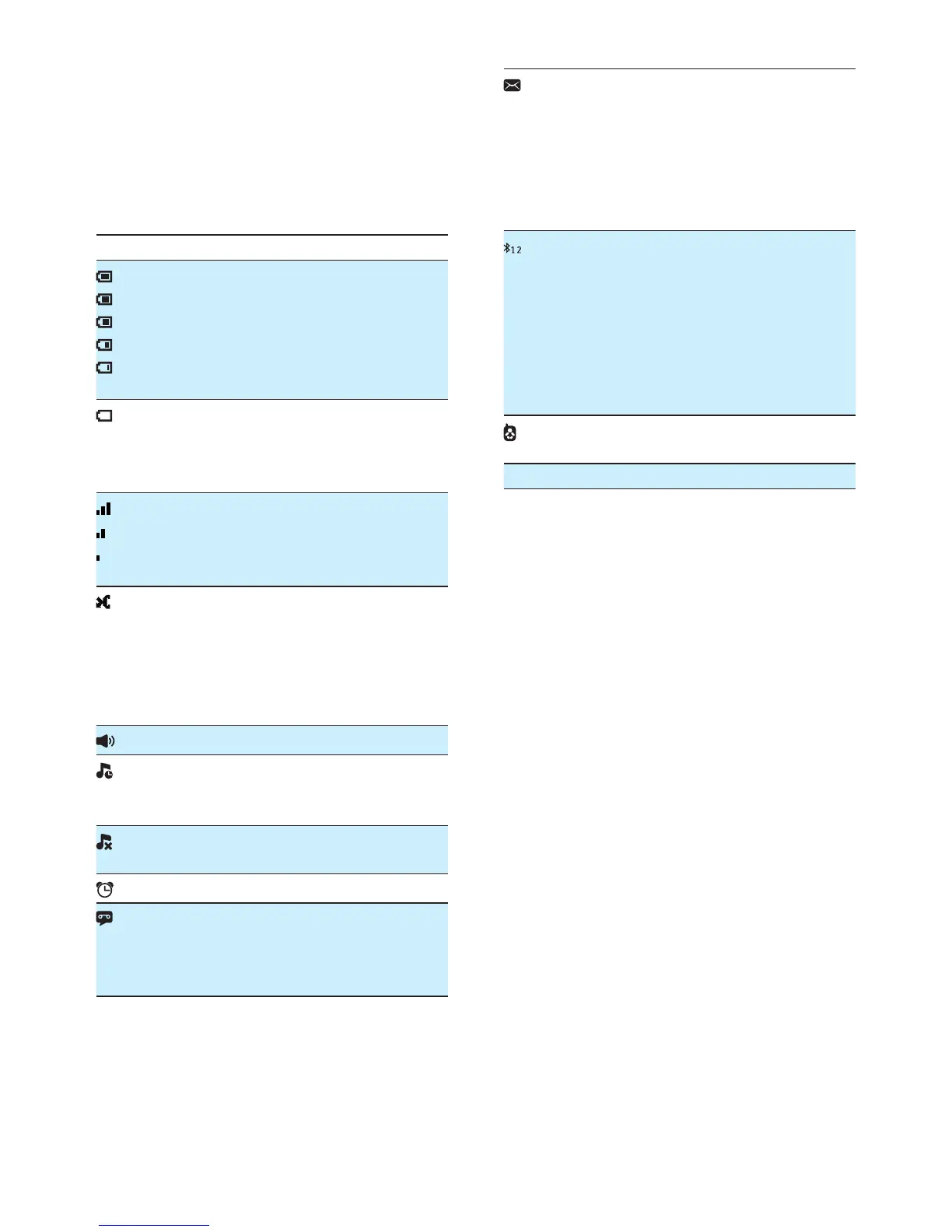
4 Display icons
In standby mode, the icons shown on the main
screen tell you what features are available on
your handset.
Icon Descriptions
When the handset is off the base
station/charger, the bars indicate the
battery level (from full to low).
When the handset is on the base
station/charger, the bars keep scrolling
until charging is complete.
The empty battery icon ashes and you
hear an alert tone.
The battery is low and needs
recharging.
The number of bars indicates the
connection status between the handset
and base station. The more bars are
shown, the better the signal strength is.
It is red on the standby screen when
there is a new missed call.
It is red in the incoming call list when
there is an unread missed call.
It is green in the incoming call list when
there is a read missed call.
The speaker is on.
It is displayed when the silent mode is
activated or during the preset time for
the silent mode.
It is displayed when the ringer is off or
when the silent mode is activated.
The alarm is activated.
Answering machine: it ashes when
there is a new message. It displays when
the telephone answering machine is
turned on.
It ashes when there is a new voice
message.
It remains steadily on when the voice
messages are already viewed in the call
log.
The icon is not shown when there is no
voice message.
The Bluetooth function is activated.
Number '1' indicates mobile 1 while
'2' indicates mobile 2 in the active list
of bluetooth device. Gray color means
the device is added in the active list but
is out of range or not available. Blank
color means the corresponding active
list has no device added.
It is displayed when the baby unit is set
up.
ECO The ECO mode is activated.



 To Next Page