7EN
3 Main menu
icons
The following is an overview of the menu
options that are available in your S8A. For
detailed explanation of the menu options, see
the corresponding sections in this user manual.
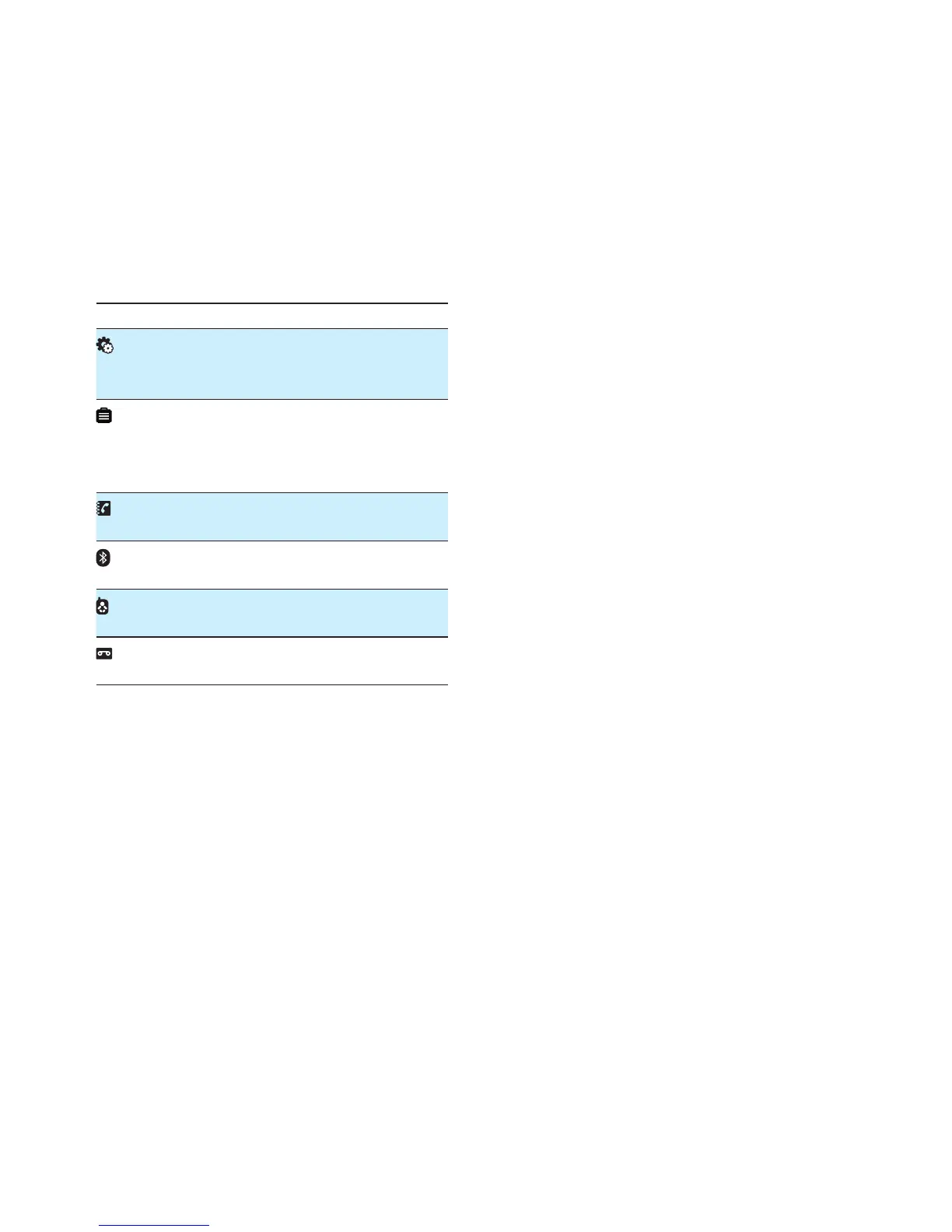
Icon Descriptions
[Phone setup] - Set the date and time,
sounds, ECO mode, phone name and
display language.
[Services] - Set the auto conference,
auto prex, network type, recall time,
auto clock, call services etc. The services
are network and country dependent.
[Phonebook] - Add, edit, manage
phonebook entries etc.
[Bluetooth] - Pair the mobile phones,
download the mobile's phonebook.
[Baby monitor] - Set the alert to other
handsets and the baby cry level.
[Answer machine] - Setup, listen to,
delete phone messages, etc.



 To Next Page