7 Philips · Screeneo U4
j
Switch the projector on or to standby.
k
Return to the previous screen or exit the
current screen.
l
Mute the speakers.
m
Toggle between different brightness modes.
3 Initial setup
Notice
Make sure all devices are disconnected
from their power supplies before
establishing or changing any
connections.
Place the projector
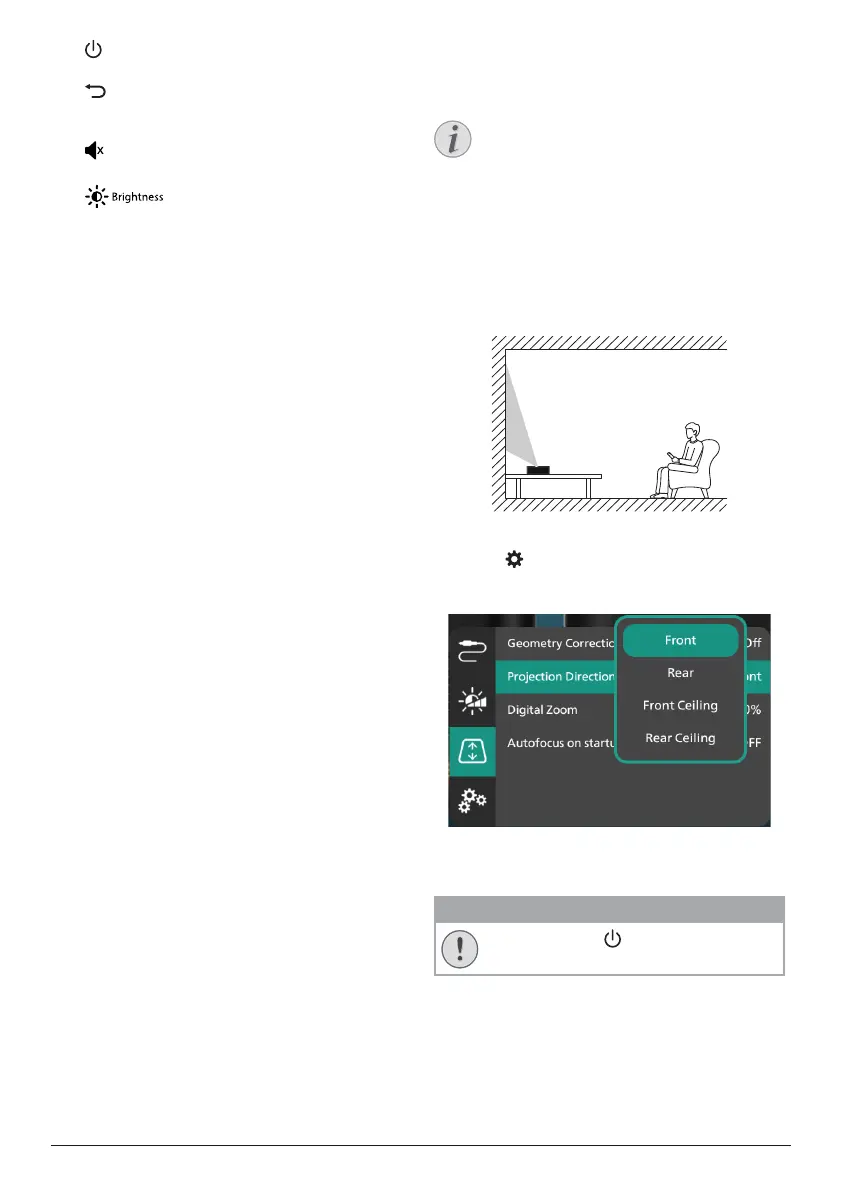
1 Place the projector on a flat surface such
as a table in front of the projection surface.
This is the most common way to position
the projector for quick setup and portability.
2 If the projection direction is incorrect,
press on the remote control to access
the projector's settings menu and select
Projection Direction - Front.
Connect to power supply
CAUTION!
Always use the button to turn the
projector on and off.
1 Select a supplied power cable with the
correct plug (EU/UK/US).
2 Connect the power cable to the AC adapter.
3 Connect the AC adapter to the DC jack on
the projector.















 To Next Page