EN
29
Playing Favorite Items
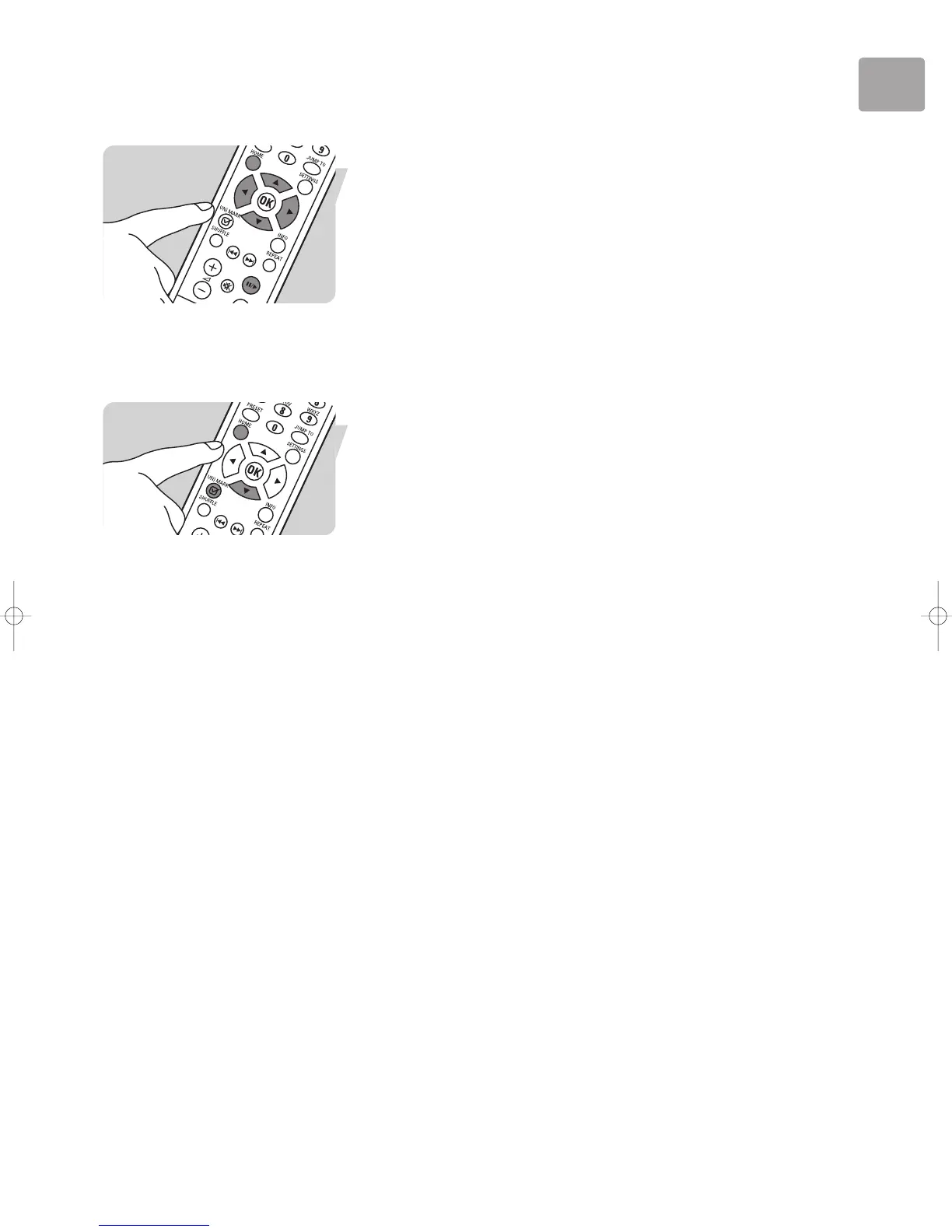
1 Press HOME (X) to display the Philips SLA5520 menu.
2 Press 4 (X) until ‘Favorites’ is highlighted. Press 2.
3 To play the entire Playlist, press ;/2.
4 To play a specific item from the Dynamic Playlist, press 3 or 4 until the item you
want is highlighted. Press 2.
Replacing Favorite Items
The favorite Playlist can contain up to 20 items. If you try to add a 21st item,
a ‘Favorite List Full’ message appears on the LCD screen. If you want to replace an
existing item with the new item:
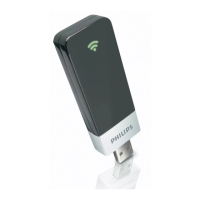
1 Press HOME (X) to display the Philips SLA5520 menu.
2 Press 4 (X) until ‘Favorites’ is highlighted. Press 2.
3 Press 4 to find the item to be replaced.
4 Press (UN)MARK (4) to remove the old item from the list. The new item is
automatically inserted into the favorite Playlist.


 To Next Page