EN
8
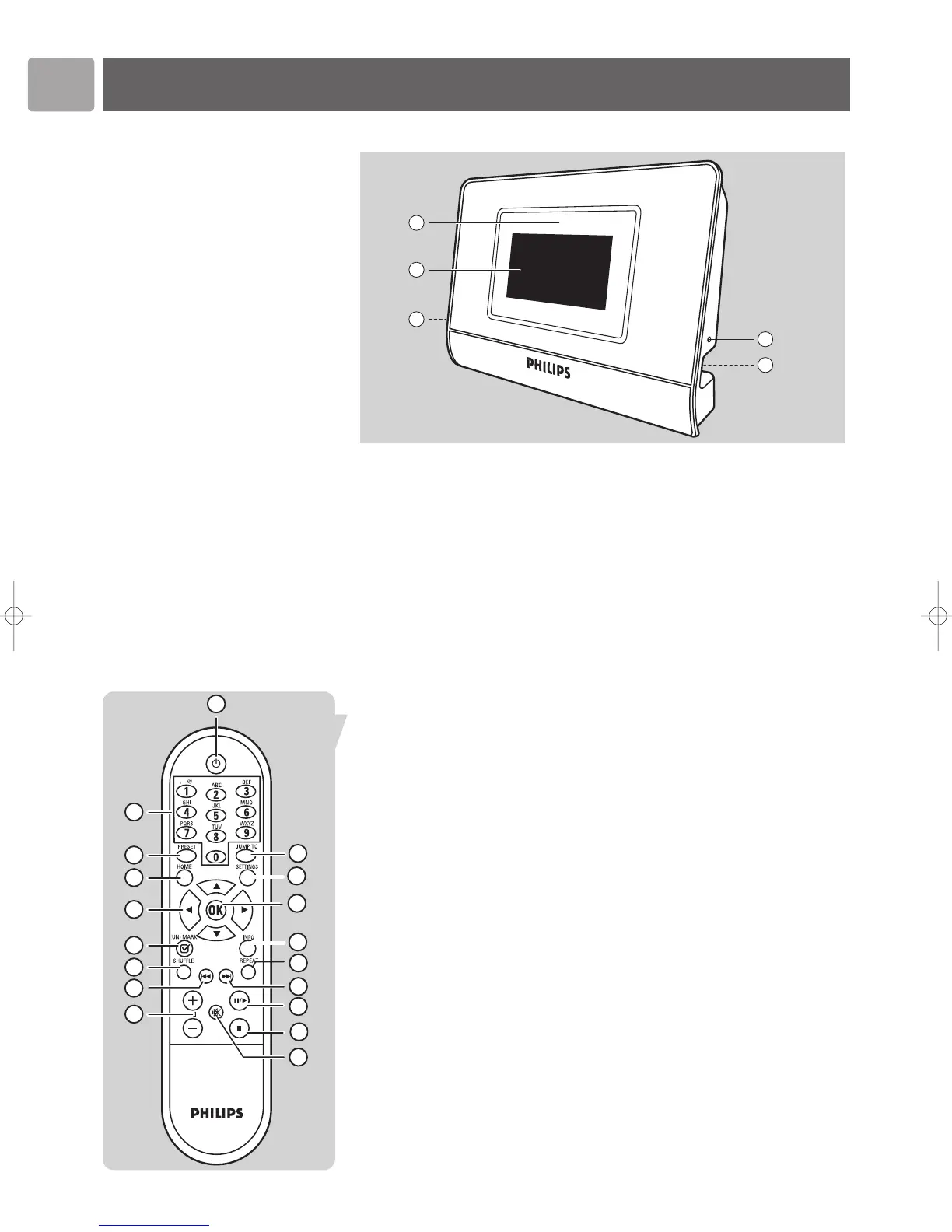
Functional overview
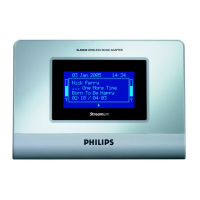
Wireless Music Adapter
1 Infrared sensor
Receives the signals from the remote control
2 LCD screen
Displays menu status for easy navigation through music library and system
settings
3 Stereo 1/8” connector cable socket
4 Power adapter cable socket
5 Reset hole
Remote Control
1 y (On/Standby)
Turns on the Wireless Music Adapter.
Pressing the button again turns the device off (the device is then in ‘standby’
mode).
2 0-9 digit buttons
Play the item stored on the preset number selected (0 to 9).
In Edit mode: Key 0-9 is used to enter numbers and/or characters (ex: 2abcABC).
Key 1 is also used for special symbols (1, ., –, @, space, !, ~, _, &, :).
3 PRESET
Press this button followed by one of the number buttons (0-9) to store the
currently selected item against the preset number selected.
1 HOME 4 HOME
Displays the top level menu.
Turns on the SLA5520 when the SLA5520 is switched in Standby mode.
5 3 (UP)
Scrolls up through the current menu list (hold the button down to scroll faster)
In Edit mode: enter or change characters by scrolling up through the ASCII
character table.
4 (DOWN)
Scrolls down through the current menu list (hold the button down to scroll
faster)
In Edit mode: enter or change characters by scrolling down through the ASCII
character table.


 To Next Page